
Participant
February 12, 2019
Question

Audition Not Recording, Blue ring, I need help

  • February 12, 2019
  • 1 reply
  • 215 views

So I'm using Digi Design's MBOX 2 Mini

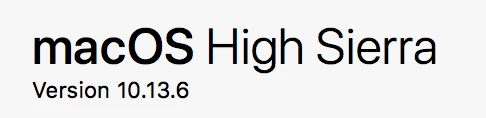
My OS is High Sierra

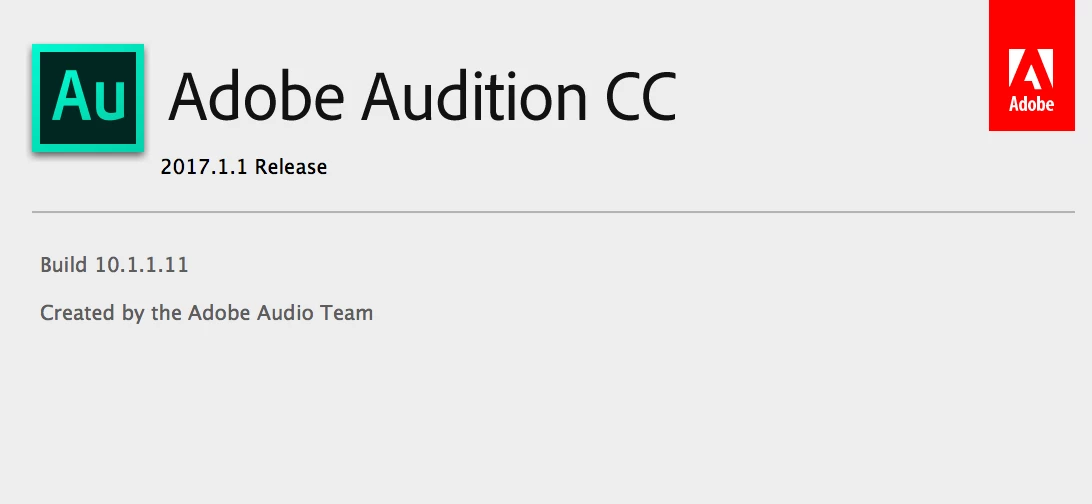
Audition CC 2017

Any help would be great as I've tried several variations and nothing seems to allow the record function to work thank you
This topic has been closed for replies.

1 reply

SteveG_AudioMasters_
Community Expert
Community Expert
February 12, 2019

I don't know what you've tried, but if you are trying to record in Multitrack view, you need to select a viable input for the track before you'll be able to select the Record option on it...

ryclark
Participating Frequently
February 12, 2019

In Audition's Audio Hardware settings it might be worth turning off 'Use machine specific defaults' and turning on 'Attempt to force hardware to document sample rate'.

Also you are using a rather old version of Audition. It may be worth updating it to the latest version CC 2019 v.12.0.1. Normally if you have the Adobe Creative Cloud desktop app installed it will tell you about the latest version and help keep you up to date. There have been several CC 2018 versions since CC 2017 and now we are on 2019.