
Question
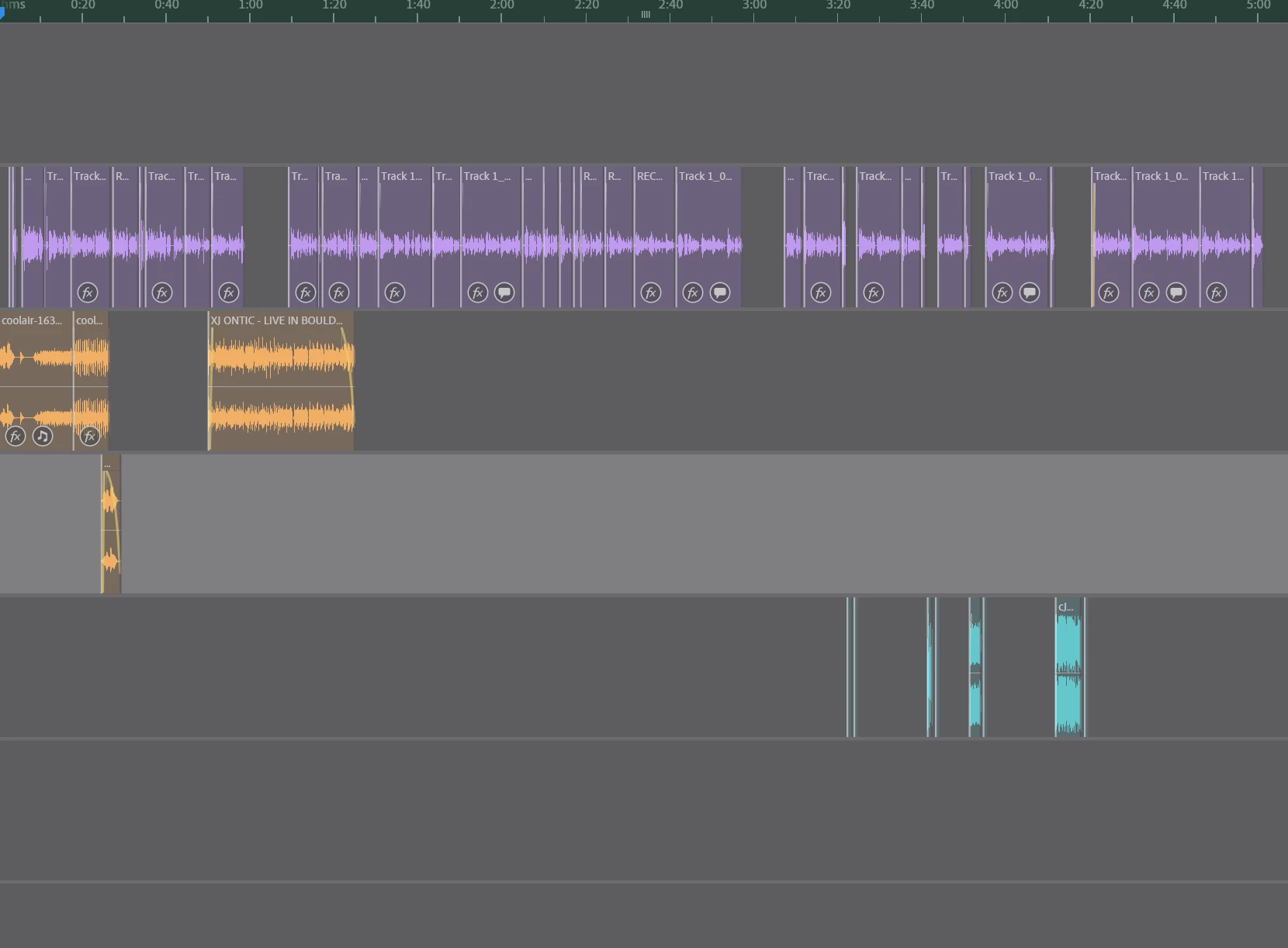
Audition suddenly displays all my tracks with a gray overlay
I don't know what I just pressed, and suddenly all my tracks appear with this gray overlay. Functionality does not seem to be impacted. I've tried quitting Audition and restarting it entirely, and it still appears this way. Running Windows 10.


 AdChoices