
Audition update 11.0.1.49 problems: Not exporting back to Premiere timeline
Premiere still exports fine to Audition but with the new update Audition won't export back to the Premiere timeline.
On exporting back to Premiere; the Premiere project window pops back to the front; the "importing" dialog box pops up; then...Nothing. It just goes away. Doesn't ask if I want to create a new audio track or import to an existing track; Doesn't add the audio project folder to the overall project.
It does create a new folder in the Adobe Audition Interchange folder but that only includes stems & a Premiere Project file that won't import to the existing project. No stereo mix file.
As a work-around, I'm just exporting a stereo mix and importing that into a project; which works but not nearly as elegantly as before the, uh..."Upgrade."
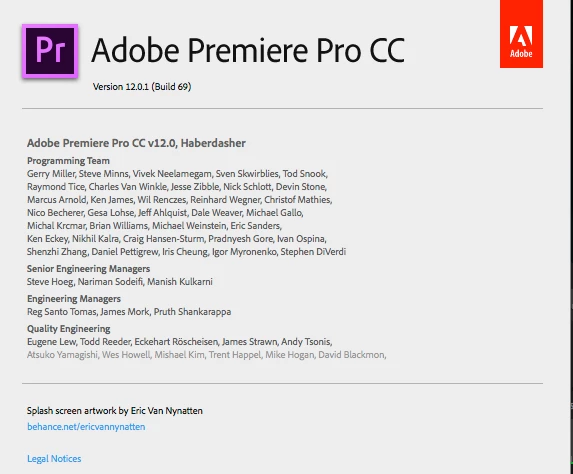
Here's my Premiere version info:
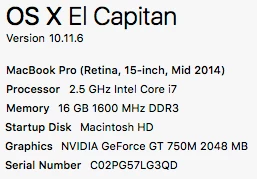
Here's my computer info:
Thoughts?
'Anybody else running into this problem?
Note: I've also posted this in the Audition forum.
Thanks!
~ART~


 AdChoices