
Participant
November 6, 2019
Question

batch process insert silence - mistake or bug?

  • November 6, 2019
  • 5 replies
  • 354 views

Hello!


I recently bumped into some really weird problem. I made a favorite preset wich is puts 1.5 sec silence to the end of the file. It works in the waveform editor without any issue:
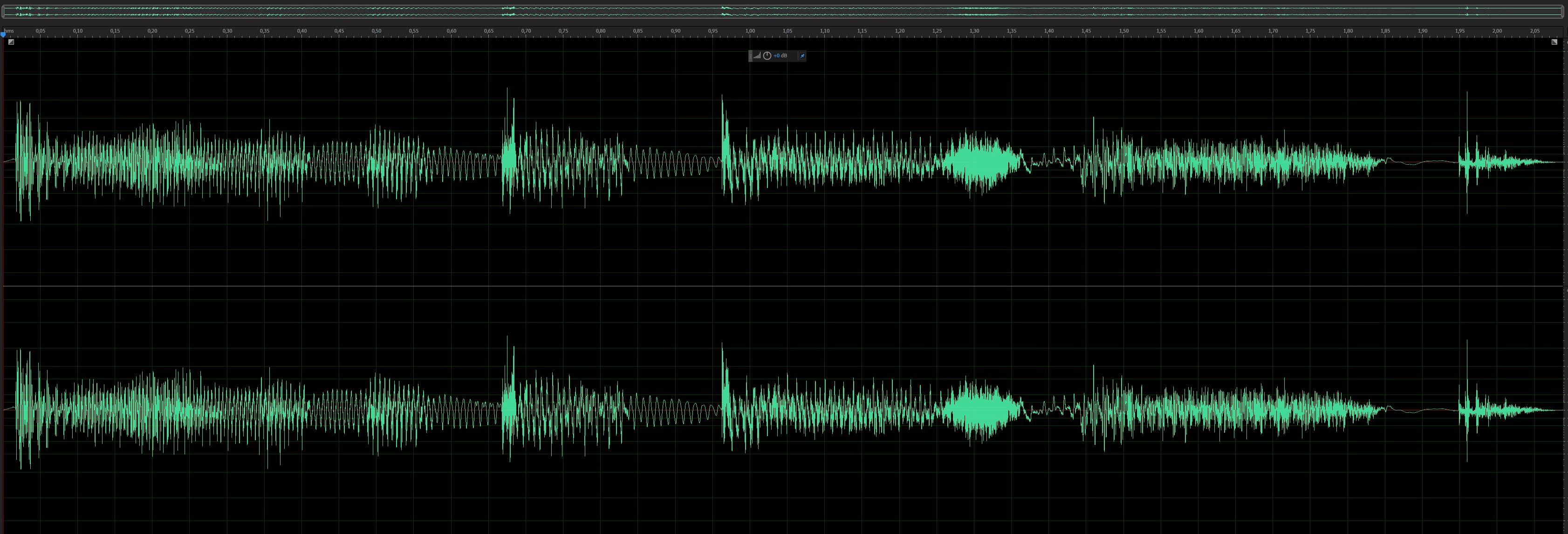
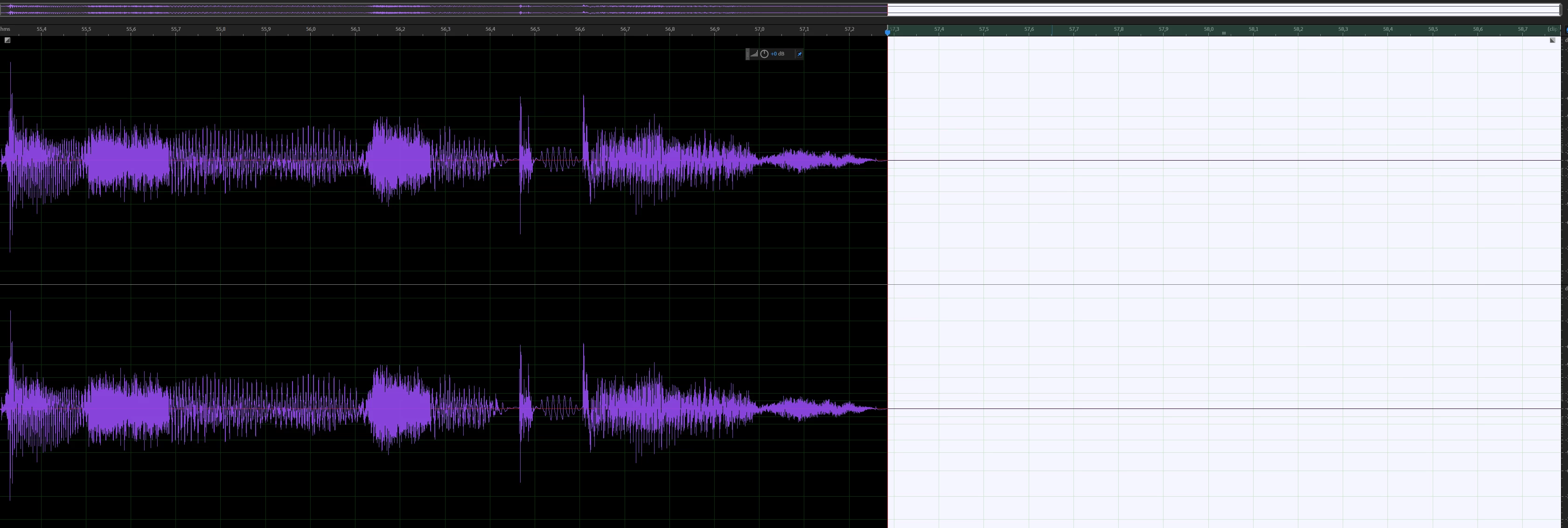
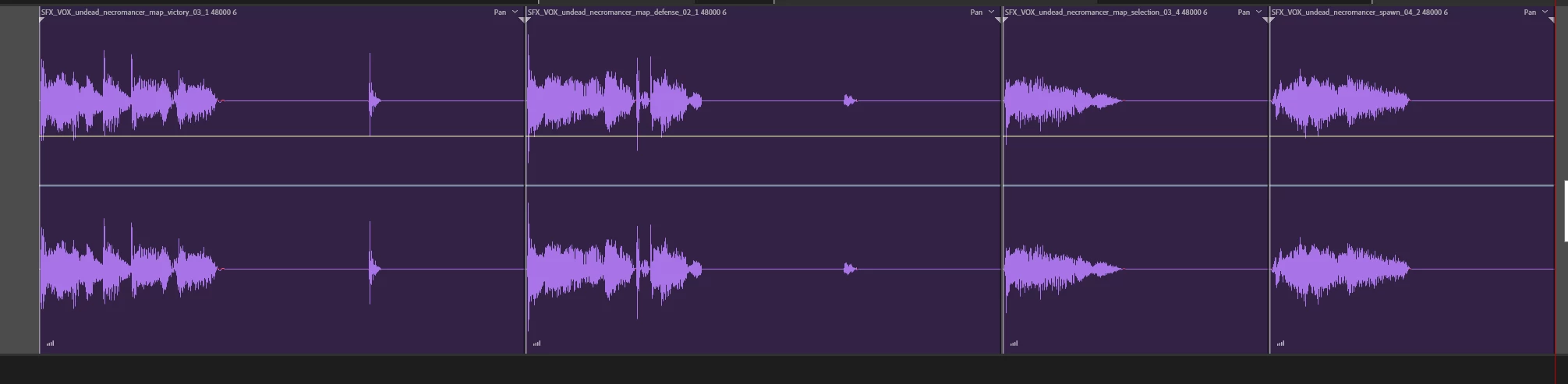
Id like to use this preset in batch process. And the problem is as shown in the picture the waveform is cut off. Did I made a mistake or is it a bug? 
 

Preset looks like this:

 

Thanks for help! 

This topic has been closed for replies.

5 replies

SteveG_AudioMasters_
Community Expert
Community Expert
November 6, 2019

Okay I have tested this. It's on a PC (you haven't specifed what you are using). I created a new Favourite that ends up looking like this:

I created a bunch of five test files - all different lengths - and put them into the batch processor, and processed them using the preset. All of the files came out correctly extended by 1.5 seconds with nothing truncated. So here it's working correctly...

AGE-TAuthor
Participant
November 14, 2019

Im using the build  12.1.5.3. 13 is unstable here. Might that's the difference. 

SteveG_AudioMasters_
Community Expert
Community Expert
November 6, 2019

I will investigate a little further...


SteveG_AudioMasters_
Community Expert
Community Expert
November 6, 2019

The answer to this is that you aren't creating the silence properly, so yes, a mistake, I'm afraid! I have a preset that creates silence at both ends of a clip, and the important bit is how you set up the silence itself. Here's what you have to do:

You can ignore the start setting - it's the others that count. You'll notice that there is no start and end time specified, because this is measured as absolute from the end of the file (so it works with any length file). To specify the amount of time to insert, then you have to click on the 'insert silence' box and select it there - as in the screen grab. That should work fine. I don't think that the final selection box matters that much, but for use in a batch process, you might want to set it so that it's all zeros again, although you'd have to experiment with that. Your version only needs the two lines though - not the first one shown in mine.

AGE-TAuthor
Participant
November 6, 2019

I tried a few version all works fine in waveform editor. Problem comes in batch process. Here is my other preset settings. 

SteveG_AudioMasters_
Community Expert
Community Expert
November 6, 2019

Better now!

SteveG_AudioMasters_
Community Expert
Community Expert
November 6, 2019

I'm afraid that the screenshot of your settings is to small to read. In theory you can drag the corners out when you insert it to make it take up more real-estate,  but in practice this doesn't work very well (as you'll discover when you try it). What you need to do is make a screen-grab of just the settings bit without the shortcut bit on the left. Then we might be able to read it!