
Question
Brush tool selection doesn't isolate the sound!!!
Hi, I'm having a problem with the brush tool selection in Adobe Audition.
I want to highlight a specific area to mute it a bit, but once I select the part I want to remove and press the
space bar, it plays the whole track and not the selected area! I cannot hear the selected area and
therefore cannot remove the specific noise! I've never had this problem, why has it started doing it now?
How can it be fixed?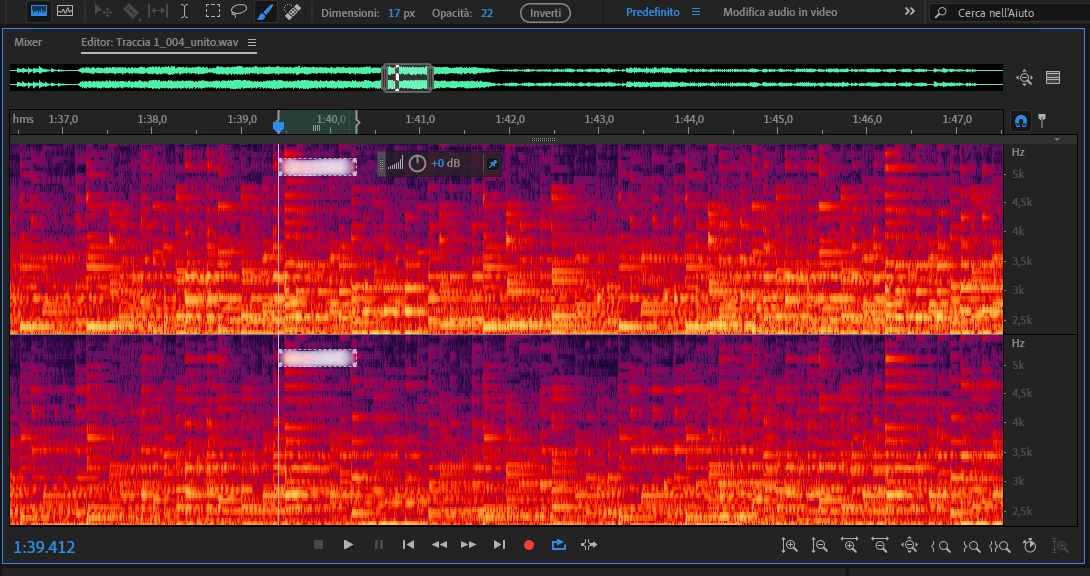


 AdChoices