


Can't edit clip in Adobe Audition; Automatic Click Remover is red and have some problem with CPU
Hi guys, i have problem with bunch of Adobe Premiere and Adobe Audition.
Premiere vers 15, Audition vers 14. The newest
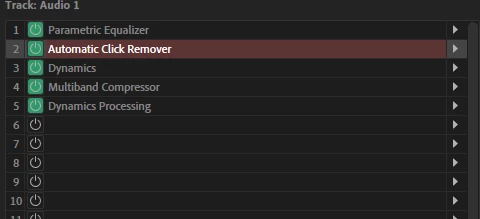
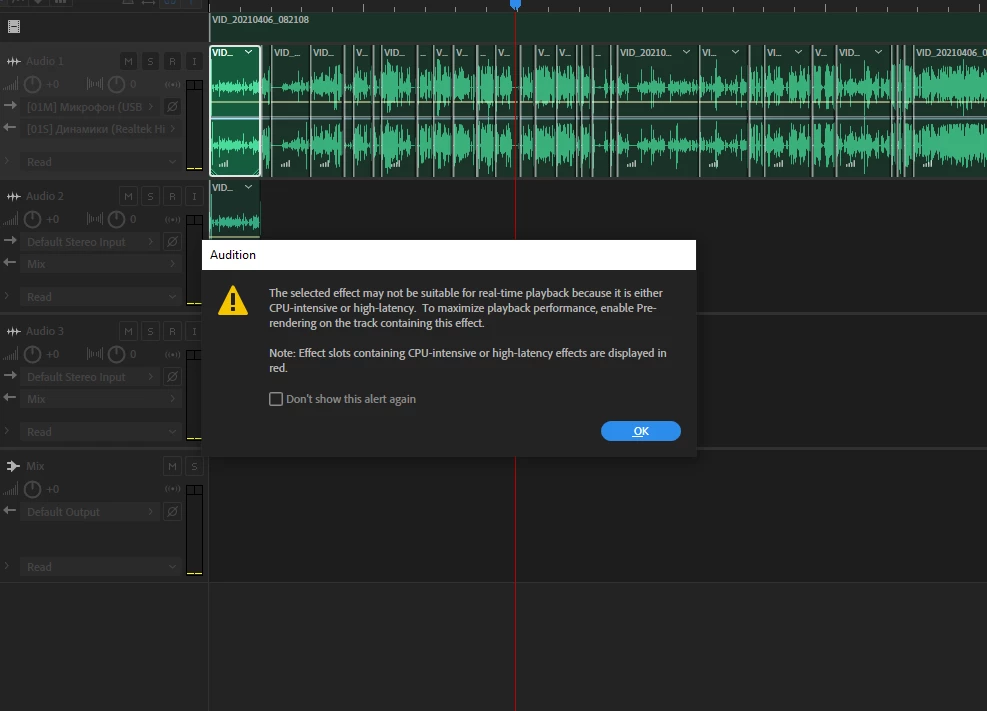
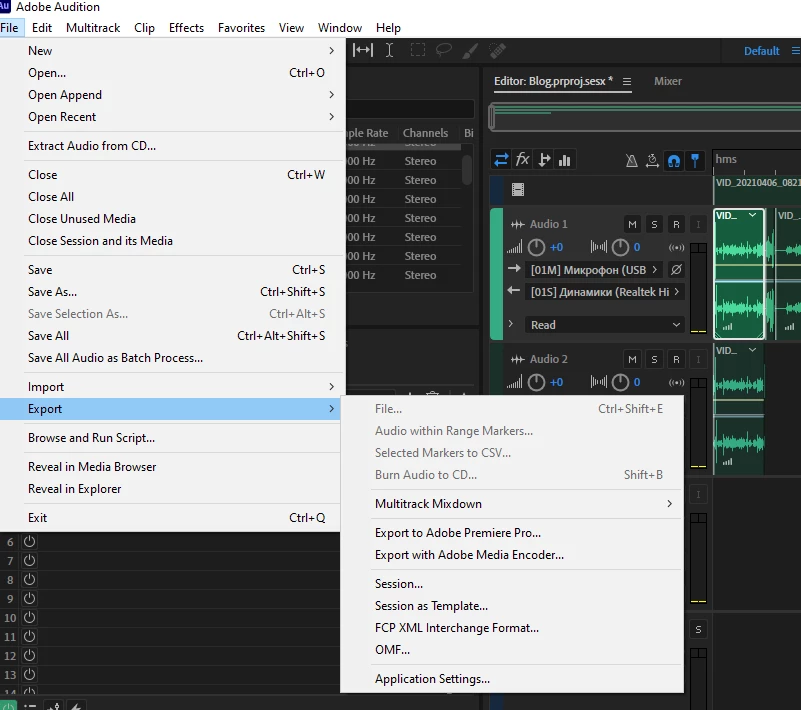
When i try from premiere edit clip in Audition - it is grey, so i cant. Okay then i press Edit-Edit in Adobe Audition. I started to work with sound in Audition but then i have been added Automatic Click Remover and it said - The selected effect may not be suitable for real-time playback because it is either CPU-intensive or high-latency. To maximize playback rerfomance,enable Prerendering on the track contaiging this effect. Effect slots contaiging CPU-intensive or high-latency effects are displayed in red. Next i road that i must turn on a button with lightning, so i did it but Automatic Click Remover still red. After all procedure i start to save but in a hope that all work will be loaded to premiere... So it is not load. I try to File-Export-Export to premiere, but it is nor working too.
PROBLEMS: can't edit clip in Adobe Audition; Automatic Click Remover is red and have some problem with CPU; don't know how to save from Adobe Audition to Premiere
Oh, i don't know what to do, was looking for an answer all over the Internet, last hope it is you guys!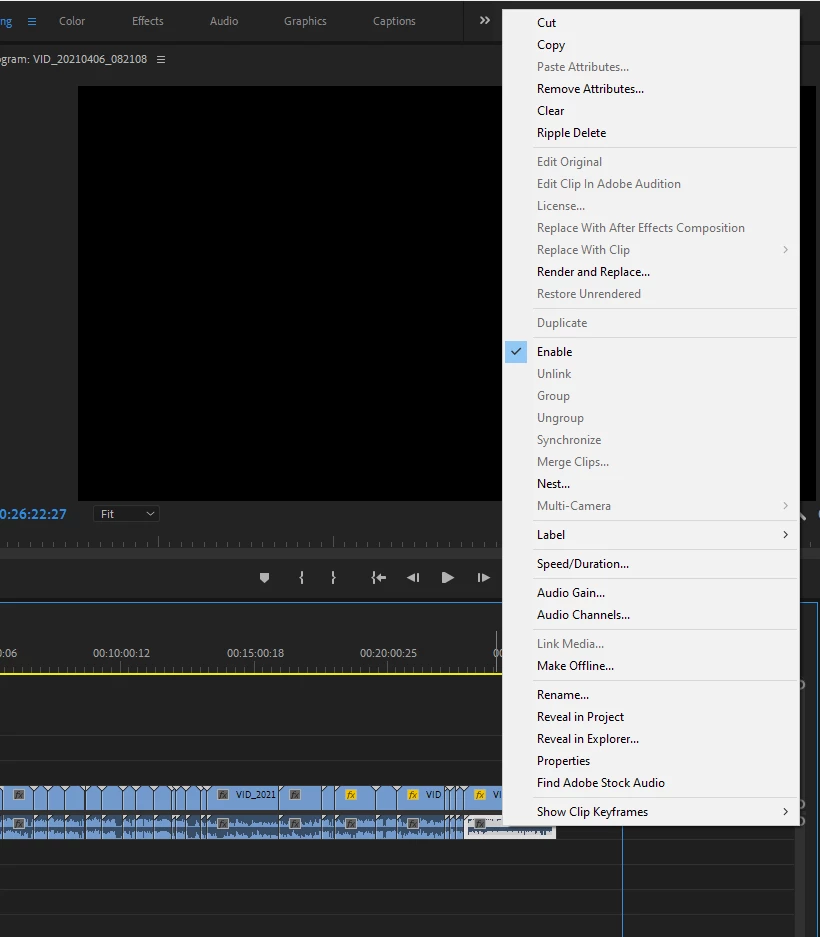
 AdChoices