
Joey T
Participating Frequently
August 13, 2019
Question

Can't find any effect slot in Editor panel in Audition CC 2019

  • August 13, 2019
  • 2 replies
  • 981 views

Hi,

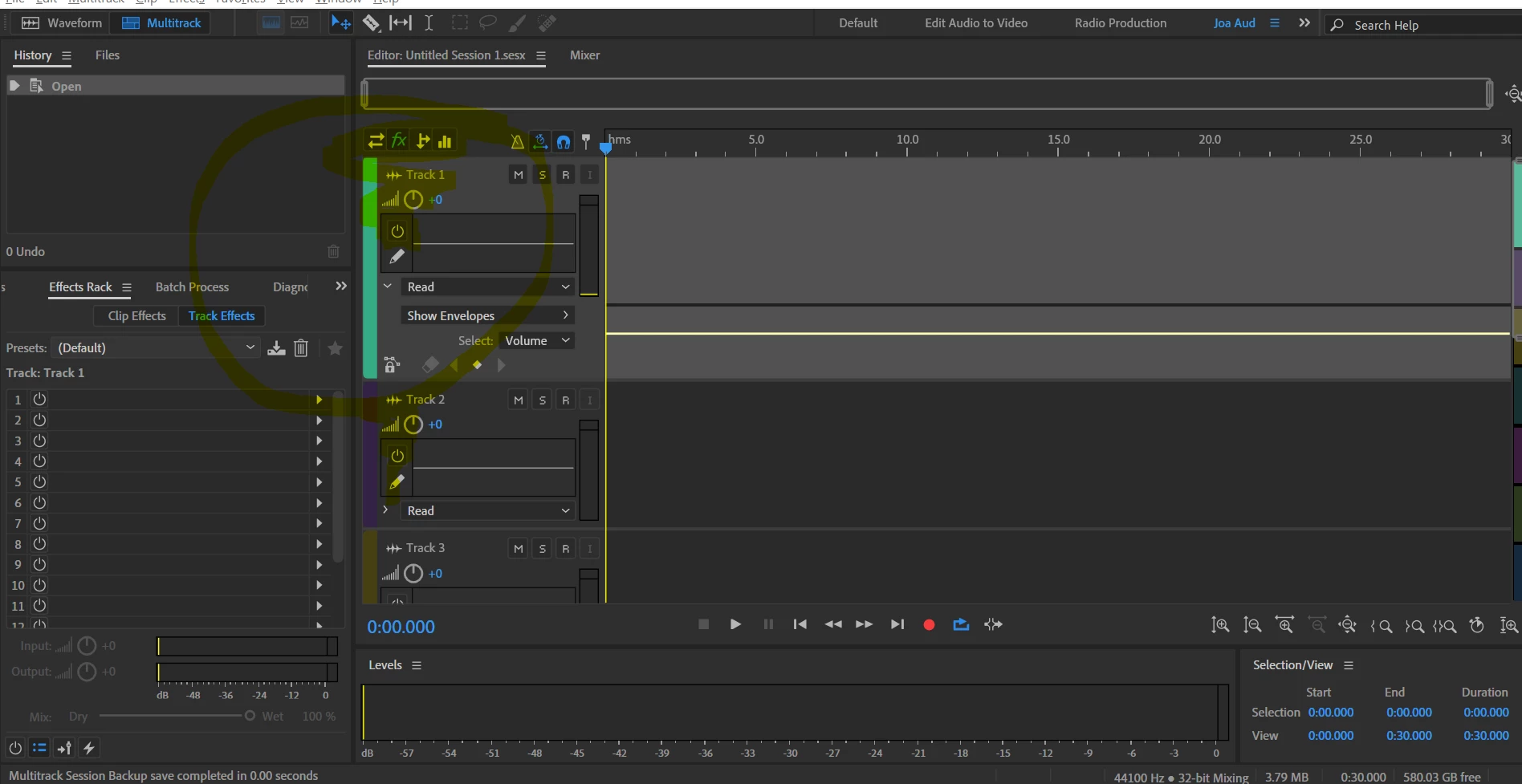
I seem to only be able to have effects slots available for my track in the Mixing panel and not the Editor. How come?

This topic has been closed for replies.

2 replies

Joey T
Joey TAuthor
Participating Frequently
August 17, 2019

Anybody's ever been in this situation?

SteveG_AudioMasters_
Community Expert
Community Expert
August 17, 2019

I have spent a while trying to reproduce this, and I simply can't - under any circumstances. Have you tried uninstalling and reinstalling the software? If you haven't, could you try it?

Participating Frequently
August 13, 2019

I don't seem to be able to recreate this scenario. Can you give us more info about your computer setup? Have you tried toggling between the 4 icons above the track? Does anything change? On your screen it looks to be stuck on the EQ (3 bars).

It looks like you are using a custom workspace (upper right). What happens when you change workspaces?

Joey T
Joey TAuthor
Participating Frequently
August 14, 2019

Hi,

I've been trying to toggle between all the icons above the track, to no avail (EQ being one of them). I enclose here pics from a different default Workspace, and it's the same: I only get the effects slots in the Mixing panel and not the Editor...

What kind of computer set up info would be helpful to provide?

thanks a lot!

SteveG_AudioMasters_
Community Expert
Community Expert
August 14, 2019

It's a long shot, but try this: If it's enabled, then disable it. If it's disabled, then try enabling it.