
Cannot edit in Audition from Premiere Pro - random general errors
Hi, I'm running the latest Pr 22.0.0. and Audition 22.0.0.96 on a PC, AMD Ryzen 7 2700X Eight-Core Processor 3.70 GHz, 32GB RAM, NVIDIA GEForce RTX 2070 with the latest graphic drivers.
Since doing the latest update to 2022 I am getting random general errors when right-clicking a clip in Premiere and selecting 'Edit clip in Adobe Audition'. This first started happening with GoPro footage so I thought this was specific to those clips, but it turns out it is happening completely randomly on my GH5 and Sony A7C footage as well. When I say 'random', I just managed to edited my first clip without issue, moved onto the next clip and this error occurs.
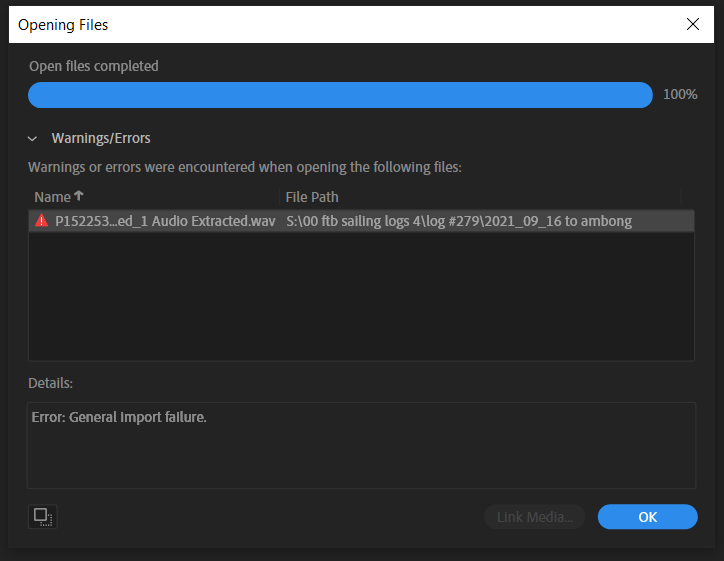
I have never seen this before and have never had problems with any of my footage from any of my cameras before. The files are not corrupt as they open and play OK within Premiere and other apps. I have already re-installed Audition but since there is no error code to look into, I am at a loss as to what to do next.
Any tips on what to do next?


 AdChoices