


alyssafyfe
Participant
May 1, 2020
Question

Cannot get my microphone to record in Audition

  • May 1, 2020
  • 1 reply
  • 498 views

I have my interface (U-phoria UMC202HD) plugged into my PC and my XLR microphone (audio-technicia2035) plugged into output 1. I know the sound is being picked up because when I snap into the mic, the "sig" lights up on the interace, indicating it is receiving the audio signals. However, when I open a track in audition and try to record, it allows me to press record but records absolutely no sound. 


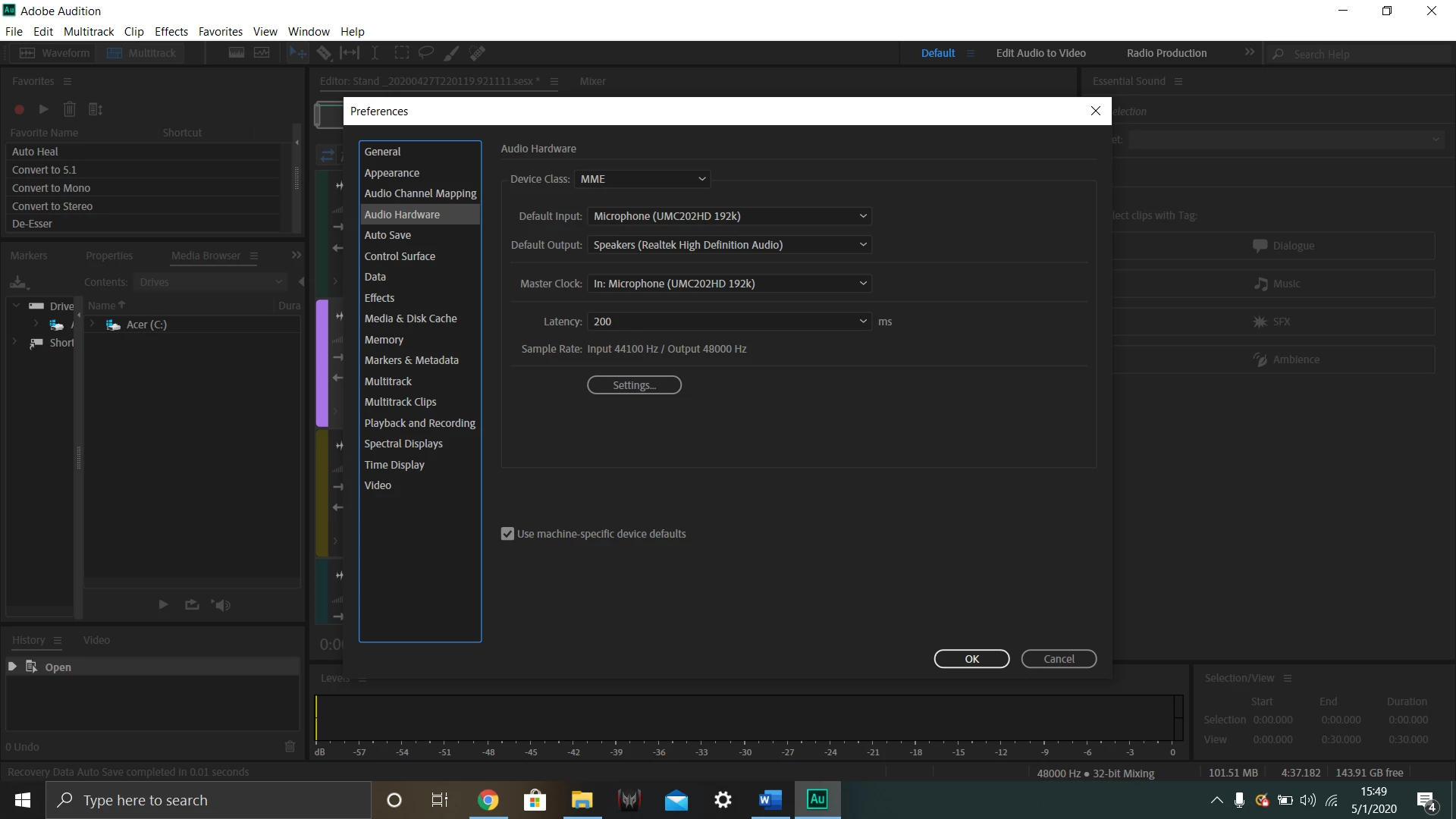
I have the input set to the interface and the output set to the speakers. I don't know why it isn't working. 
 

This topic has been closed for replies.

1 reply

SteveG_AudioMasters_
Community Expert
Community Expert
May 1, 2020

Pressing Record isn't the only thing you have to do - have you selected your mic as the track input? You may be attempting to record from a different input. I'm reasonably sure that it won't say 'none' because it won't let you activate channel record arming otherwise. The other question is - does the transport move when it's failing to record, or does nothing happen?

alyssafyfe
Participant
May 1, 2020

It is already selected as the input. And nothing is happening at all. 

SteveG_AudioMasters_
Community Expert
Community Expert
May 2, 2020

And the rather important answer to my final question is...?


Also, have you tried setting all of the sample rates so that they are the same? Regardless of any other considerations, anything that's not the same as the Microsoft default that's set up for the MME device will be resampled to that rate. And when Microsoft do resampling, that's not good.