


Cannot hear/monitor audio when I am playing; only audible during playback
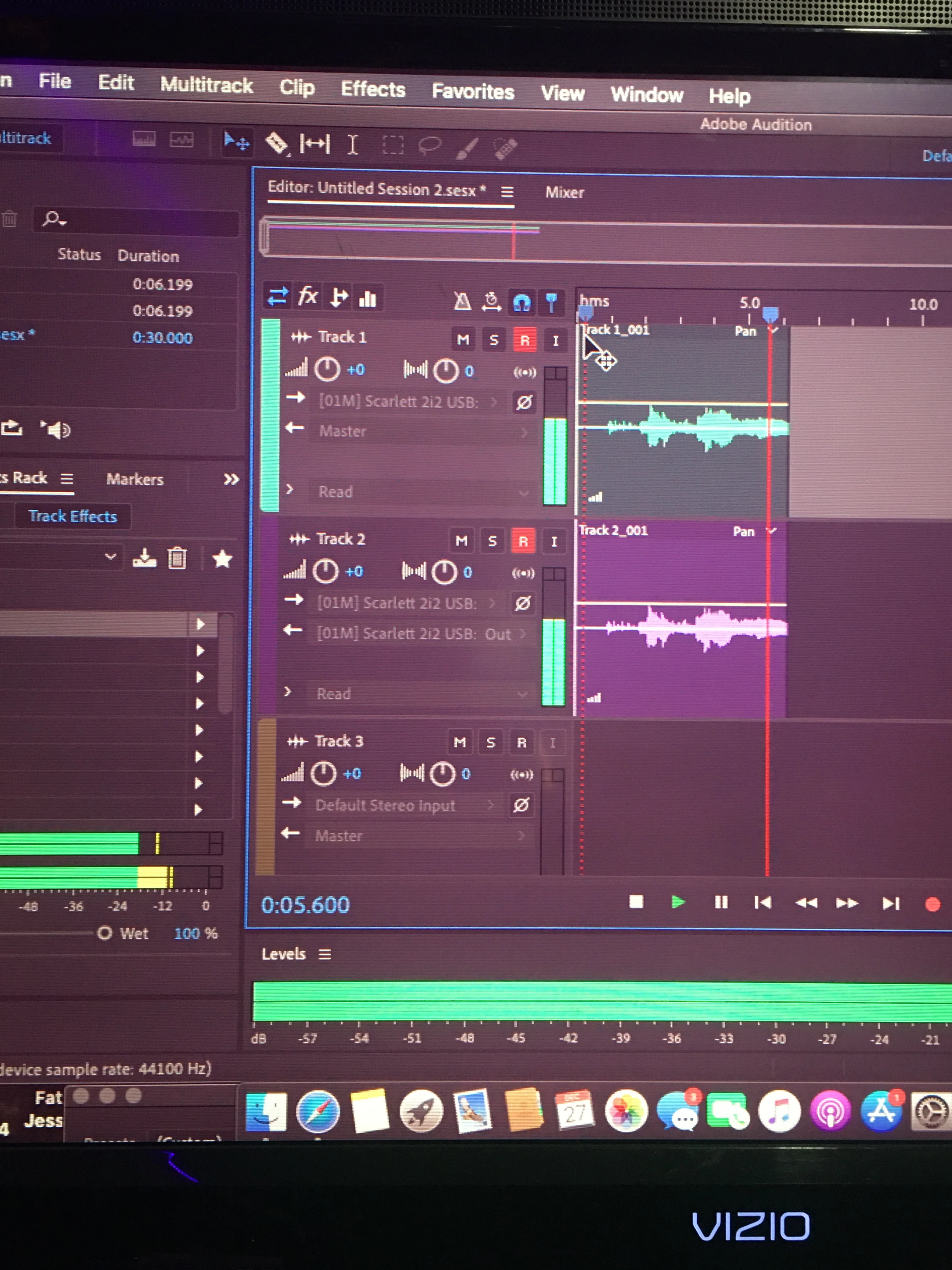
-Recorded audio plays back on both output channels
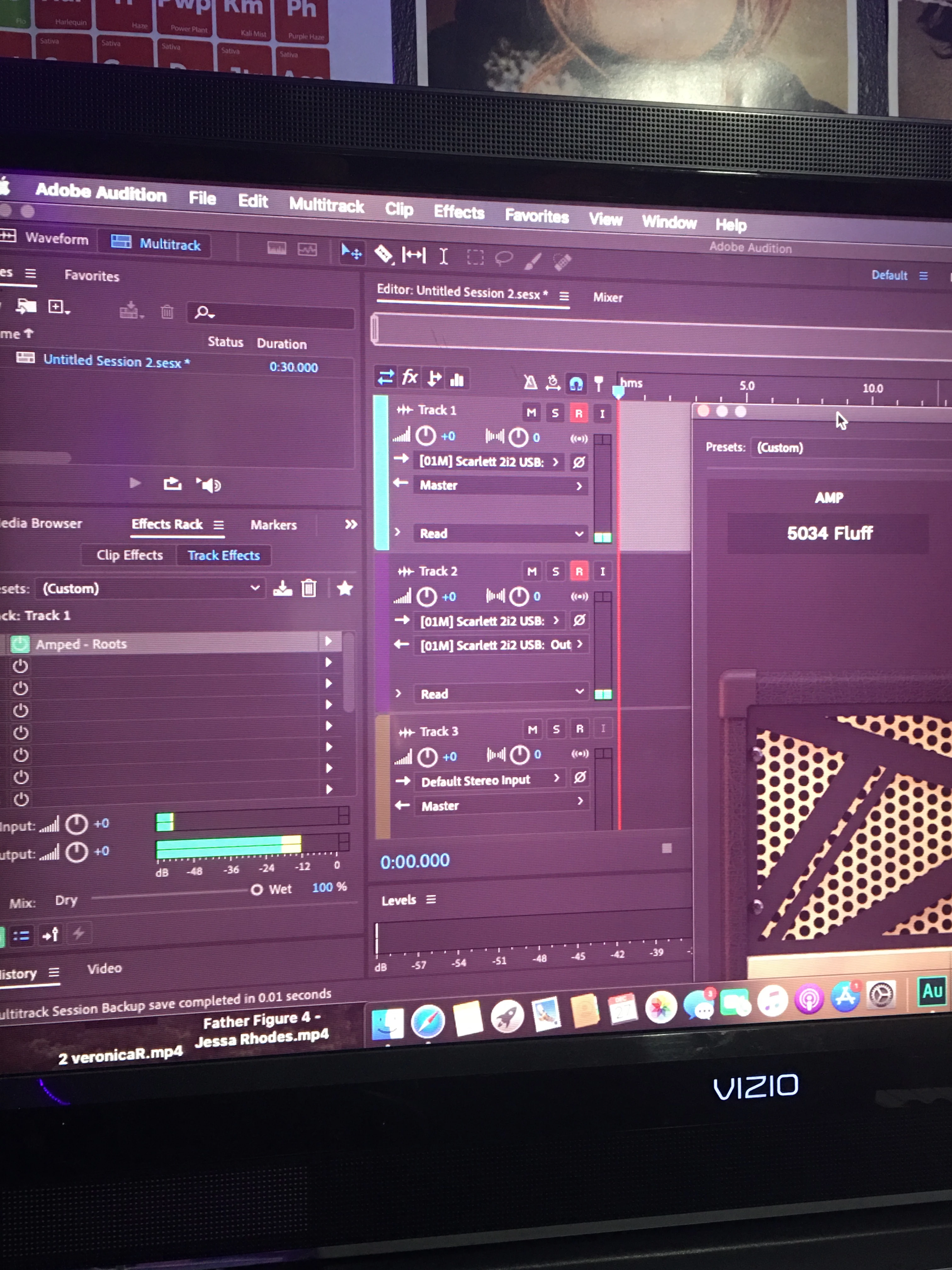
-input and output settings
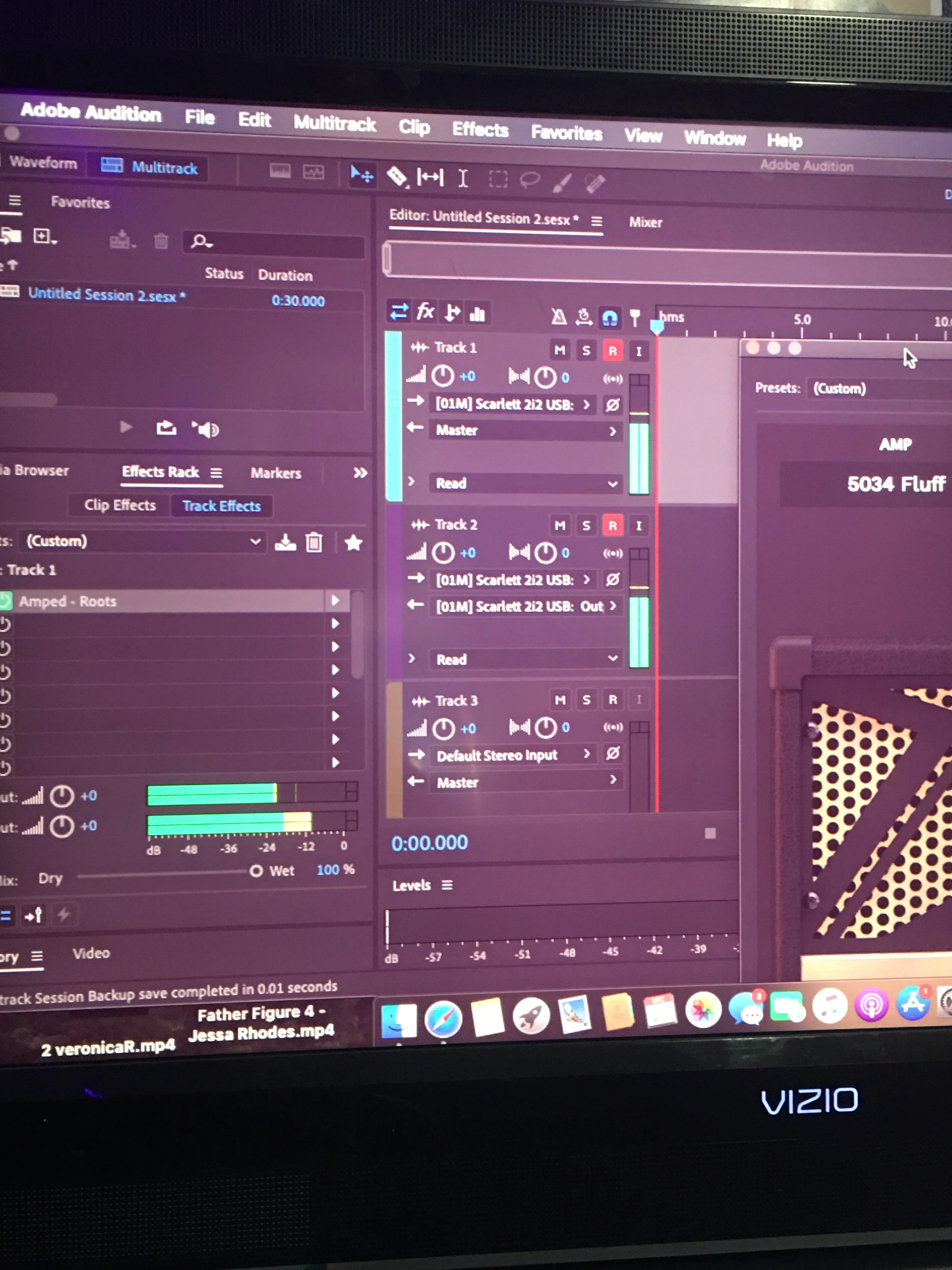
-Raised Db volume bar, indicating signal is being received and processed
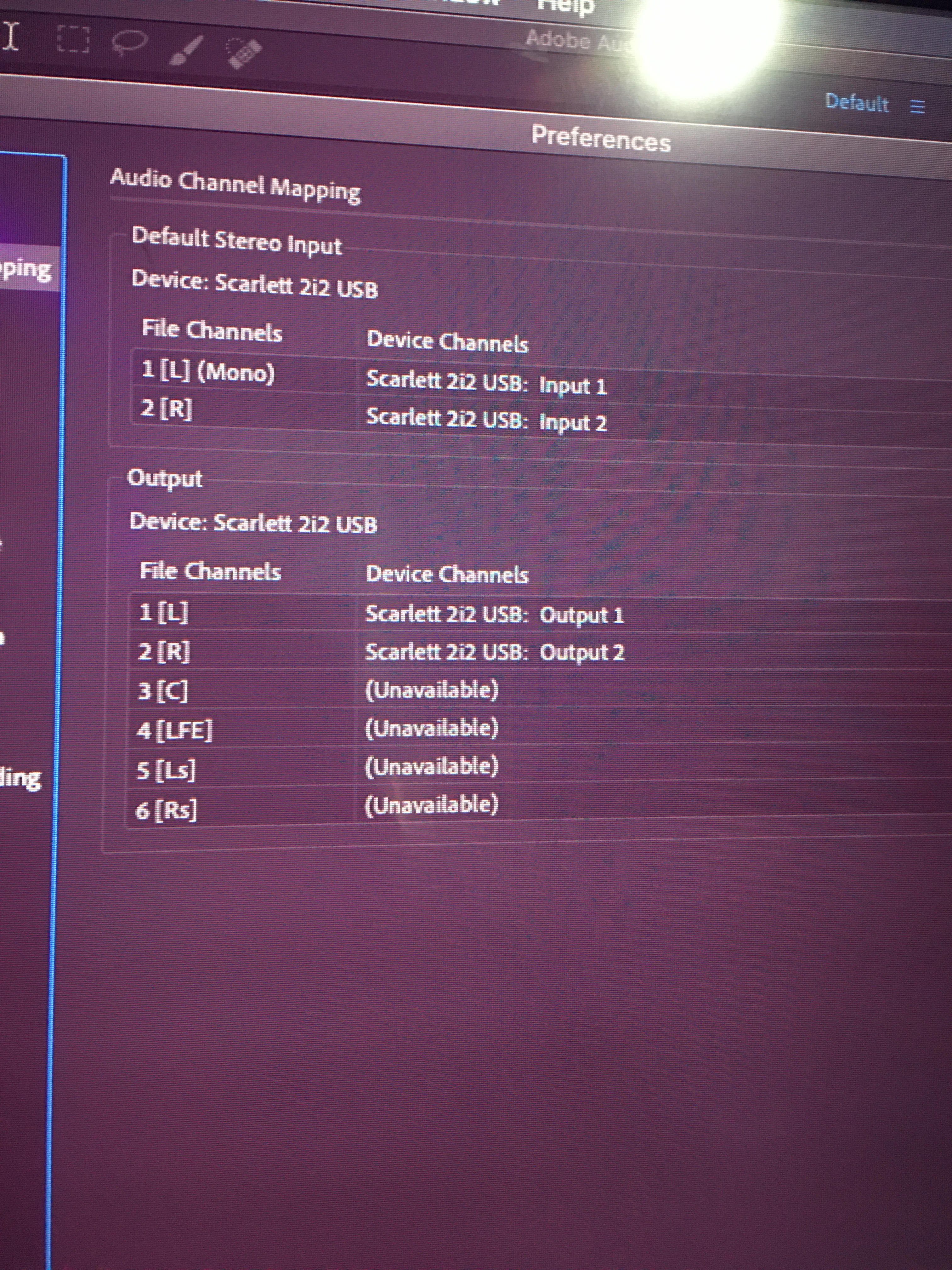
-audio channel mapping settings
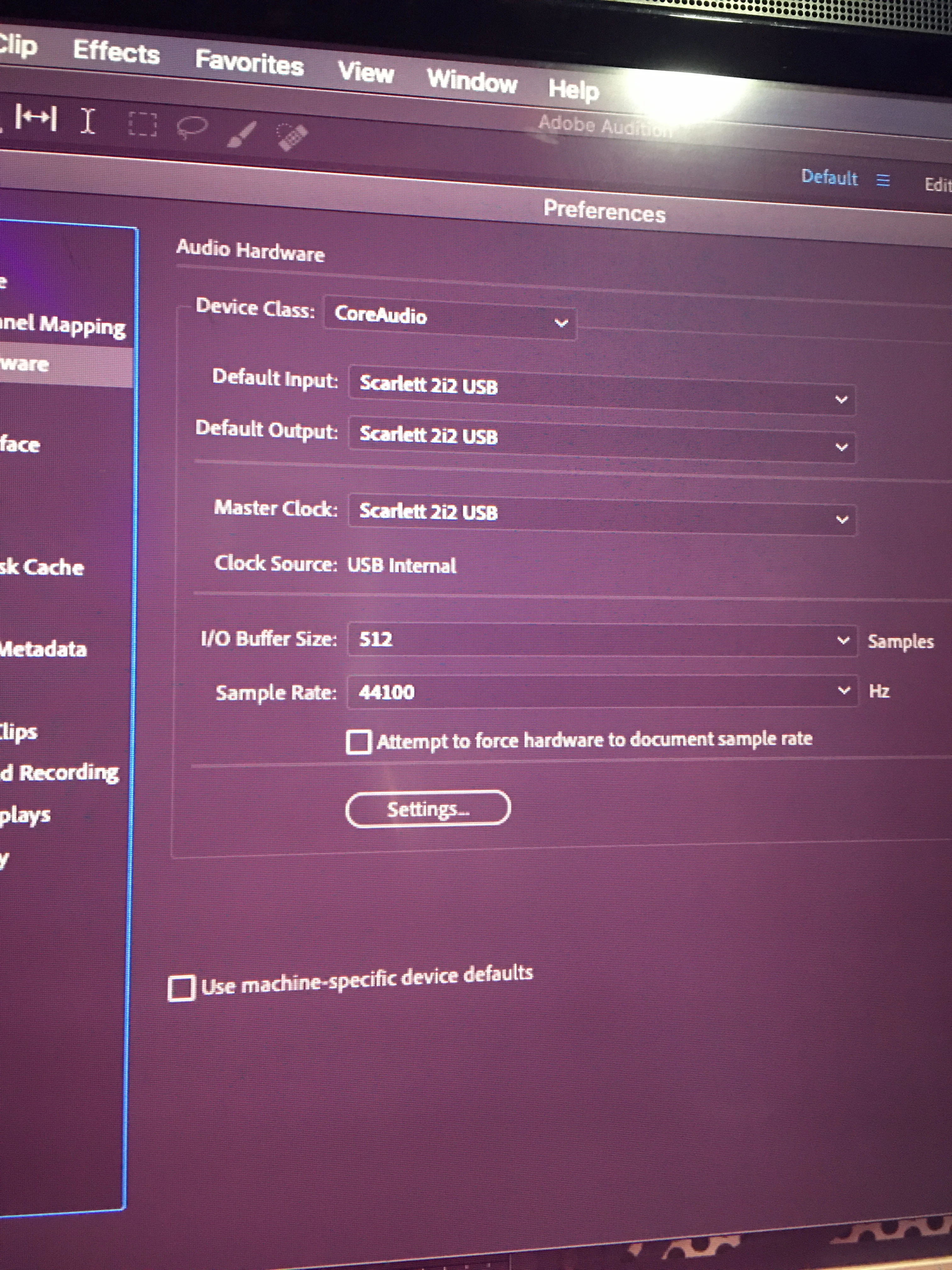
-audio hardware settings
Hi all,
new here, first time post:
What I'm running- Adobe audition 2020 on a 2012 MacBook Pro, operating on Catalina 10.15.6
Audio hardware- Scarlett 2i2, direct plug in with guitar
Plugins/VSTS- BIAS FX 2, ML Soundlabs AMPED Roots, Spitfire audio.
THE ISSUE- despite having the proper tracks armed, channels selected, etc- I'm not able to hear any audio I play whilst recording. To be perfectly clear- unless I switch the interface to DIRECT MONITOR mode on, I hear absolutely no playback either with or without any plugins or VSTs activated.
i am aware that BIAS FX is not stated to be compatible with audition, HOWEVER, to be clear again- Despite not being able to hear WHAT I'm recording WHILE recording it, the settings from all plug ins I'm using translate to the recorded audio. So each "tone" and "preset" is coming through perfectly once recorded and played back- I just cannot hear any audio of myself playing, regardless of whether or not the plugins are activated.
i have been using Audition since it was Cool Edit Pro & yet this time I'm completely stumped.
For what it's worth- the last time I successfully used this DAW was when I was running a LINE 6 POD HD through the Scarlett 2i2 via XLR cables.
pictires included, I can always add more if need be.
any and all help would be appreciated, thanks all and happy new year.
 AdChoices