

Cant Record or Playback Audio
Hey Guys,
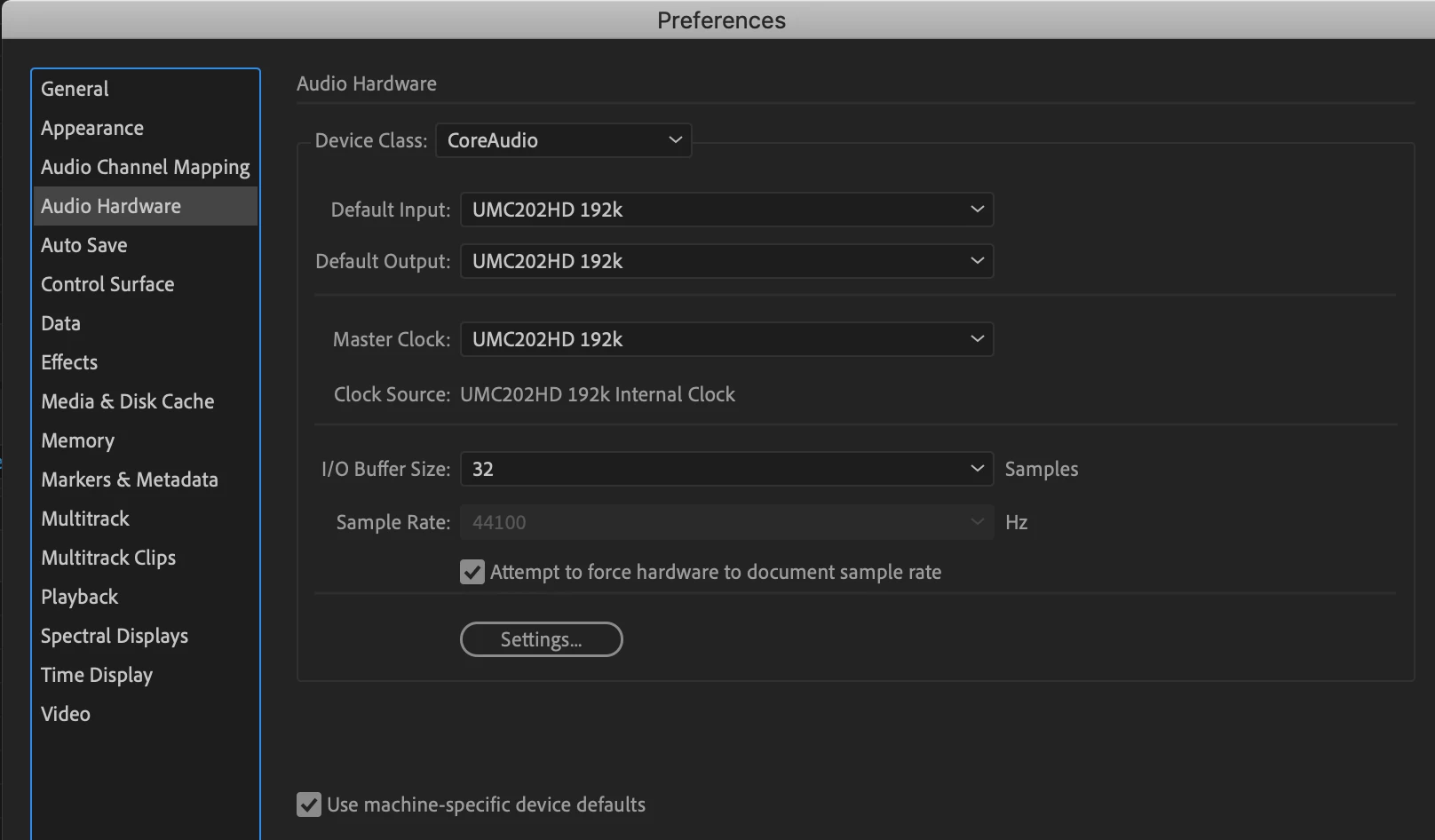
I am running a 7 day trial of Audition and have connected my MacBook Pro and audio interface and applied the correct settings to ensure that these are recognised.
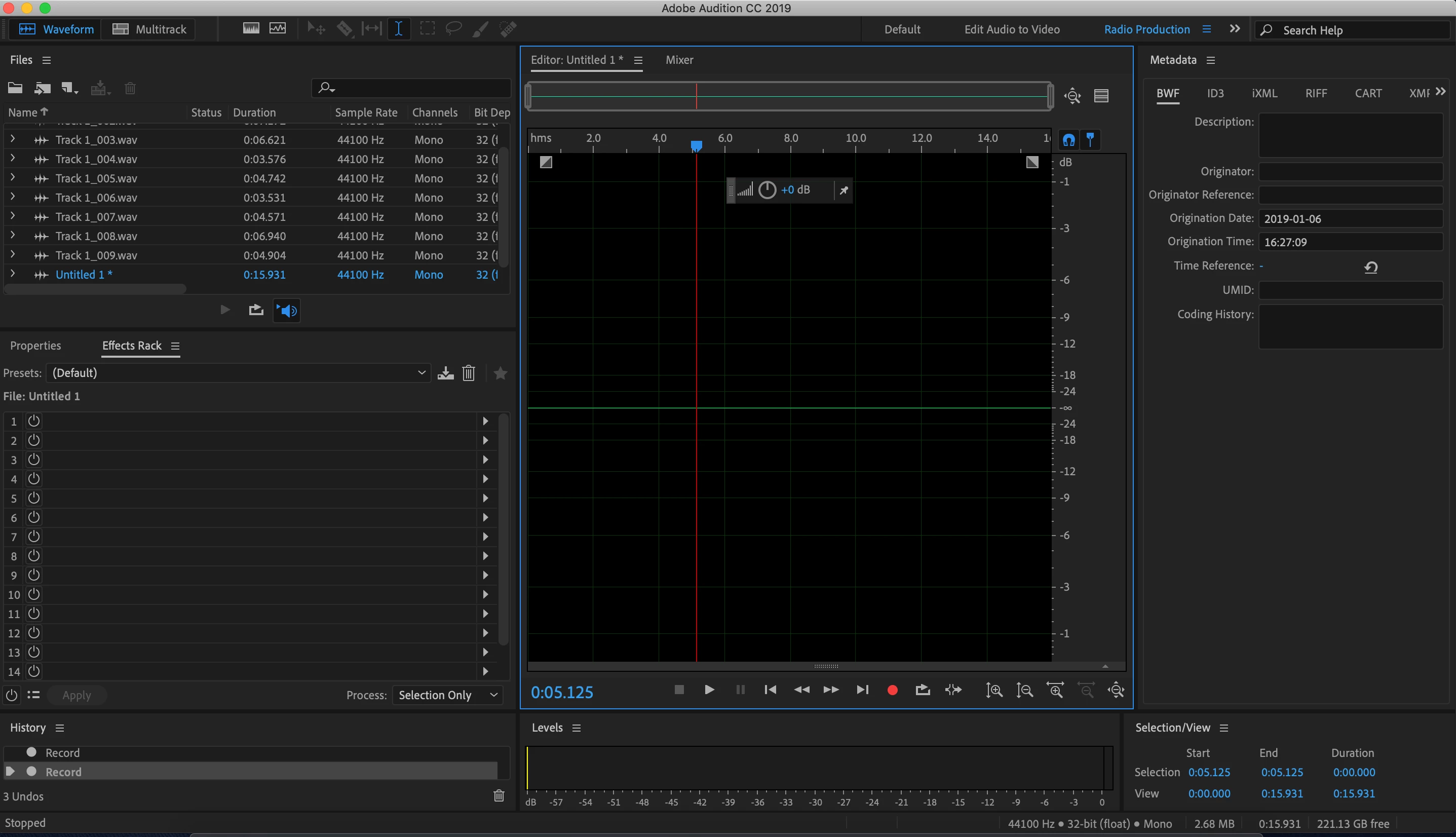
When clicking record, I get a flatline with no audio playing back.
I have done the following to try and rectify:
1. Checked the settings in preferences for Audio Channel Mapping and Audio Hardware and these are picking up the equipment.
2. Have tested with Garage Band and all working fine
3. Checked the Sound Settings on the Mac and these are recognising the hardware input as expected.
4. Tried different ports on the Mac and had the same results.
5. Have tried both Waveform and Multitrack with the same result.
Not Sure If I am missing something simple, have tried disconnecting the hardware and using the Mac Mic and Speakers but the same result.
Want to give Audition a shot but have spent an hour or so troubleshooting today and not made any headway.
Any help would be great, I have added screenshots of the result after recording for 5 seconds:
Many thanks
Gareth


 AdChoices