

Question
CC: device problem in Win10
Hi,
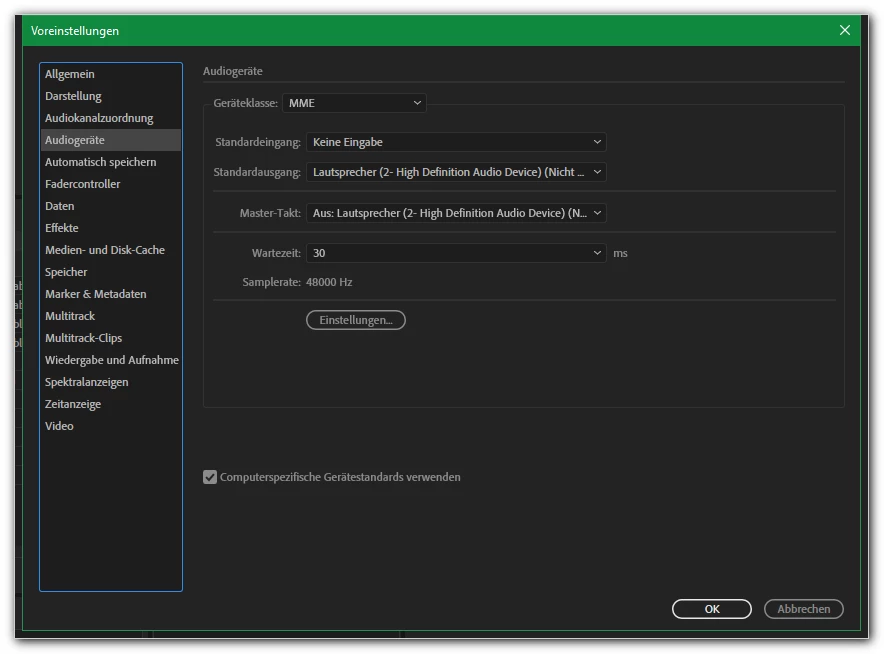
formerly using Audition CS6 I had to rearrange/reassign the output settings within Audition for editing files.
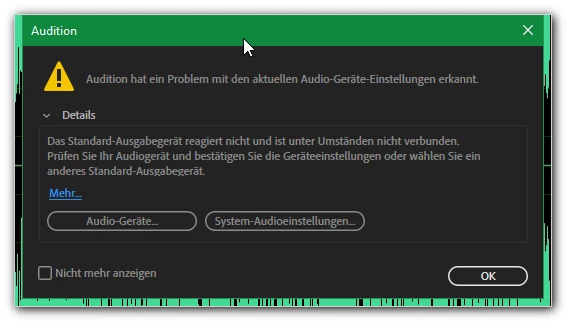
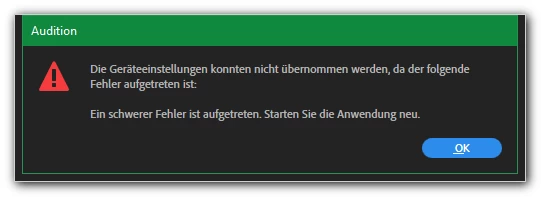
Now in CC I am not able to use it (only editing and playing, no recordings needed; therefore I use no microphone) getting similar messages directly after opening Audition.
Tried these tipps, e.g.:
https://community.adobe.com/t5/audition/help-mme-device-internal-error/td-p/9867267
https://helpx.adobe.com/audition/kb/troubleshoot-recording-playback-error-audition.html
Any further ideas to be able working with Audition CC (latest version, Windows 10)?
thanks!
grocc


 AdChoices