bryan_edwards441
Participant
April 10, 2017
Question

CD Text: Artist Not Showing (Audition CC 2017)

  • April 10, 2017
  • 2 replies
  • 1139 views

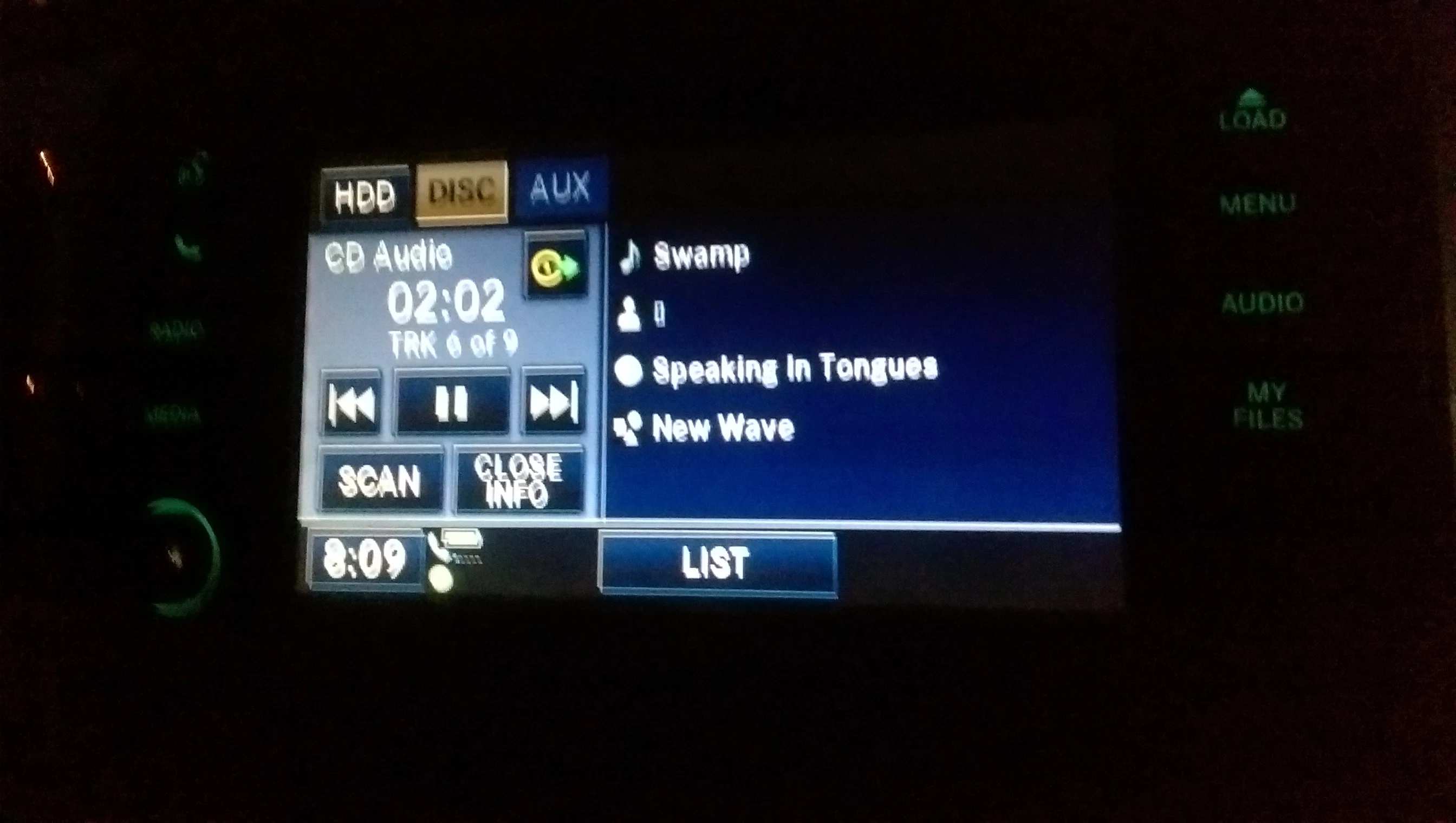
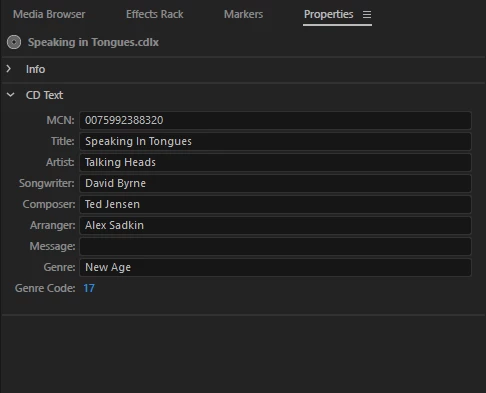
I used Audition CC 2017 to burn a CD for my Truck. The album in question was "Speaking in Tongues" by "Talking Heads". I put all the tags in the CD-Text, except for Message. After putting the CD in the Truck and all the tags show except for Artist, showing a ▯. Is there something I'm doing wrong? Or does either Audition or the Truck not support the tag?

Here are some images...
    This topic has been closed for replies.

    2 replies

    dummergold
    Inspiring
    November 10, 2019

    same for me, after burning CD with Audition CS6, my car stereo does not show Artist name. The CD player shows Track name, Album name, but not Artist name. Wish I knew the 'different places and labels in the metadata for writing the info into audio files'.


    If I import a 'non-supported font into Audition project, or maybe it was classified as a symbol (A and E joined together as hopefully pasted here - Æ)' Audition does recognize it, but CD player does not read, skips remaing characters in word and does not display anything for that track name. So, I use Audition to repair/replace imported beginning two letters of track name with Audition entered letter characters (replacing A and E that are joined together with A and E typed in Audition), then my CD player reads through the remaining characters in the track name.


    Also, my car CD player only displays 8 characters and does not 'scroll' to show the remaining characters in the song (track) name. Makes me want to research some of my commercial CD's where I thought the car CD did scroll through the complete track name when it was over 8 characters.

    ryclark
    Participating Frequently
    April 10, 2017

    Audition probably wrote it OK but not all CD players show all the available metadata. Does the Truck show Artist data from commercial CDs? Also there are different places and labels in the metadata for writing the info into audio files.