JohnVo
Inspiring
February 21, 2021
Answered

changed the audiocard from 48000 to 441000 and audition wasapi doesn't want to work at 44.100,why?

  • February 21, 2021
  • 1 reply
  • 2439 views

Hi

I have changed my audiocard setting from 24bit 48000 to 24bit 44100 just because I play lots of music music and I don't like to want to use wasapi exlusive in foobar2000 or musicbee under windows 10

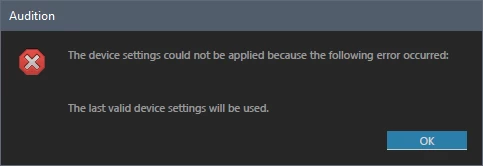
I changed and I noticed that audition cc doesn't want to work anymore with my internal audio card settings in wasapi

incredible ,because golwave ,audacity ,soundforge and wavelab work perfecty

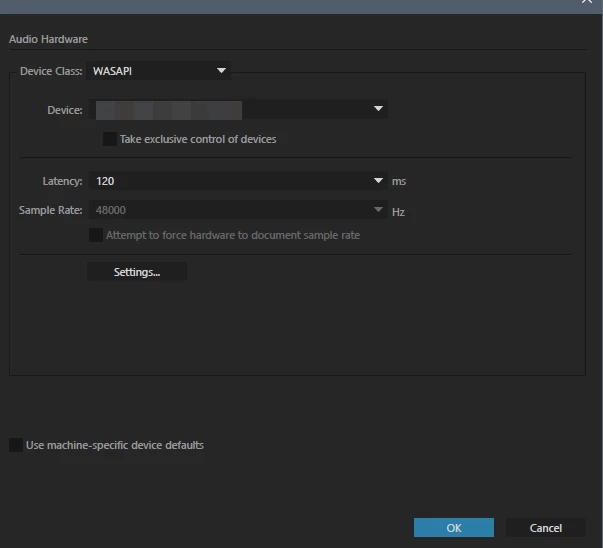
It's very strange because it's stuck at 4800k and the only way it's to enable take excluve control of the device

is there a fix or a way to use wasapi (not in exclusive mode ) and 44100?

thanks

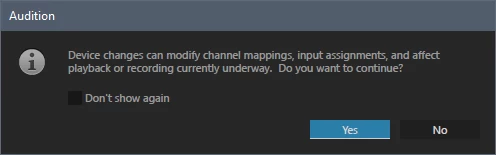
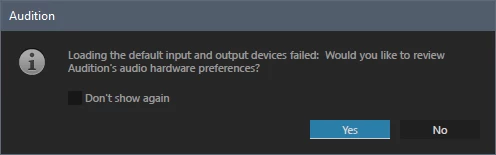
some screenshots


This topic has been closed for replies.
Correct answer JohnVo

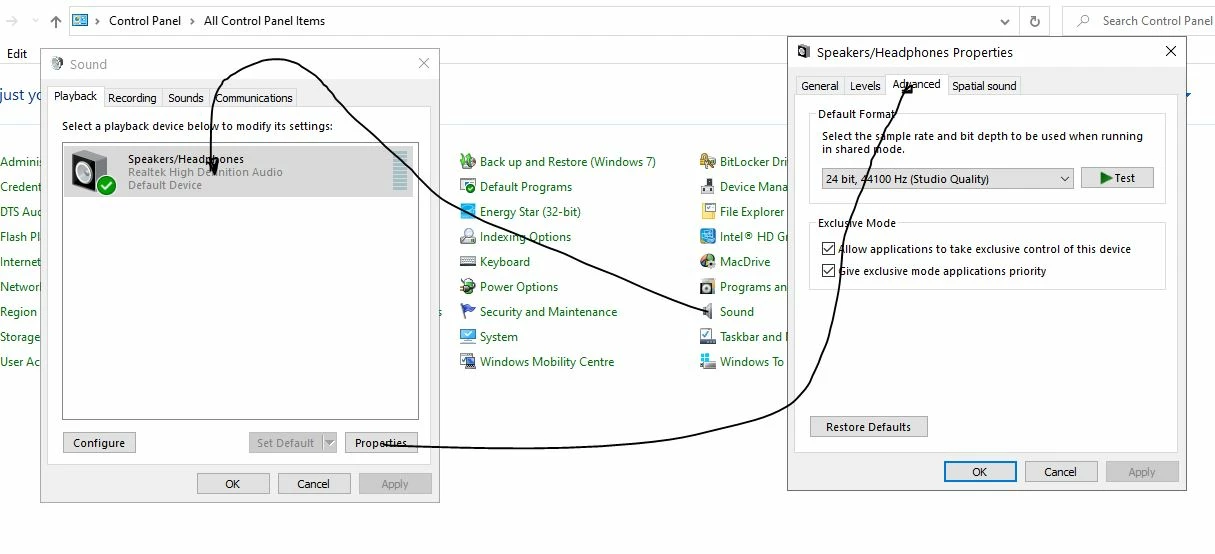
Chances are that the only thing that is wrong will be the settings on your sound device. There are several things that will make a material difference to the way it works with Audition. Here's a clue:

Look carefully at the Exclusive Mode settings. If you get these wrong, you'll not get it to work properly with Audition - or probably Premiere either.


Hi Steve

I found the fix , thanking to you and to your screenshot

I have noticed I have speaker and realtek digital output , even I use only speaker , the settings of speaker was 24 44100 and realtek digital output 24 48000 , and can't understand why audiction load the settings of realtek digital output

the fix , set both at 24 44.1k , or disable the realtek digital output in the sound preferences!!

I would like to bookmark this topic (in this forum there is no the bookmark feature 😞 ) ,because could be usefull for others users!

thanks Steve!


1 reply

SteveG_AudioMasters_
Community Expert
Community Expert
February 21, 2021

Try putting a check in the box that says 'Attempt to force hardware to document sample rate'.

JohnVo
JohnVoAuthor
Inspiring
February 22, 2021

Hi

I did it , I tried Attempt to force hardware to document sample rate and or use machine specific defaults

but can't understand why audition cc does want to work with 44.100

reset preferences could fix it?

are  there some iusses with w10 and and some cc version?

MME work perfecly , but is there a different in audio quality (play audio)?

seems audiction cc want to work only at 4800 , tried reaper too no isues , same realtek hd

PS Premeire cc gives me the same error

windows 10 1809

thanks SteveG

SteveG_AudioMasters_
Community Expert
Community Expert
February 22, 2021

Why are you not saying what your sound device is? And if you are getting a percieved difference of quality between devices, that points the finger rather firmly at the OS doing resampling. You don't by any chance have a sound device made by Creative Labs, do you?