


Answered
Color scheme looks washed out?
This may be a really stupid question.
This is my first serious use of Adobe Audition, I'm mixing sound for a sort film. Upon opening the Premiere Pro project in Audition, it seems to work, but the color scheme looks almost greyed out, and very different than it looks in tutorials. Looking at Preferences->Appearance, I don't see anything that makes it look more standard like I see in other adobe apps. Am I missing something?
Thanks!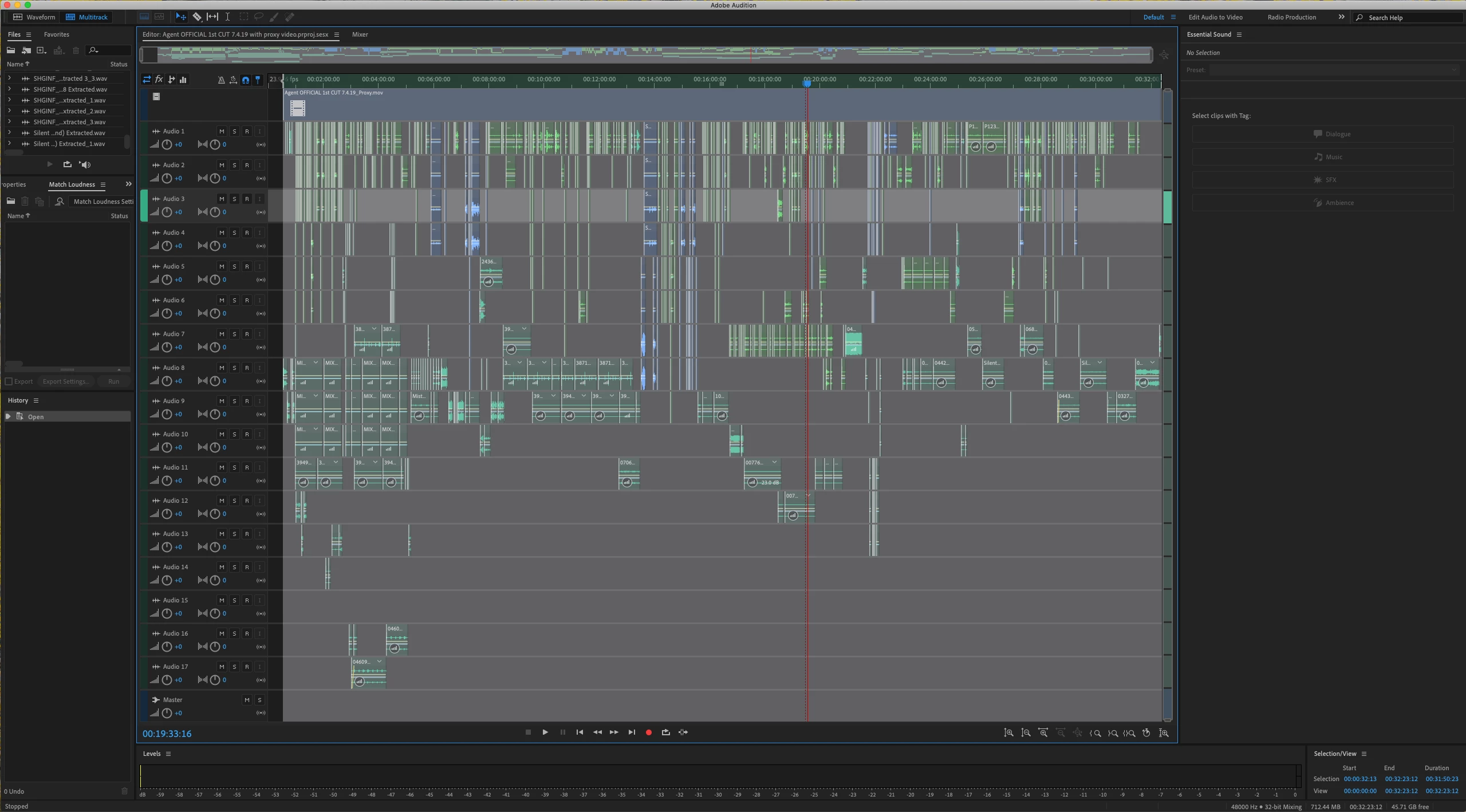
 AdChoices