ryanm76435188
Participant
May 3, 2017
Question

Crashing when recording in multitrack

  • May 3, 2017
  • 1 reply
  • 1448 views

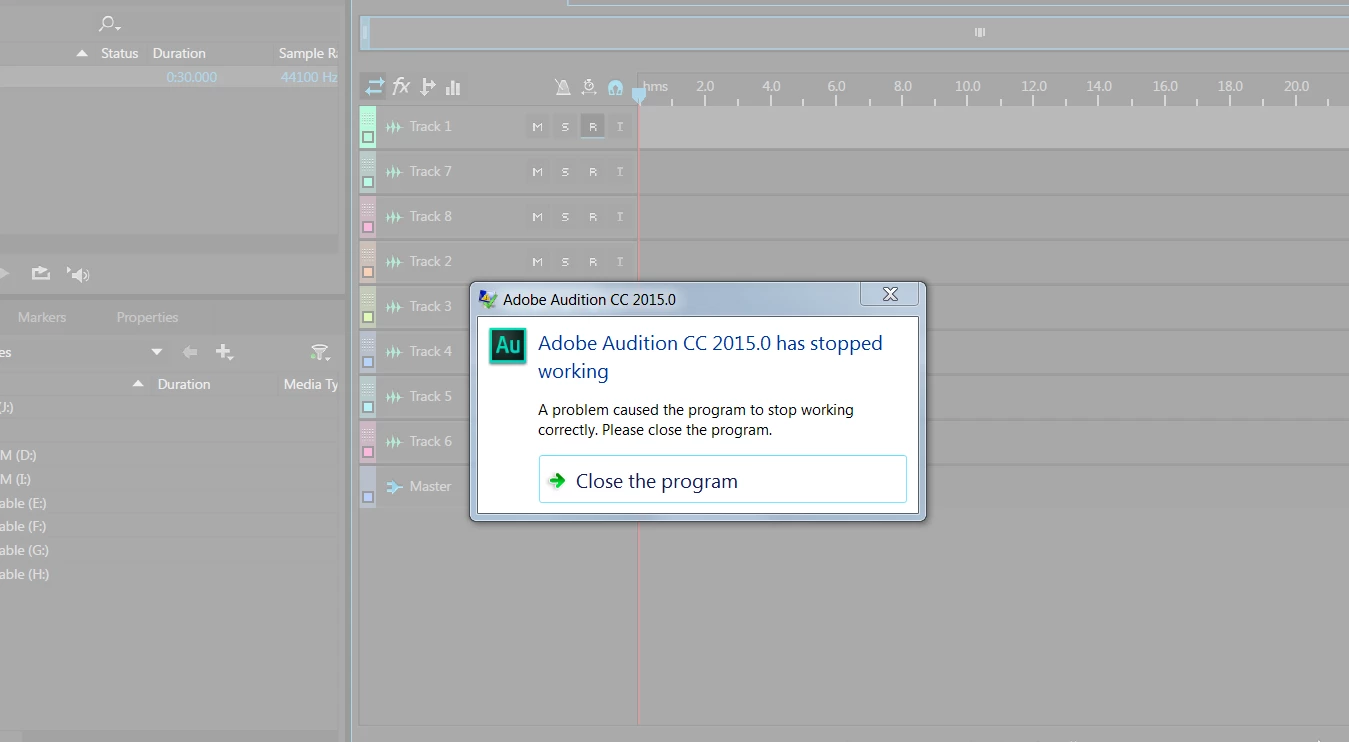
I am trying to record 8 tracks in the multitrack mode. The program crashes in one of 2 ways. 1st is when I arm a track for recording. 2nd is after the tracks are armed and I hit the record button. The crash is the same. Whre should I start trouble shooting.

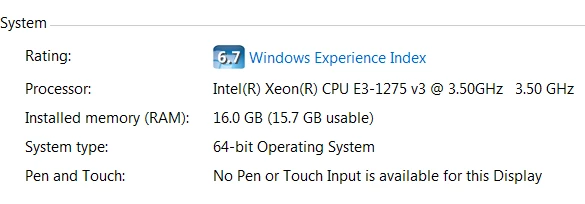
I'm using a PC Sweetwater Custom Creation Station. I have a RME HDSPe RayDat.
This topic has been closed for replies.

1 reply

Bob Howes
Inspiring
May 3, 2017

Well, the first thing to do is file a crash report with the Adobe developers.  The instructions on how to do this can be found in this FAQ:  Audition Crashed. Now what?   Unlike some software companies, the Audition developers really do pay attention to this sort of thing and will get back to you--they can usually tell what's causing the crash.

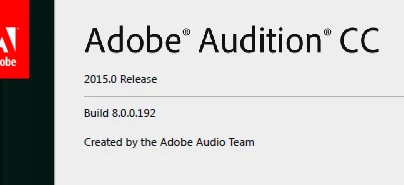
In the meantime, one suggestions would be to upgrade your version of Audition.  For various reasons, I'd suggest going for one before the most recent (which is awaiting a bug fix).  You can Find earlier versions on the CC Desktop app by looking for, believe it or not, "Earlier Versions".  Usually this involves scrolling to the bottom of the apps list but, depending on the version of the Desktop App you have you may need to go looking nearer the top.

Second, I'd just have a check that you're on the latest version of the RME Driver and that you have the proper Device Type (ASIO)

and Device (your RME interface) selected.  RME have an excellent reputation for rock solid drivers so I'd be surprised if this is the case unless you haven;t updated for a while.