

Delete all markers together with audio in one click, stop this madness please!
I have a big collection of 1 hour long audio files with their corresponding CSV files containing no less than 400 markers each, I need to delete all audio parts where the markers are, I've been doing it manually like this (double click marker + click on editor + delete key, repeat):
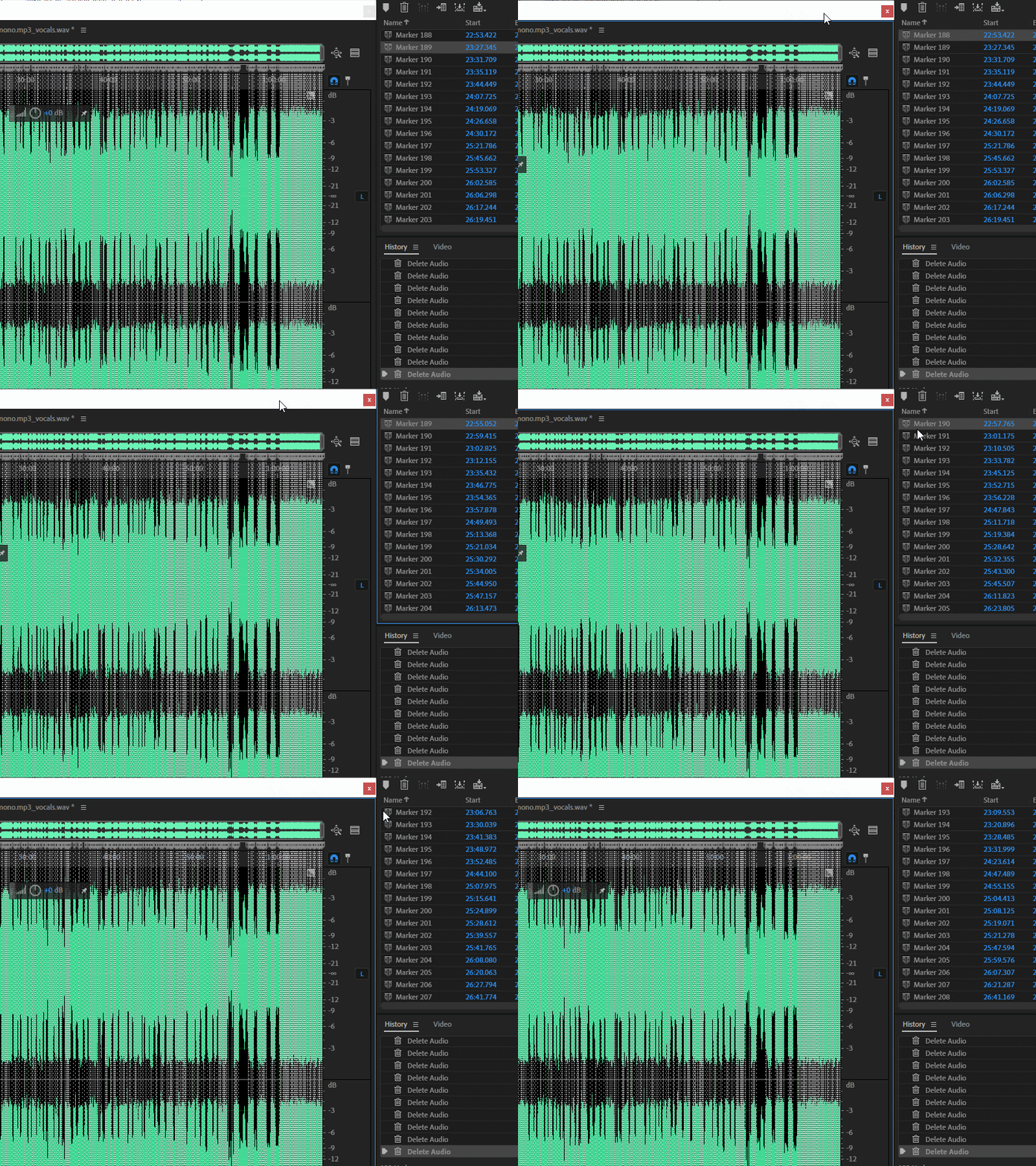
Is there a smarter way to do this very basic operation? Imagine doing this for hundreds of files, I can't stand this madness anymore, this is ridicolous, this should be a normal feature of Adobe Audition, I looked at the forums and there're lots of users that have this same problem or variants of it (ie. do an operation only where markers are located) since 2015! It's a normal operation, it's something everyone needs at some point, it's not a niche or special feature, it's common sense that any professional audio editing software must have it. Someone please make a plugin for it or something, I beg you, thanks for your kind attention.


 AdChoices