
January 5, 2017
Answered

Direction of sound

  • January 5, 2017
  • 1 reply
  • 1672 views

Hey, i've been trying to get this effect for days now but can't find anything online.

I want to make it sound like the sound is coming from a specific direction. (Yes i know what panning is)

I do not want the sound to come more from the left or right, i moreso want the sound to enter the ear at a different angle.

For example to sound more like it is coming from the front (directly into your ears), or from behind (so you can hear like it is behind you)

Now that i think about it, what i want is almost a surround sound effect

Like from this song: Oh Wonder - Without You - YouTube

The males voice sounds like its coming from the sides, while the female voice from the center of your head.

If anyone has any info on this, that would be great! Maybe i'm just missing a term or something
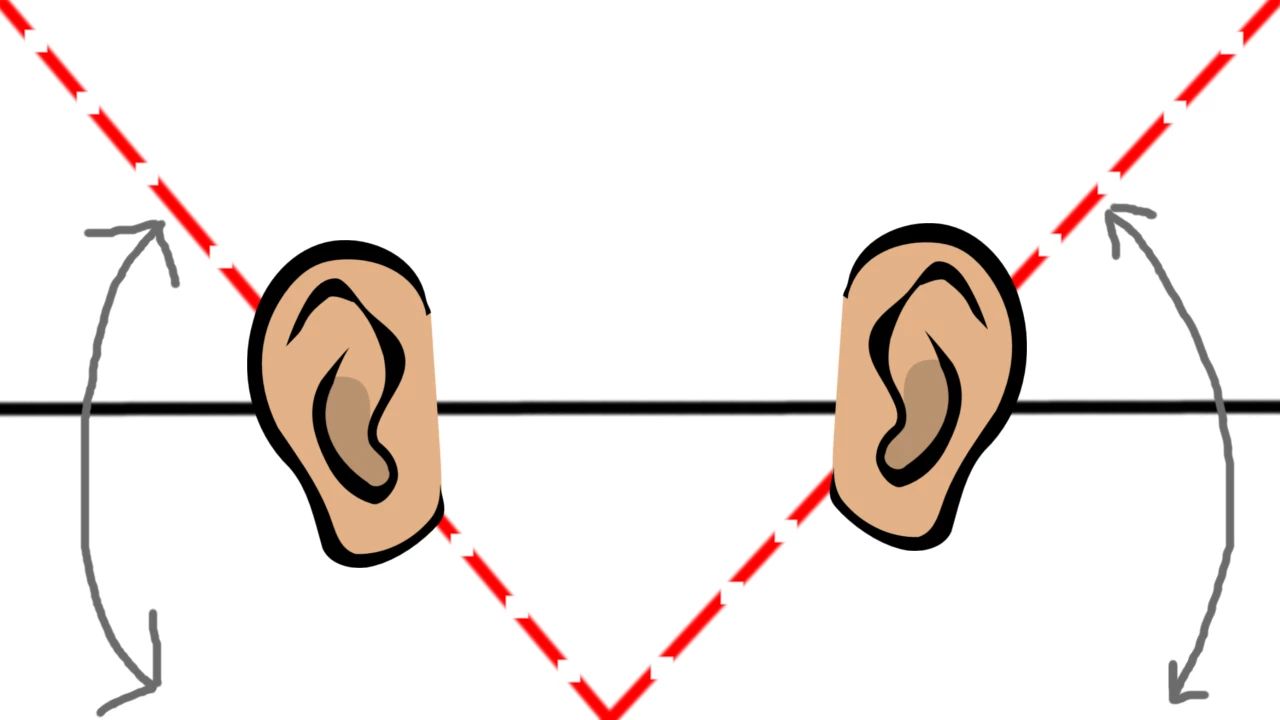
Arrows indicate varying those degrees

This topic has been closed for replies.
Correct answer SteveG_AudioMasters_

The male voice in this has been treated in more than one way - it's different in the bridge. I suspect that in the verses, it's been put through a slight chorus effect. You can get pretty close to this in Audition in multi-track using Effects>Modulation>Chorus/Flanger with it set to Chorus:

Speed=0

Width=88%

Intensity=20%

Transcience=20%

The idea is that you feed a mono track to both channels of a stereo effect, and each return is treated slightly differently. This doesn't work if you open the track in waveform, as there's no way to put a stereo return onto a mono track!

In the bridge (2'34") I think the male voice has been put through a harmoniser, but quite subtly, as a replacement for most of the backing.

1 reply

SteveG_AudioMasters_
Community Expert
SteveG_AudioMasters_Community ExpertCorrect answer
Community Expert
January 5, 2017

The male voice in this has been treated in more than one way - it's different in the bridge. I suspect that in the verses, it's been put through a slight chorus effect. You can get pretty close to this in Audition in multi-track using Effects>Modulation>Chorus/Flanger with it set to Chorus:

Speed=0

Width=88%

Intensity=20%

Transcience=20%

The idea is that you feed a mono track to both channels of a stereo effect, and each return is treated slightly differently. This doesn't work if you open the track in waveform, as there's no way to put a stereo return onto a mono track!

In the bridge (2'34") I think the male voice has been put through a harmoniser, but quite subtly, as a replacement for most of the backing.

ryclark
Participating Frequently
January 5, 2017

And, of course, adding some phase differences between left and right perhaps.

SteveG_AudioMasters_
Community Expert
Community Expert
January 5, 2017

ryclark wrote:

And, of course, adding some phase differences between left and right perhaps.

The chorus effect already does that!