Inspiring
April 14, 2017
Question

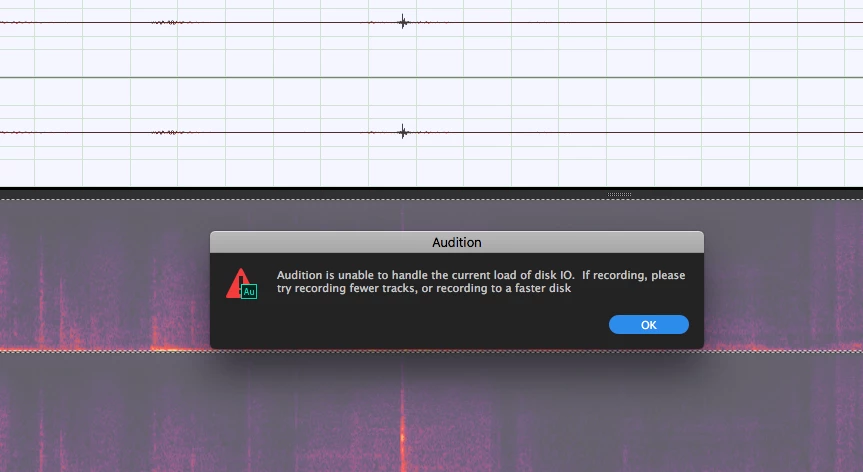
Disk I/O error

  • April 14, 2017
  • 1 reply
  • 262 views

Any ideas what this is?  I have a brand new macbook pro 16G
    This topic has been closed for replies.

    1 reply

    Inspiring
    April 25, 2017

    I'm guessing that you're using your system drive, which is trying to care for anything to do with your operating system, any other open programs and drivers, plus your recording bandwidth.  At times it might be fine, but a burst of system activity would not end well for your audio.

    You might see if an external high-speed USB drive fixes the problem.  In general, recording is best accomplished when using a dedicated drive so that no sharing is possible.
