
Question
Exporting a file that was pulled from Premiere
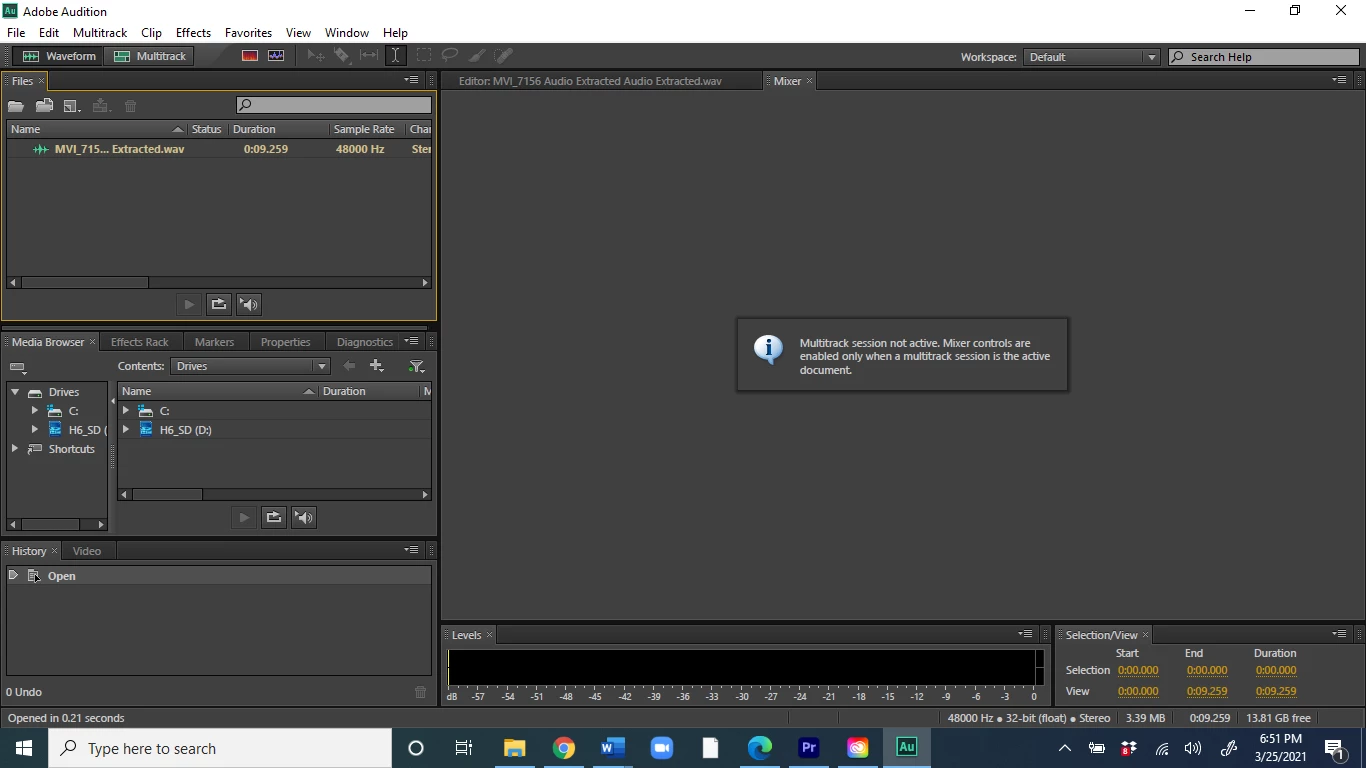
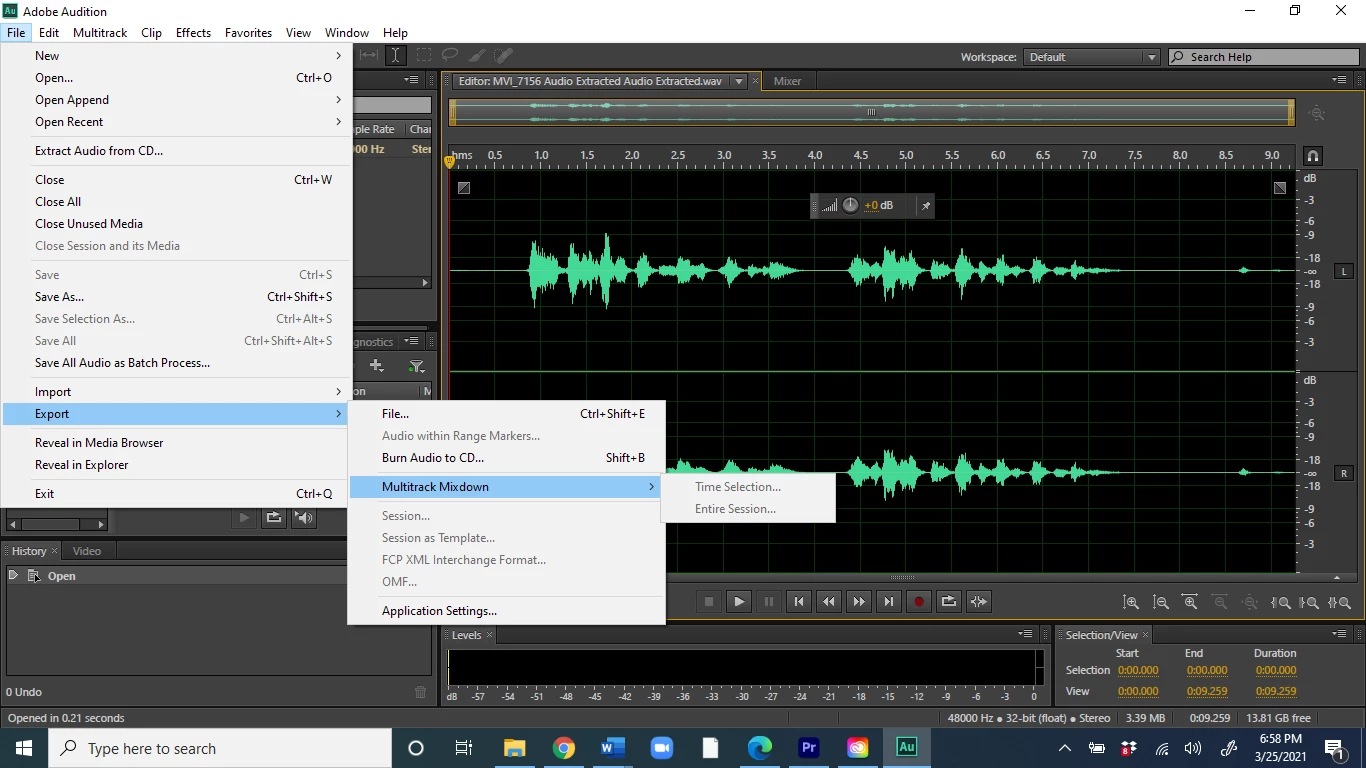
My primary goal is to export edits I made from an audio clip that I am using in Premiere but editing in Audition.
Some have said that there is an option under export, but it is not showing up for me. Other have said that this could be because output is not set to master, but I cannot find where to change output. Someone said to find output in the mixer, but I apparently need to be in multitrack not waveform? but when i bring in the audio from premiere it automatically shows up in waveform, and when i try and change it to multitrack it wants me to create something new?
I am very new to audition and have no idea what I'm doing. Please help.


 AdChoices