
Getting Audition to Work With Discord
Hey all,
I usually stream using discord with friends. The setup I have is kinda weird, but it was working until I got to discord. I'll try to walk you through what I'm doing, but I don't know what it is that is causing trouble.
So I have Adobe Audition on a multi-track. I set the input as my microphone and my output as a virtual audio cable. I then applied a few filters in AA in order to clean up the audio in real-time. I pressed the arm to record (R) to activate the mic and then monitor record (I). This allows the virtual cable to take the output audio and supposedly feed it into other programs. I use OBS for screen capturing and it works well. I've tested the audio and AA is playing nicely with OBS. I can even upload a clip of the audio working properly if this site will allow me to. Here's a screenshot as it seems I can't upload an actual video. 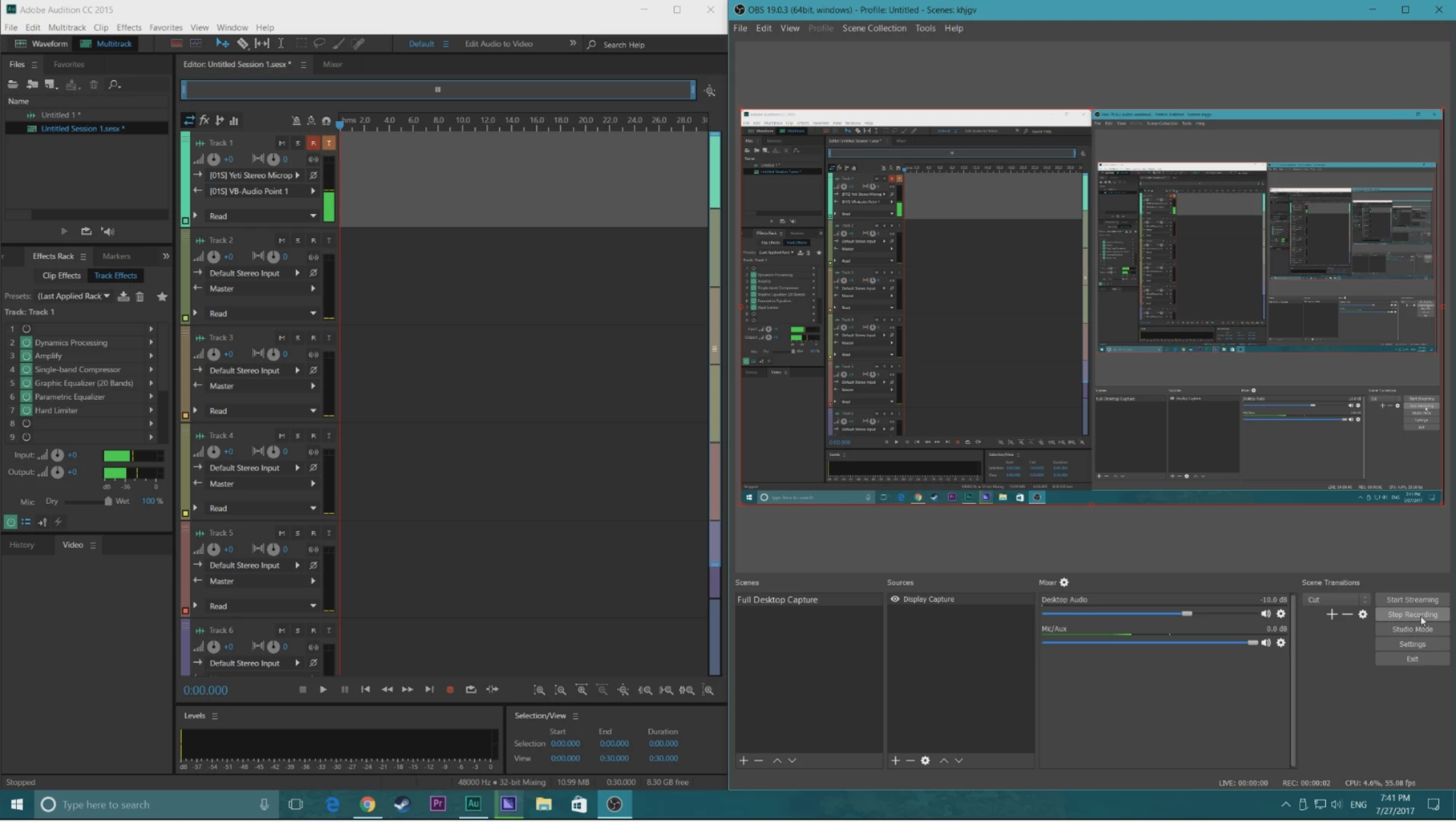
Now I thought since there was success here, I would be able to go over to the discord app and set it's input and output in a similar fashion. I set the input as the virtual cable, and left the output as default. Discord recognizes and broadcasts my voice, but it does not receive any audio from the other people in the chat.
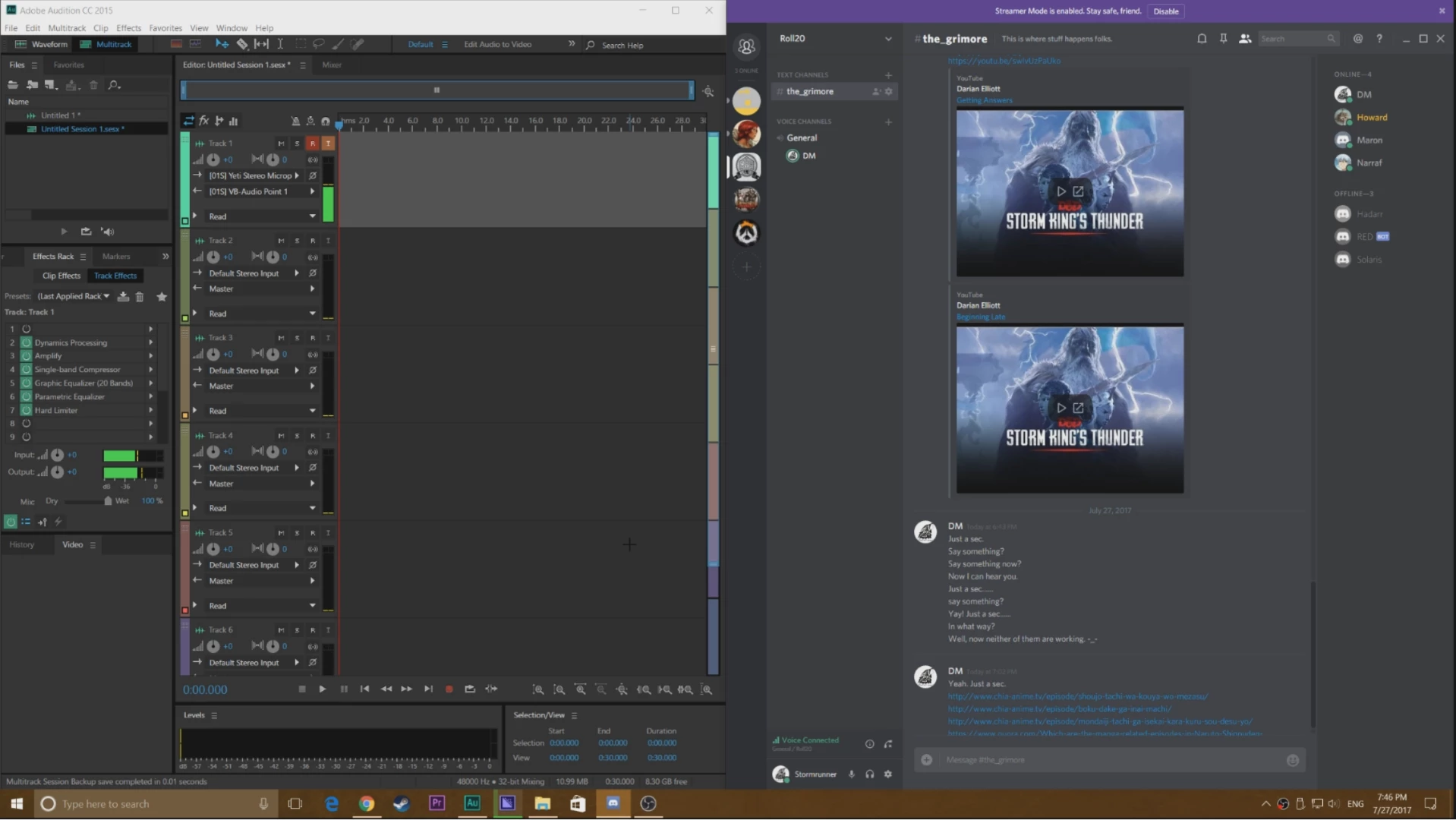
I played around with this, setting the output to an actual pair of speakers and whatnot but it did not seem to solve anything, and made things worse as changing settings then made it so I couldn't be heard either. Being deaf and mute while streaming doesn't work. Especially when playing a game that requires strategy and teamwork. Does anybody else have this problem, or know of a solution? I'd very much appreciate it!
Cheers!
EDIT
I actually got it to work. Turns out that it was the output on Discord that was messing everything up. So if anyone can, I still need a bit of help.
I'm using a Blue Yeti mic which allows you to plug in your headphones into the mic itself to monitor your voice. It also allows you to play the audio of your computer through said headphones (Computer>USB Mic>Headphones). When I set discord to point to my headphones as the output, the program seems to mute the headphones and no longer recognizes people in the chat (i.e. my friends are talking but I can't hear them). Others can still hear me, but I can't hear them. Strangely enough, switching back to an output device that works results in no audio from the chat. I have to disconnect from the chat and re-connect to it in order to get speakers or another pair of headphones working (the second pair of headphones are hooked up directly to my computer).
Any advice? Or is this now just a Discord bug? Anyone else had this happen?
Cheers!
 AdChoices