Answered
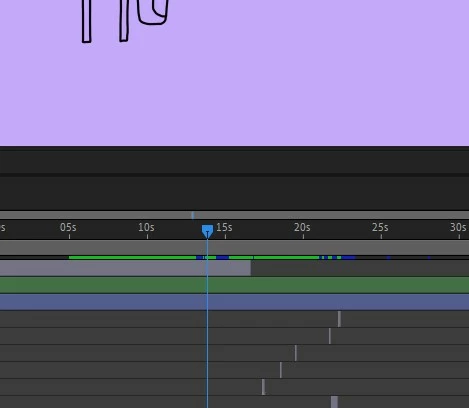
How can I stop the play button so that it doesn't automatically return to start at the end?
How can I stop the play button so that it doesn't automatically return to start at the end?
(Latest Audition version/ WIndows 11)
Thank you

How can I stop the play button so that it doesn't automatically return to start at the end?
(Latest Audition version/ WIndows 11)
Thank you
You likely have loop playback switched on. See this video at one minute 27
https://youtu.be/pVi2b-RvRZY?si=33G79A2ZjTMkcupx
Already have an account? Login
No account yet? Create an account
Enter your E-mail address. We'll send you an e-mail with instructions to reset your password.


 AdChoices