


Participant
June 7, 2024
Question

How to check noise floor in Audition?

  • June 7, 2024
  • 1 reply
  • 669 views

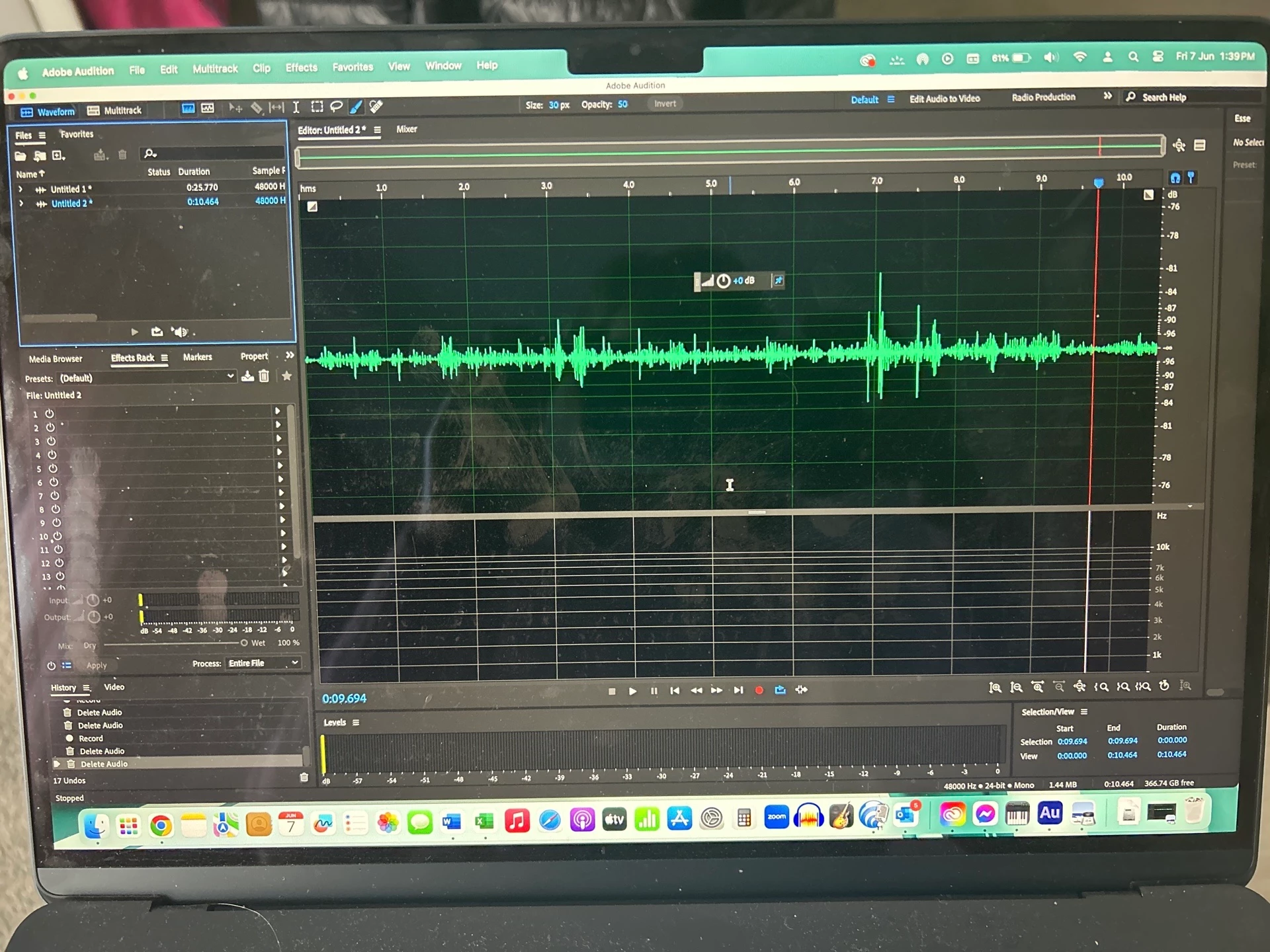
Hi, I’m new to adobde audition and recorded some silence in my recording space to check my noise floor. However, its showing an extremely quiet noise floor which I know is not right. I have a Rode NT1 mic and the gain is selected to do voice over peaking between -6 to -3. When I previously tested my noise floor with a different DAW its around -55db to -60db.  Is there some way I can get a more accurate picture of my noise floor with Adobe? Perhaps my settings aren't correct? TIA
 

This topic has been closed for replies.

1 reply

SteveG_AudioMasters_
Community Expert
Community Expert
June 7, 2024

Whatever you measure like this is determined entirely by the gain in your mic preamp, and the only way you can measure this accurately is with a calibrated microphone, which you are unlikely to have, as they, and the calibration device you have to use with them, are not cheap. And ideally you also need an SPL meter too.


You get a more realistic idea of the background levels in your space if you make a recording of your voice at the level you want to use (so 6-9" from the mic, and no overloads) which you then normalize to 0dB. The noise floor you observe having done that will give you a much better idea of whether you have an issue with the space or not.