
Participant
April 2, 2021
Question

How to edit and sync on Multitrack

  • April 2, 2021
  • 1 reply
  • 209 views
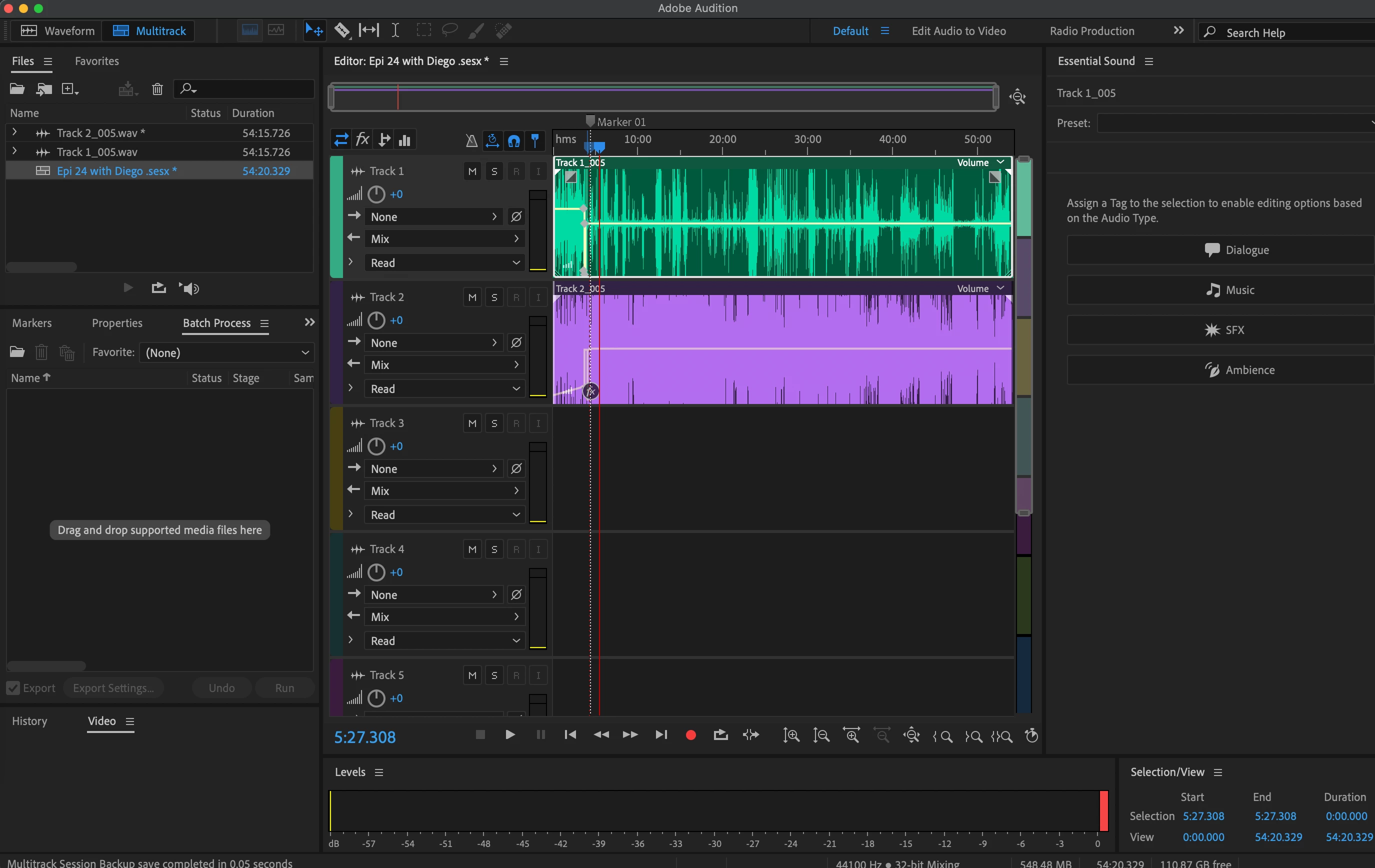
Hello everyone. So I recently conducted my first in-person interview on the adobe audition multitrack. I had two USB mics connected to my MacBook Pro and was able to get the system to recognize that there were two separate mics connected.
However, now I am in the process of editing the two tracks but my interviewee's track is picking up both his voice and mine even though I have a completely separate track that was suppose to be dedicated to my mic and voice.
Long story short its making it extremely difficult to edit. Does anyone have any suggestions or tips on what I can do?
This topic has been closed for replies.

1 reply

SteveG_AudioMasters_
Community Expert
Community Expert
April 2, 2021

It's called 'bleed' and if you're both in the same room it's pretty much impossible to eliminate - you're both in the same acoustic space, and that adds it adds its own sound to the recordings (it's called 'room tone'). And that gets picked  up by both mics. If your interviewee is further from his or her mic than you are from yours, then it's pretty much inevitable that it's going to pick up you as well; at recording time the only way to minimise this is for both parties to get as close to their respective mics as possible - and even this doesn't work entirely.


The general approach to editing interviews like this is just to do a mixdown of both tracks, with the levels set appropriately, and do the cuts on that.