


Wadus2020
Participating Frequently
August 27, 2020
Question

How to edit the time of a multitrack session?

  • August 27, 2020
  • 1 reply
  • 629 views


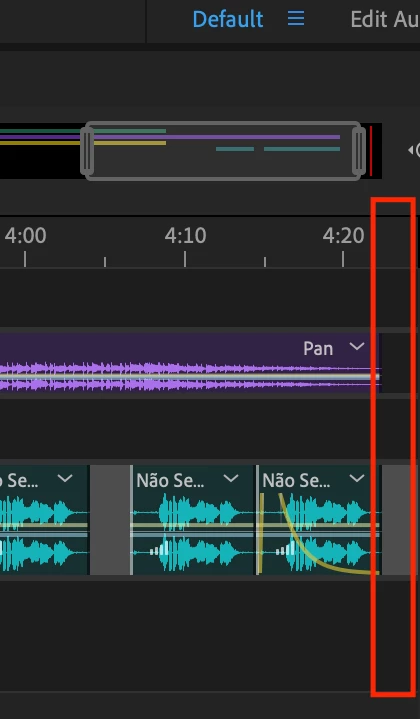
I'm learning the basics of Audition, and I can't find a way to simply change the time of a multitrack session.

I'm attaching a screenshot of the portion I want to shrink/remove as it doesn't have anything playing at that time. When I go to Properties > Info, I can change the "Start time", but Duration isn't changeable.


This topic has been closed for replies.

1 reply

Legend
August 27, 2020

Just slightly to the upper right of what you show in your screenshot is what you want.  See it highlighted in my screenshot below:


Click on that highlighted icon.

SteveG_AudioMasters_
Community Expert
Community Expert
August 27, 2020

It's not quite clear what you want to do here. If you just want to remove a section of time in a session without altering anything else about it, then you need to use one of the 'Rippple Delete' options, which will let you close up the gap in several different ways, depending on what's in your session and what you want to do with it.


But if it's just the end of the session you are worried about, then there's deliberately a gap there - it allows for things like reverb tails in mixdowns.

Wadus2020
Wadus2020Author
Participating Frequently
August 30, 2020

Oh thank you, I wasn't aware of the deliberate gap at the end of the session.