

Question
How to mute left track in waveform view?
I've used Audition for 20 years and must have had a stroke or something because I cannot remember how to mute/turn off the left track when I'm in waveform view. My recollection is that there is a single click some place that allows me to turn off one of the tracks when not in multitrack mode, but I cannot find that button. Please remind me where it is before I pull out my hair. Thanks. Here is what I can see (below).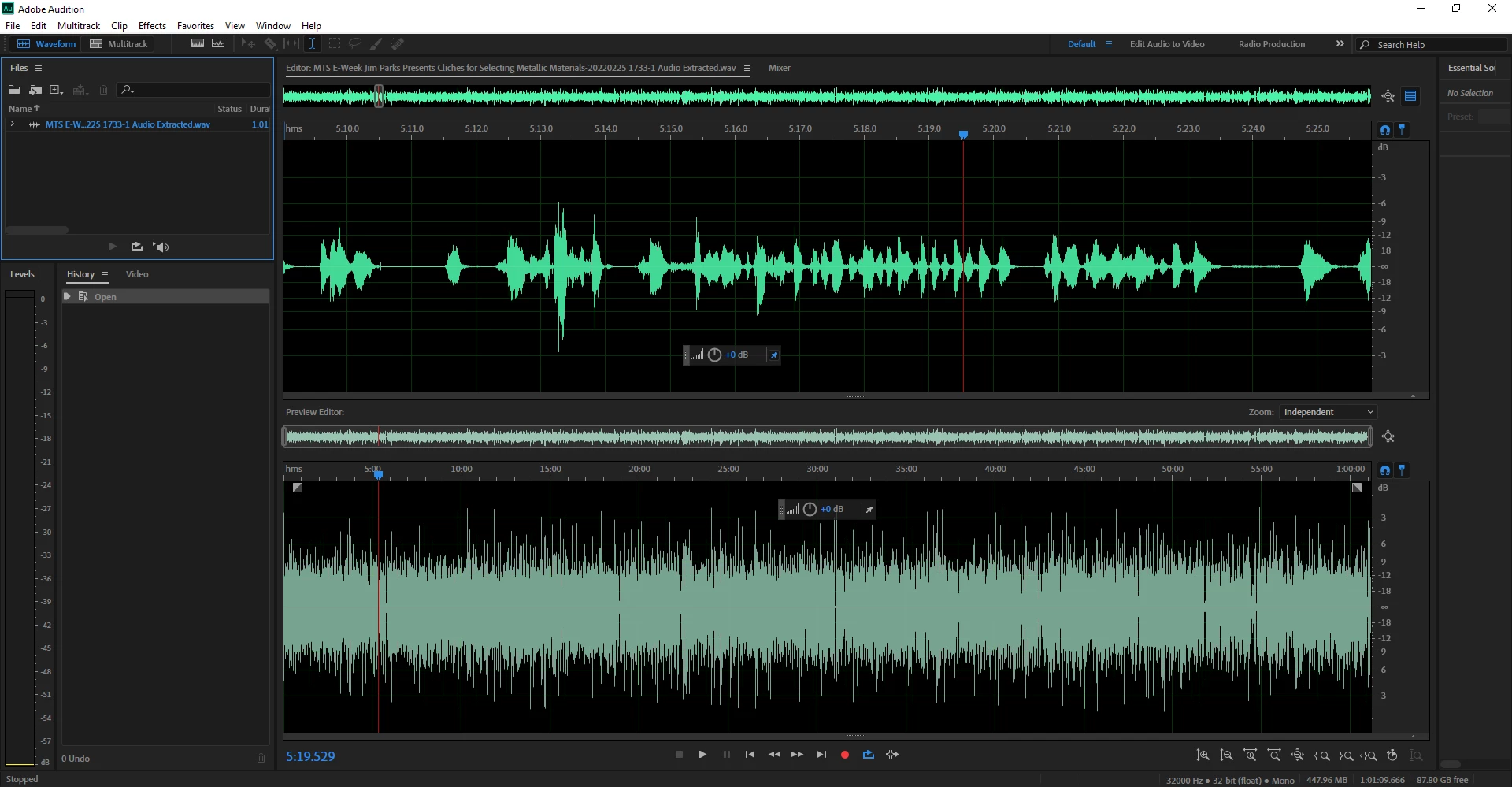


 AdChoices