
Question
impossible save loop
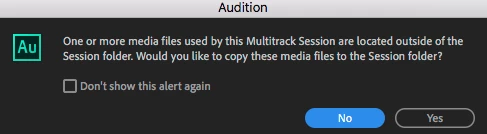
NO i dont want to copy them over and now have multiple multiple files to sort later.
Click "NO" or "YES" and then this dialogue shows up:
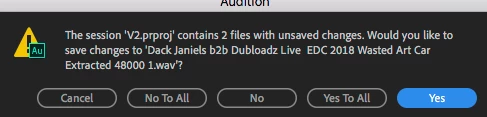
Click "YES" and I have to hunt around for "APPLY" on some modified file.
Why doesn't it apply on it's own like it used to? That's what "YES" means.
Click "NO" and we start all over.
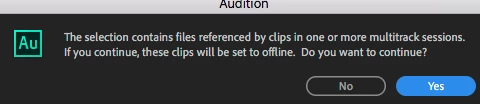
"NO" means I have to start all over with the same route as a
"YES" didn't do anything and I had to stArt all over
finally force quit


 AdChoices