
Question
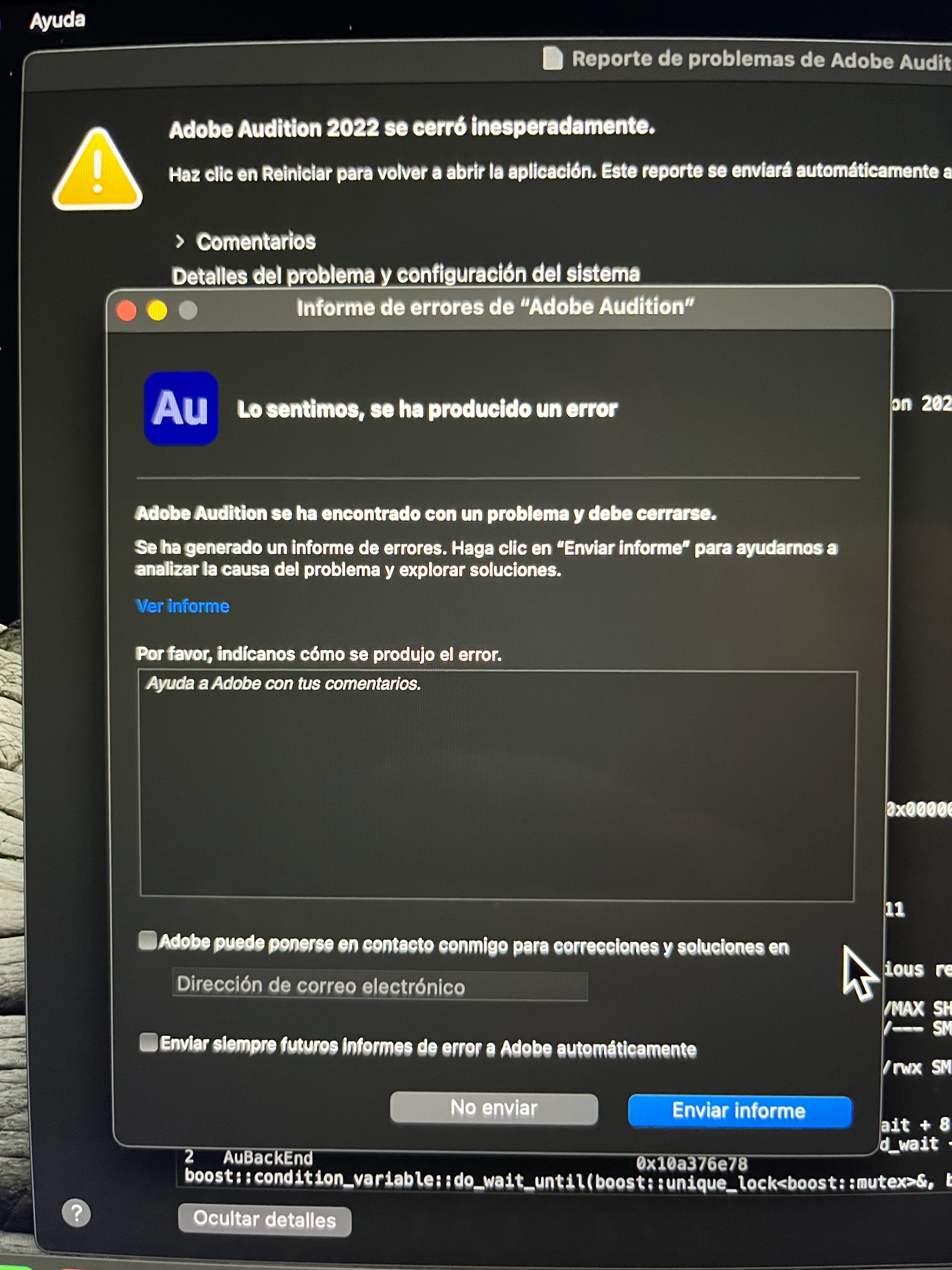
Informe de errores Adobe Audition
Hola, me gustaría porfavor obtener ayuda, acabo de comprar la licencia de adobe audition, mi equipo es una MacBook Air con el M1 Apple, me dedico al doblaje, así que creo sesiones de doblaje para poder grabar, etc, todo estaba funcionando correctamente, hasta que de repente al querer grabar de nuevo, se cierra el programa y me lanza esta notificación "informe de errores audition", ya reinicie, y envíe el informe, pero no encuentro soluciones por ningún lado, de verdad es importante para mí encontrar una solución lo antes posible, si algún pudiera ayudarme lo agradecería demasiado...


 AdChoices