

Question
Inputs and outputs doesn´t show in multirack
I have problem with showing input and outputs in multirack(image below). Do you know where´s the problem?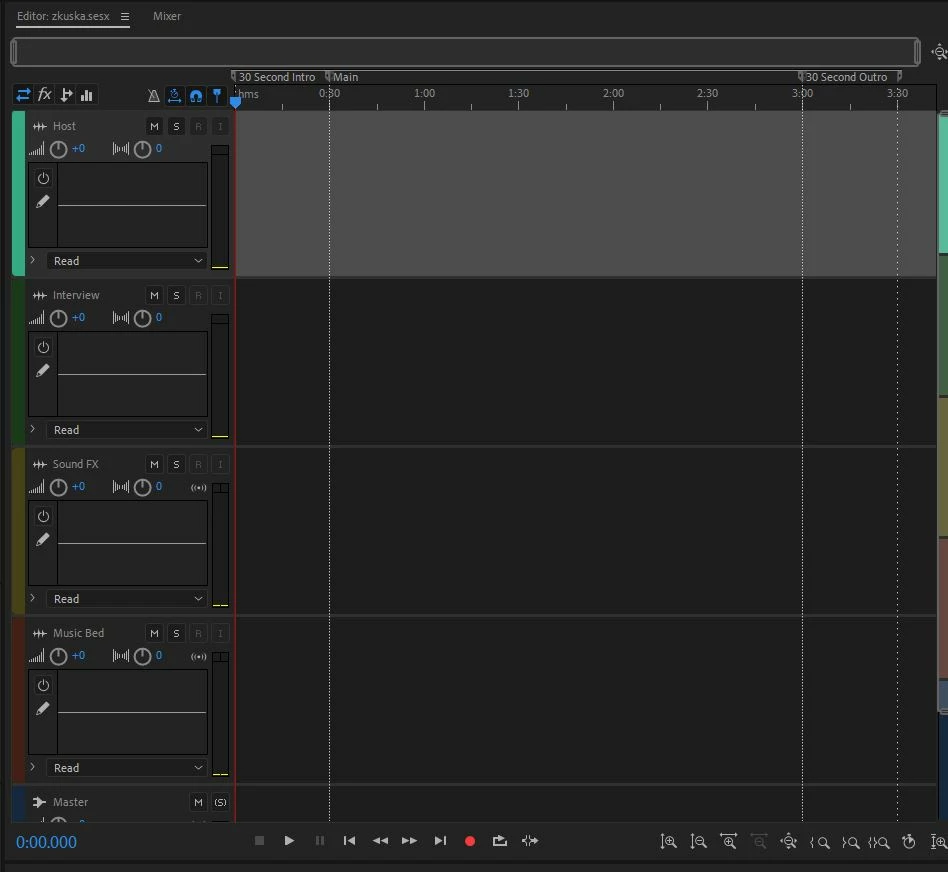

I have problem with showing input and outputs in multirack(image below). Do you know where´s the problem?
Already have an account? Login
Enter your E-mail address. We'll send you an e-mail with instructions to reset your password.
 AdChoices