
Participating Frequently
June 25, 2021
Question

Insert Silence issue

  • June 25, 2021
  • 1 reply
  • 237 views

Found that using Insert Silence.... get this failure
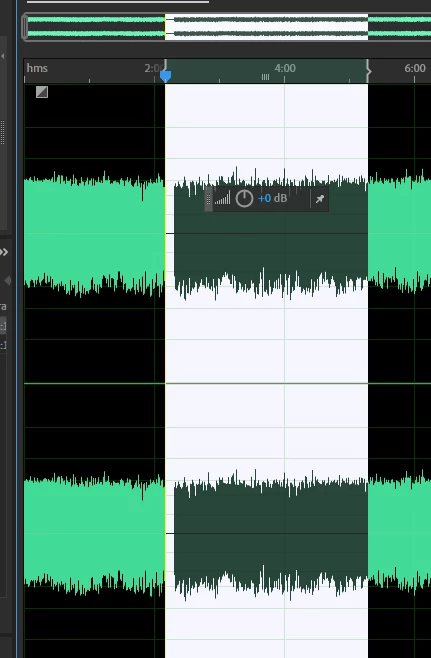


Normaly would be 8 seconds of silence area for my mix.


Moving cursor just highlights more of area, more and more.


Must shut down audition, reboot to get back to "normal audition".


Contacted adobe support last week, still awaiting answer.


audition build 14.2.0.34


Also tried creating shortcut key CTRL SHIFT x for insert silence, same

terrible window above


This topic has been closed for replies.

1 reply

SteveG_AudioMasters_
Community Expert
Community Expert
June 25, 2021

I suspect that you are using this incorrectly - it works fine here. If you place the cursor at a point on your file and use Insert Silence, it gives you an option to select how much silence, and if you click on Okay, then that's what happens. Moving the mouse after doing that will make no difference; you'll just be highlighting more of the file. I think you'll find that the gap in your file is exactly the length that was set in Insert Silence.