
Question
Is it possible to select a sound and save the selection?
I'm using Adobe Audition for the analysis of bottlenose dolphins' vocalizations.
I should look for the vocalizations on the spectrogram view, select them and save the selection, but it seems like it is not possible to save the selection.
To give an example of what I want to do, here you have a capture of my work on Raven:
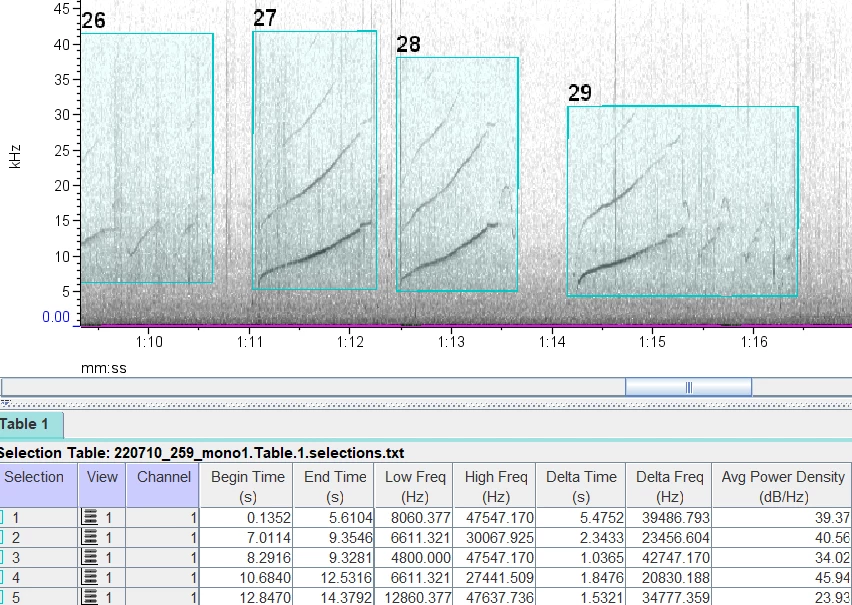
In the box below the spectrogram, you can see a table with all the selection I made on the spectrogram and the same frequency values. Is it possible to do something like this on Audition?


 AdChoices