


Participant
February 23, 2024
Question

Keep center cursor

  • February 23, 2024
  • 1 reply
  • 157 views

Hello. You should make this idea ease of use.


When I was press play button, cursor going to next screen. It is not good for me. Because, if I want to go 5 seconds back, I must use mouse.

I is very hard for long sounds.


I want to show a picture and a video.
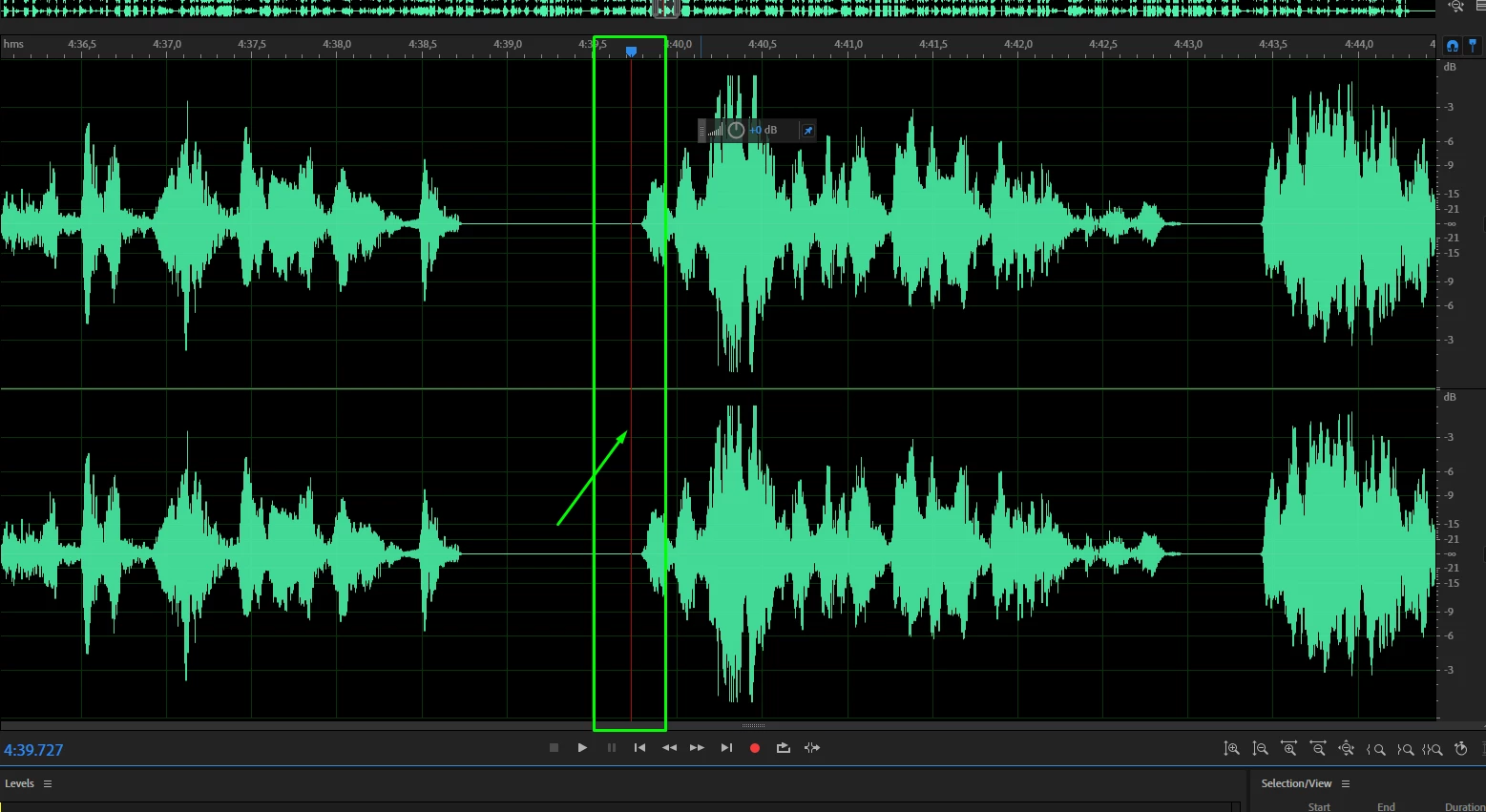


Video:

https://streamable.com/p1ndrw

This topic has been closed for replies.

1 reply

SteveG_AudioMasters_
Community Expert
Community Expert
February 23, 2024

In Edit>Preferences>Playback and Recording there are multitple ways to change the cursor and scrolling behaviour - nothing needs to be added to this at all. Also you should note that the quickest way to scroll back or forwards a few seconds is to use the J, K and L keys (whose behaviour you can alter on the same page), so no mouse movement required at all there either.


There are many, many things you can alter and personalise about Audition - it's worth checking all the options already there before suggesting any more.