Participant
December 4, 2019
Question

Link Media Broken, Dynamic Link Broken

  • December 4, 2019
  • 1 reply
  • 257 views

I'm trying to link a file from premier pro in audition but it's not working.

here are ths issues so far.


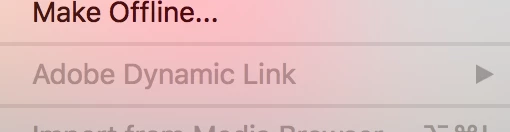
  • the dynamic link is not showing, it is greyed out in premier
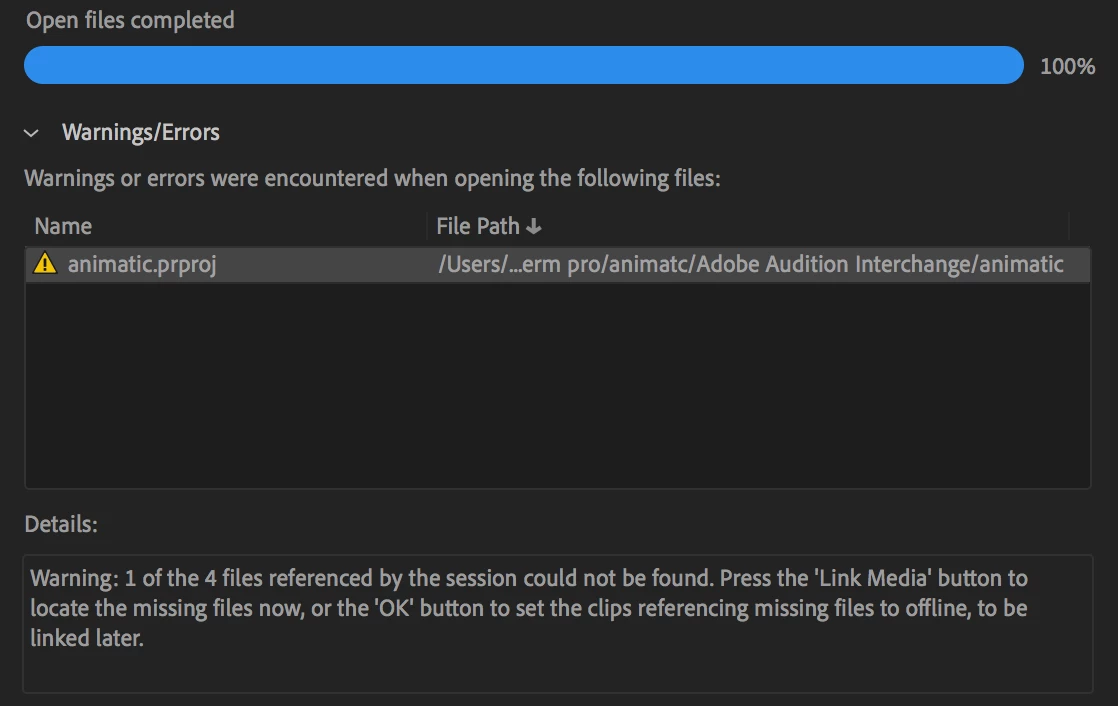
  • audition keeps telling me to link the media, but then i get this issue, it says there is one thing unlinked, when i try to link it i get the yellow error icon. [attached image for better clarity]

any assitance i'm not sure what to do.


This topic has been closed for replies.

1 reply

SteveG_AudioMasters_
Community Expert
Community Expert
December 4, 2019

The first thing you need to do is to check in the location where the file is supposed to be, and see if the missing file is actually there. If it is, can you use File>Open and open it anyway? I'm not for one moment suggesting this as a work-around - just trying to establish what's actually happened.