Participant
July 5, 2025
Answered

looking for "Date Recorded" in my metadata

  • July 5, 2025
  • 1 reply
  • 129 views

I am using the latest Audition, version 25.3.0.71.


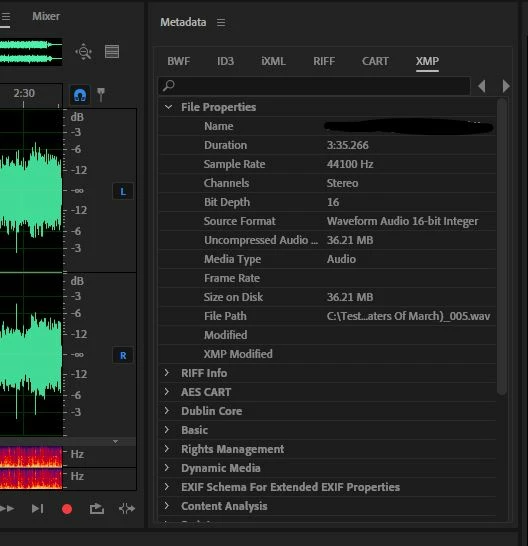
I am looking for the "Date Created" or "Date Recorded" in my Metadata and this is as far

as I got.. ( see screenshot below  )


Still not seeing when I recorded this original audio.

Any help would be appreciated.

Kevin


Correct answer SteveG_AudioMasters_

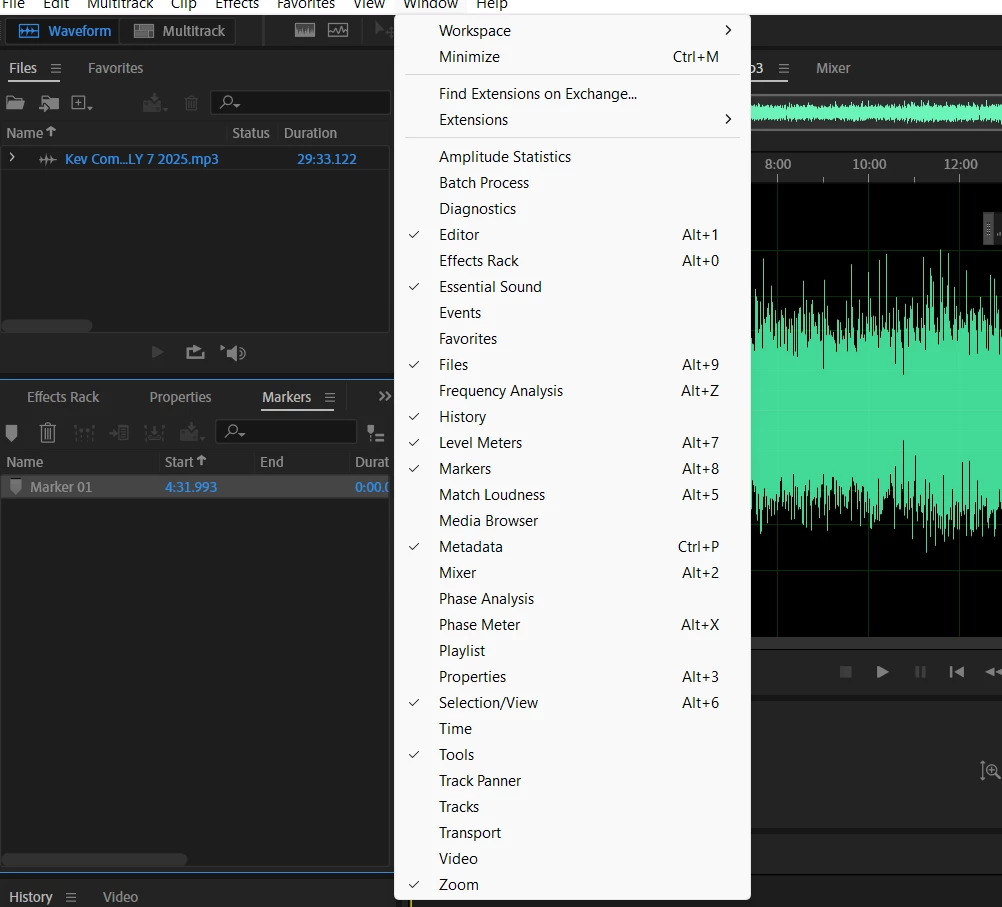
You haven't yet opened the Metadata tab! When you find it, if any information is recorded then it will most likely be in either the XMP or BWF sections. What you are looking for is this tab:


1 reply

SteveG_AudioMasters_
Community Expert
SteveG_AudioMasters_Community ExpertCorrect answer
Community Expert
July 5, 2025

You haven't yet opened the Metadata tab! When you find it, if any information is recorded then it will most likely be in either the XMP or BWF sections. What you are looking for is this tab:


KevnatureAuthor
Participant
August 17, 2025

Thanks Steve G.  This is very helpful.

F-Y-I...I am slowly making the learning curve from Adobe Audition 3.0 TO

the latest cloud version  -  Adobe Audition version  25.3.0.71!  

"Only" a few years difference.