
Lost settings in Au and now I cannot hear sound when recording podcast
Hello,
I recently updated my Au and for some reason, I lost all my settings and had to repopulate them. I was able to get more or less back to the same config but for some reason, I am unable to hear the audio when I am using Au to record my podcast. I can hear the sound in my mic since it is patched in directly from my mixing board, but I cannot hear any of the audio being sent through Au. Here is my current configuration:
1. Current version of Au
2. iMac 2017 running most current MacOS
3. Using a Soundcraft Signature 12MTK soundboard.
4. Output from board goes through a headphone amp and into my Bose Speakers.
5. Soundboard is a USB driven device. So all the audio outside of Au I can hear and adjust with no issues.
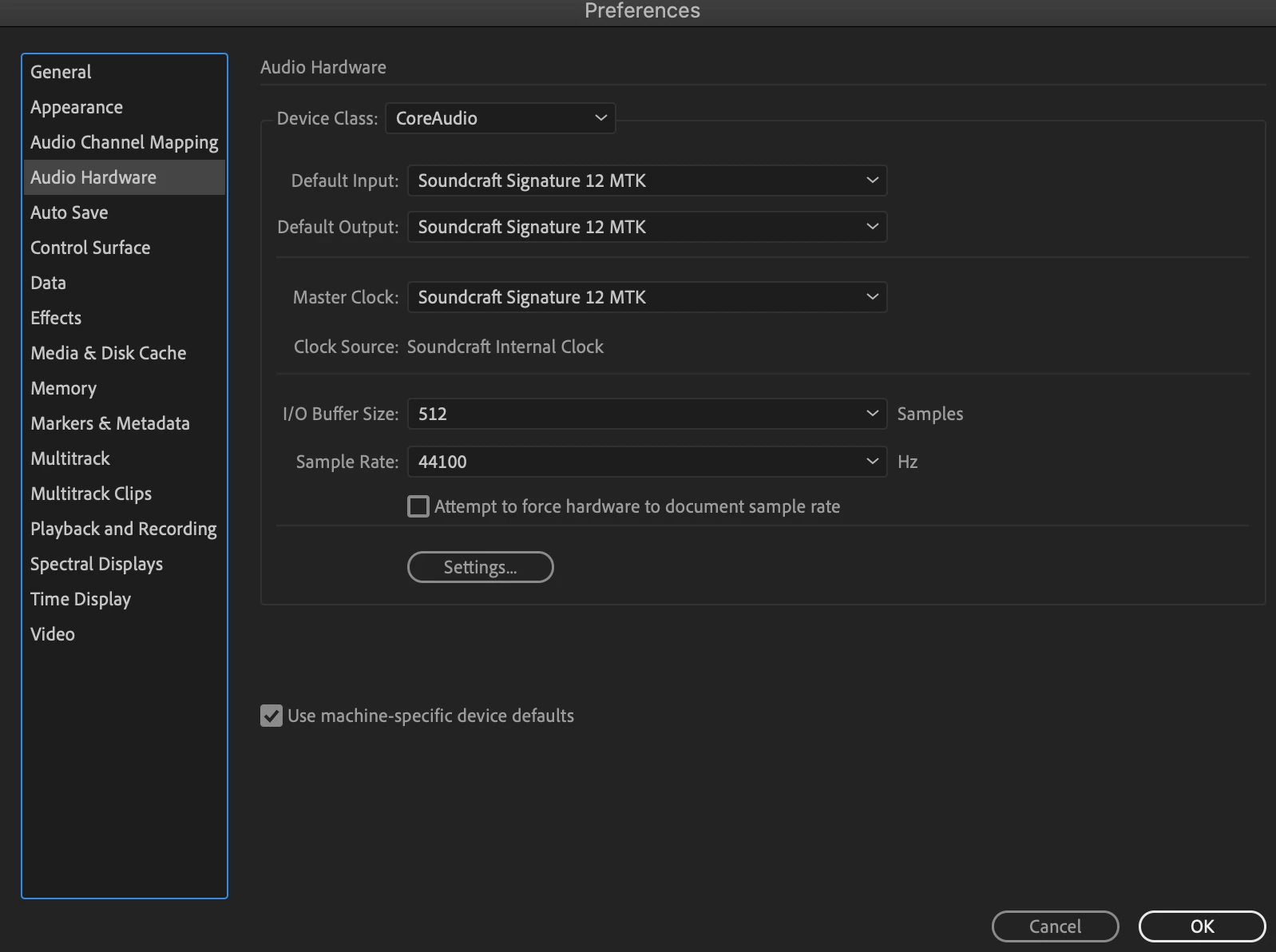
6. I have checked all the settings in Au including Audio Mapping and Audio Hardware. All seem to be configured correctly.
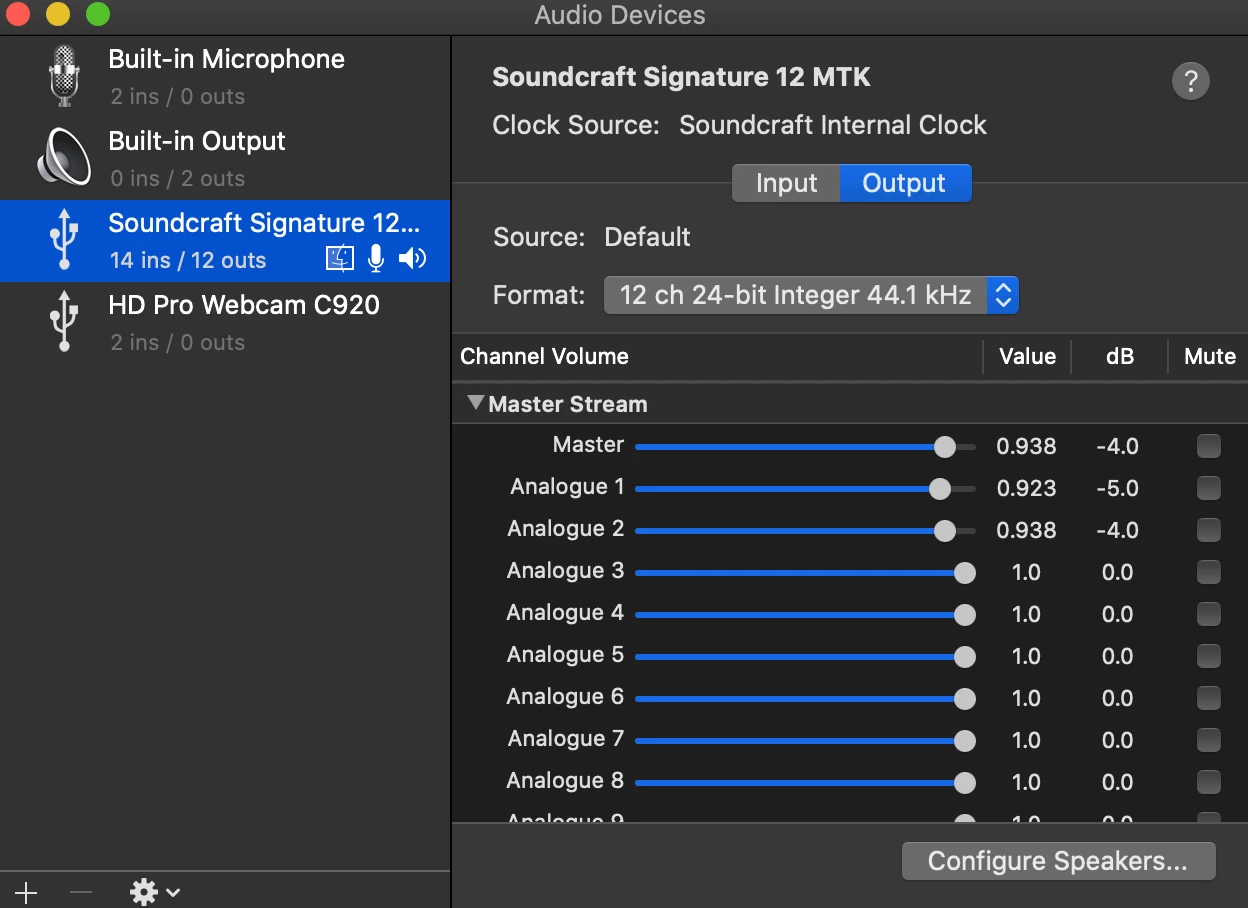
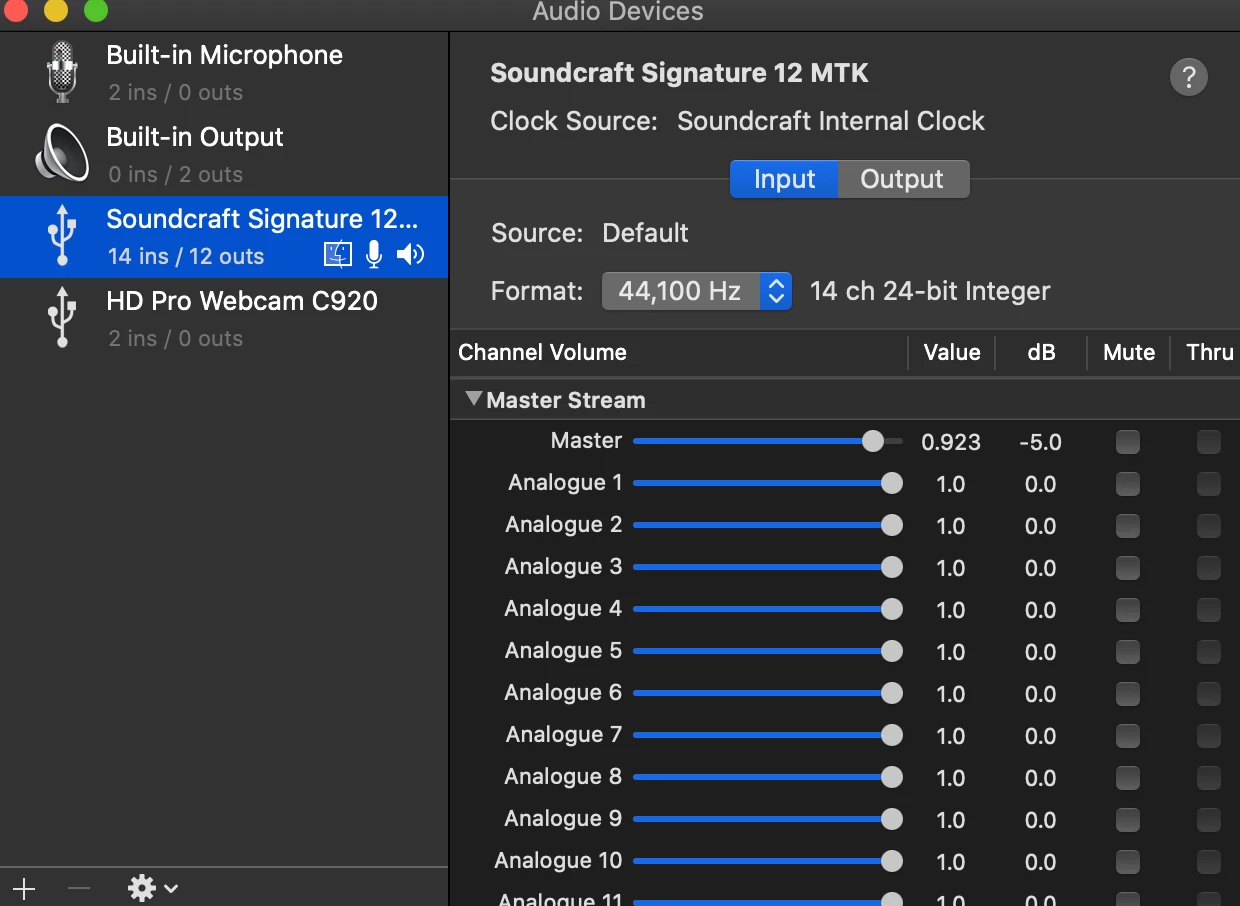
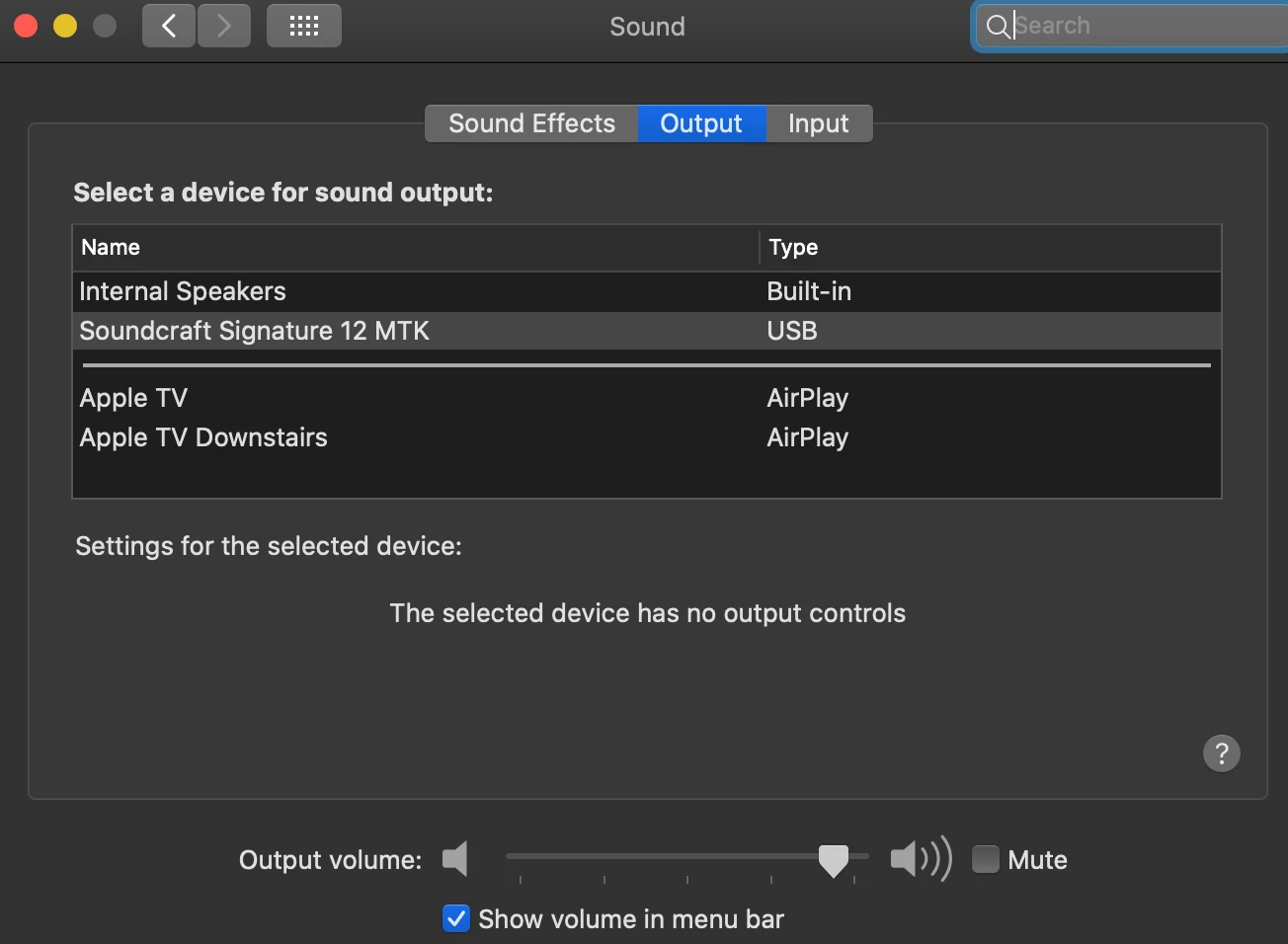
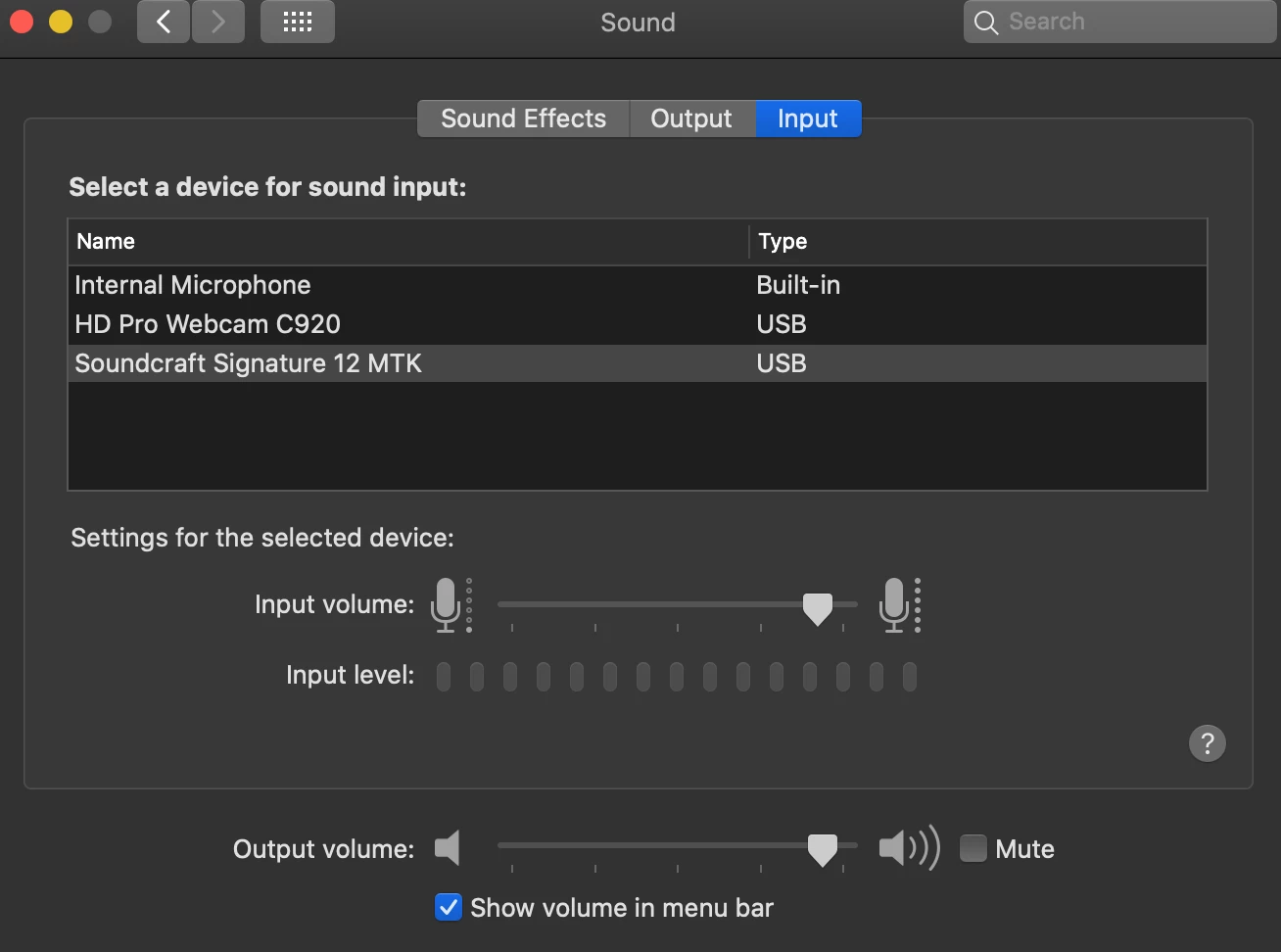
7. I have checked my iMac audio/sound settings. All point to the Soundcraft as input/output and seem to be configured correctly.
8. All other audio functions correctly within my iMac.
In a nutshell, the visual levels in Au do move and the input is there. I just can't HEAR the audio as it is playing through Au. I arm each track to record but still no sound through headphones. I have also done a clean install of Au and again, repopulated the settings to no avail. I am at my wits end on this and will admit this is probably some mundane button I have failed to toggle that will give me the audio back. But I cannot seem to find it. Any help would be greatly appreciated!!! I've included screen shots of my settings to help. 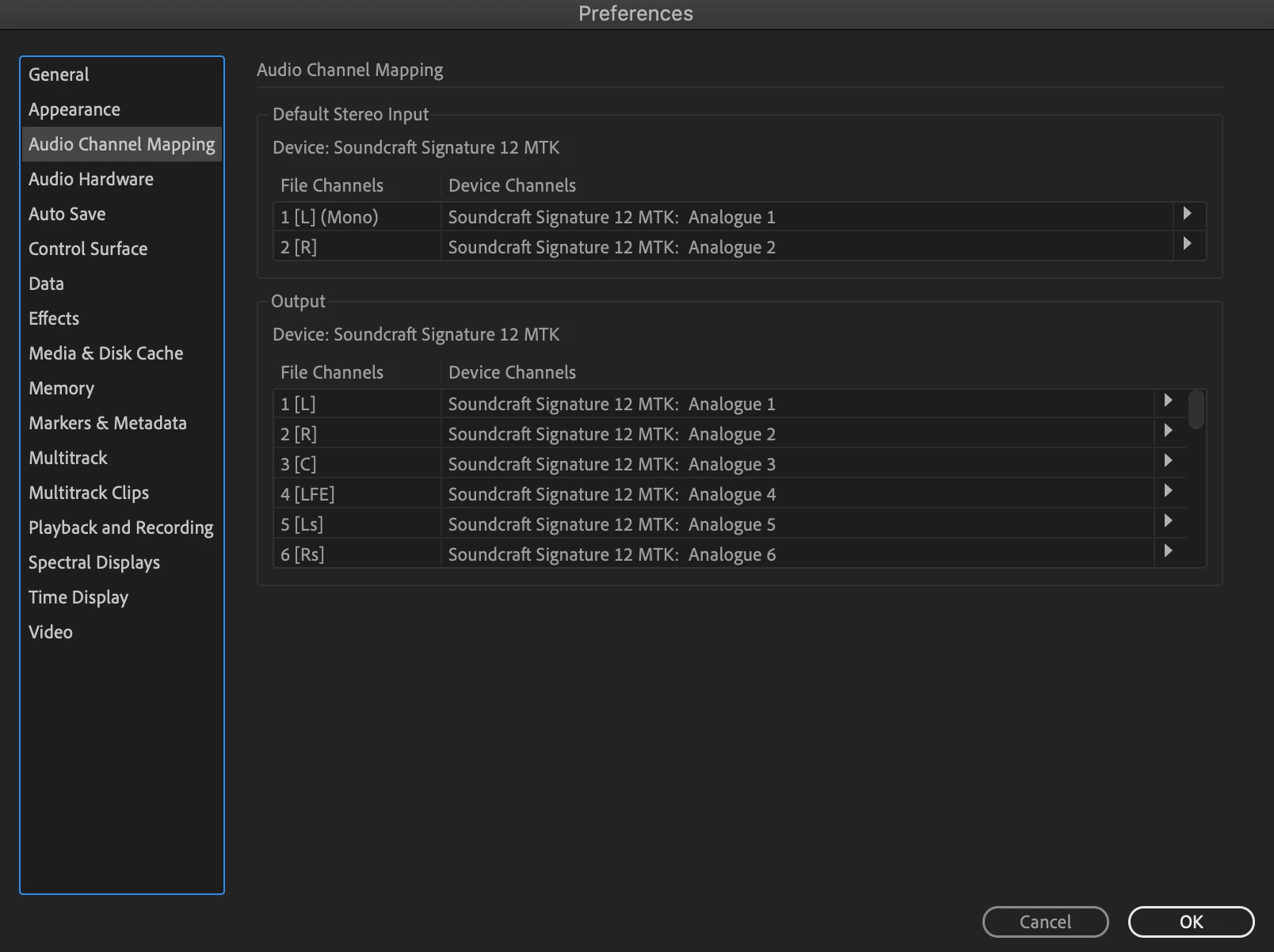


 AdChoices