
eunsua18168117
Participant
January 10, 2019
Question

Manual pitch correction makes sharp peak sound just after I press play button.
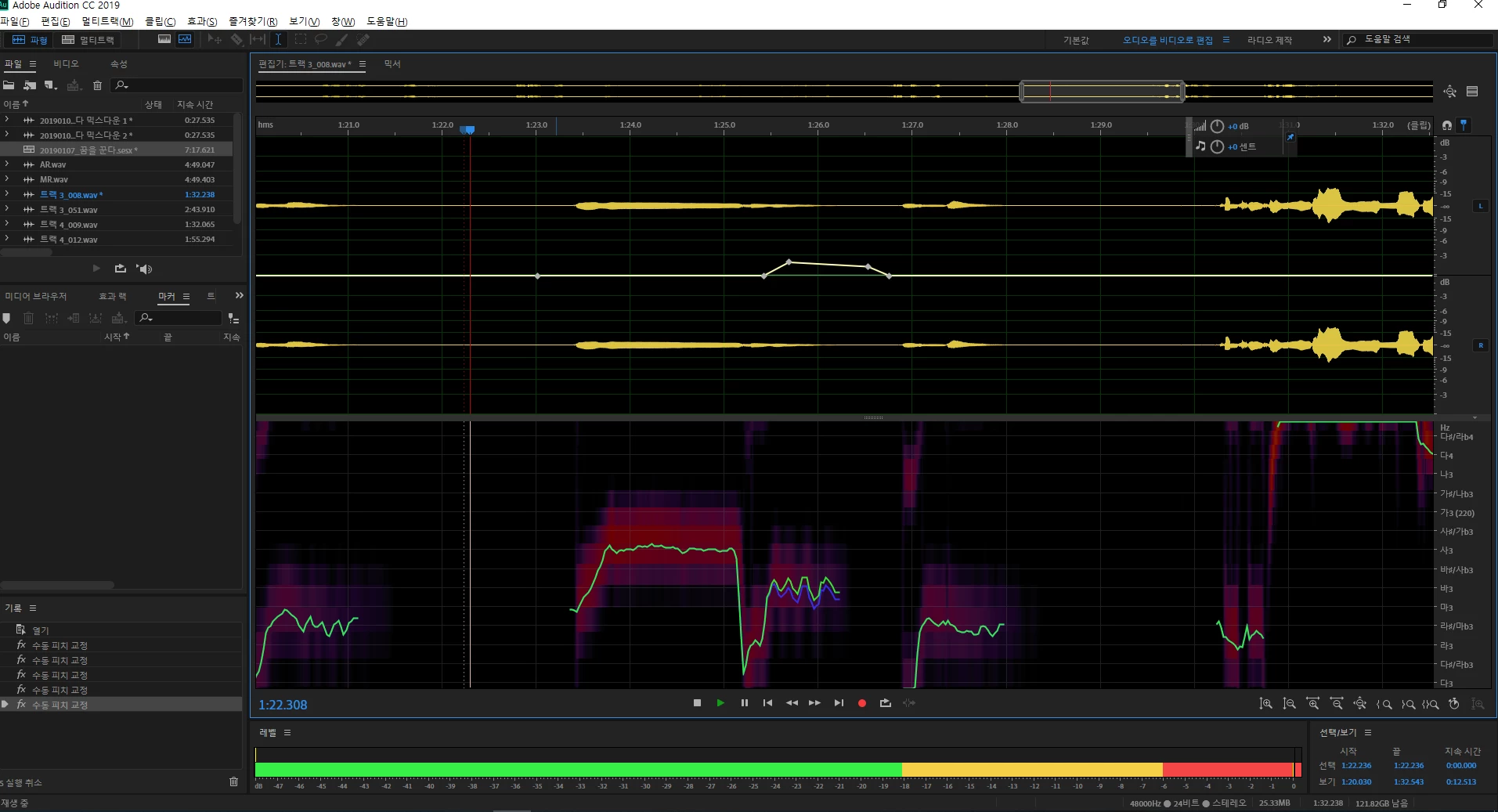
  • January 10, 2019
  • 2 replies
  • 745 views

When I turn on "Manual pitch correction", sharp peak noise comes up just after "play" as shown as above.

I use Yamaha AG06 mixer, and "Yamaha Steinberg USB ASIO" for audio hardware.

I can hear this noise from my speaker and headphone.

If I change audio hardware "MME" and "Line" output, these noises are dissapeared.

How can I fix this problem?

    This topic has been closed for replies.

    2 replies

    SuiteSpot
    Inspiring
    January 11, 2019

    In the studios we use manual pitch correction on a daily basis - it is one of the real hidden gems of Audition.

    However, every now and then we get a word that just plays havoc with the FX.

    Without 'seeing' the phrase it is hard to offer an opinion

    ryclark
    Participating Frequently
    January 10, 2019

    Are both Audition and your USB audio interface set to the same sample rate? If they are different you can possibly get clicks and splats as one tries to set the correct sample for the other. So check the settings in Audition's Audio hardware preferences and on the Steinberg USB panel. Also increasing the buffer size in Audition/ASIO drivers might help.

    eunsua18168117
    Participant
    January 13, 2019

    Actually yamaha provide 'Yamaha Steinberg USB Driver', and I set sample rate of AG06 as 48 kHz and Adobe audition too.

    Participant
    May 18, 2019
    I have the same problem. As soon as I select the manual pitch control, the file is filled with peaks of noise.