
Match frame indicator (and removal option)
Show match frame edits (and allow their removal) – Adobe video & audio apps - in case you want to vote for it 😉
In most NLEs there is a 'show match frame' or equivalent.
Typically this is a small white equals sign indicating where a clip has just been 'split' and otherwise levels/pan etc are exactly the same.
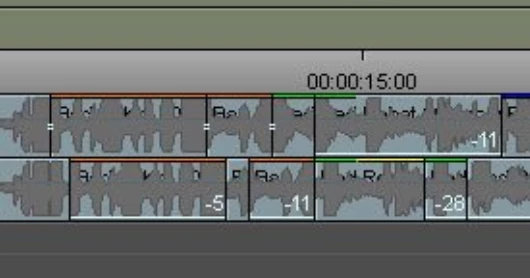
The equals sign changes colour (say to red) to indicate that this is still a 'match frame' in terms of time but that there is a difference between either side of the edit (level / pan / clip based plug-in applied etc).
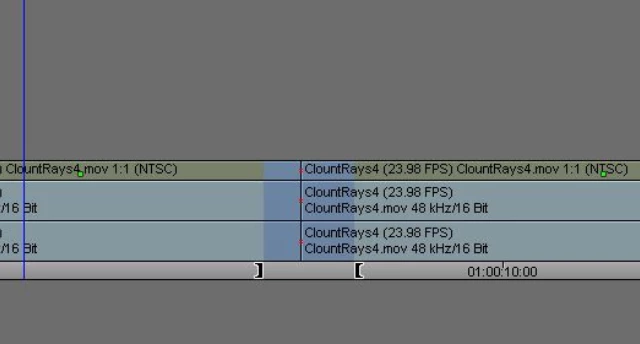
So if you make a time selection and CMD+K to 'split' - there would be two small white equals signs across the two edits created - which would turn red if the level of the mid clip was adjusted.
They also allow match frame edits to be removed (aka 'joined' in PP).
Only way I can see to do this in Audition (once undo is no longer possible) is to 'merge' clips - but this does a mixdown and replace (so is more like a 'render'). Useful at times, but limiting


 AdChoices