

Question
Mic input Sample Rate stuck at 192000
I bought a Rofeer mic recently. My problem is the input sample rate only gives me one setting... 192000. The pull-down box to change the setting will not "pull-down" and it says "Default." I cannot record right now because I get the sample rate error. I've looked everywhere on YouTube for an answer to this but found nothing. How do you change the sample rate?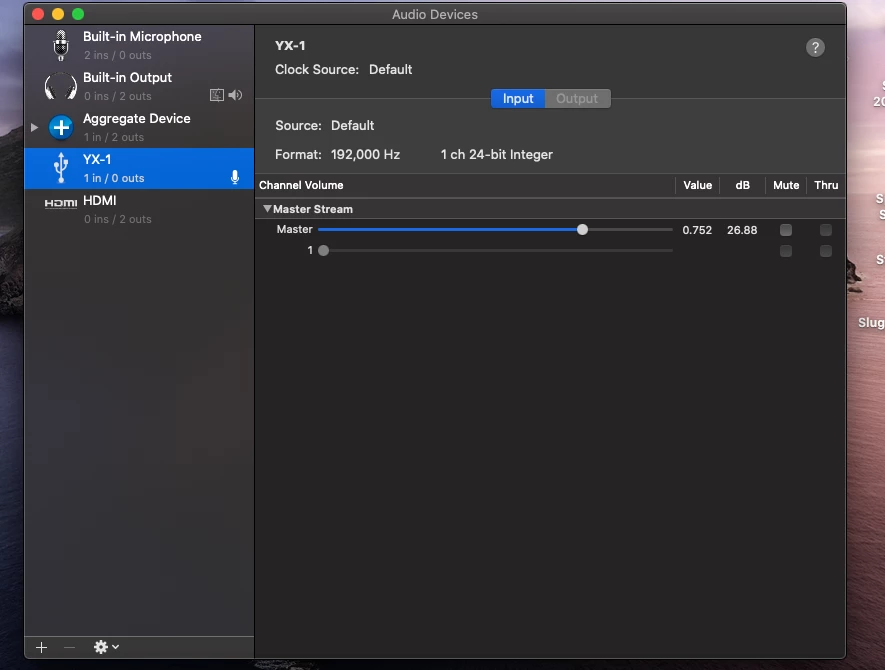


 AdChoices