
Participant
February 7, 2023
Question

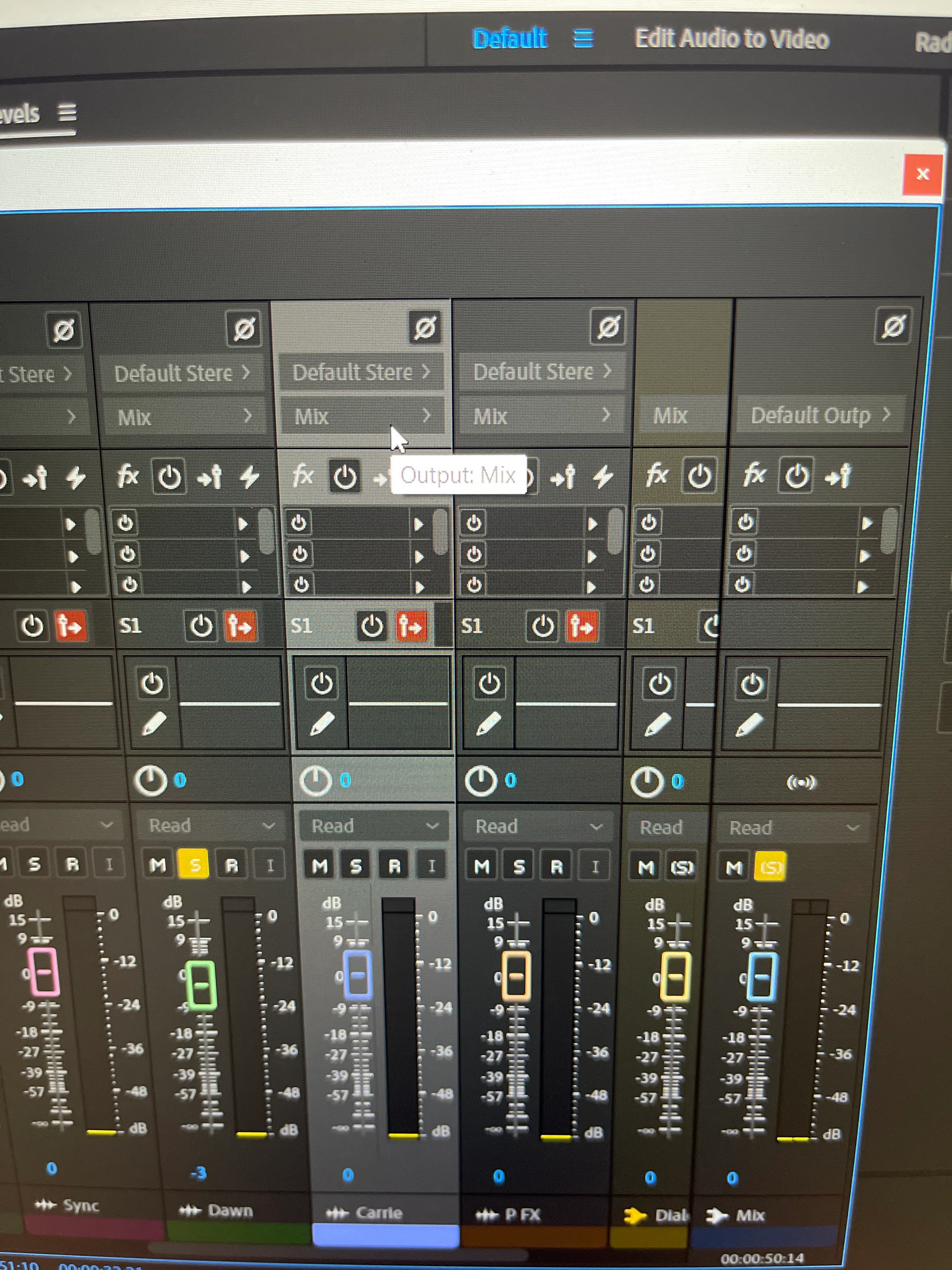
Mixer: Can’t click and change Mix/Output

  • February 7, 2023
  • 2 replies
  • 445 views

Hello, just a quick question. Is there any way I can change the "Mix" in the Mixer? I'm unable to change it (I can't even click on it) on any of them. Any clues? Also, any way I can just put the mixer tab back? I detached it by accident and put it on a separate window. Excuse my rookiness. Thank you for any time and assistance. 
This topic has been closed for replies.

2 replies

SteveG_AudioMasters_
Community Expert
Community Expert
February 7, 2023

I don't know why you can't select it from there - you should be able to.If you hover the mouse over Mix, does it go a lighter grey? If it does, you will be able to select it. If it doesn't, then you might potentially have a broken session.


It's perfectly possible to change what Mix says to something else, but if you do, you will only hear your signals via whatever you've selected. If you don't want Mix to say Mix, then you have to change Mix at the bottom of the master channel - if you do this, then all the outputs routed to it will take the name you change it to. Anything in your session not sent to Mix (or whatever you rename it to) will not be included in the output, but you can still get the output sent to a separate file by altering the Mixdown options in the Export selection.


If you pick the mixer panel up by the top LH corner label, you can move it around, and all of the optional places you can drop it will turn purple as you cross them. When you release the mouse, it will stay locked in the one that's illuminated - you don't need to make any menu selections to do this.


Community Expert
February 7, 2023

If you click on these options you should get your floating mixer panel back, you can then drag and drop it into your workspace.