
Participant
November 17, 2018
Question

Move Clip to Playhead

  • November 17, 2018
  • 2 replies
  • 877 views

Recently switched over to Audition from Logic Pro X for the advanced mixing and sound repair functionality. There's a key feature I need to edit my audio though.

In Logic Pro X, you can press semicolon to "move clip to playhead" and it's invaluable. Dragging is okay, but I'm surprised there isn't a single hotkey. Cut and paste isn't right for something this simple either; it's too forceful and could result in mistakes much more easily.

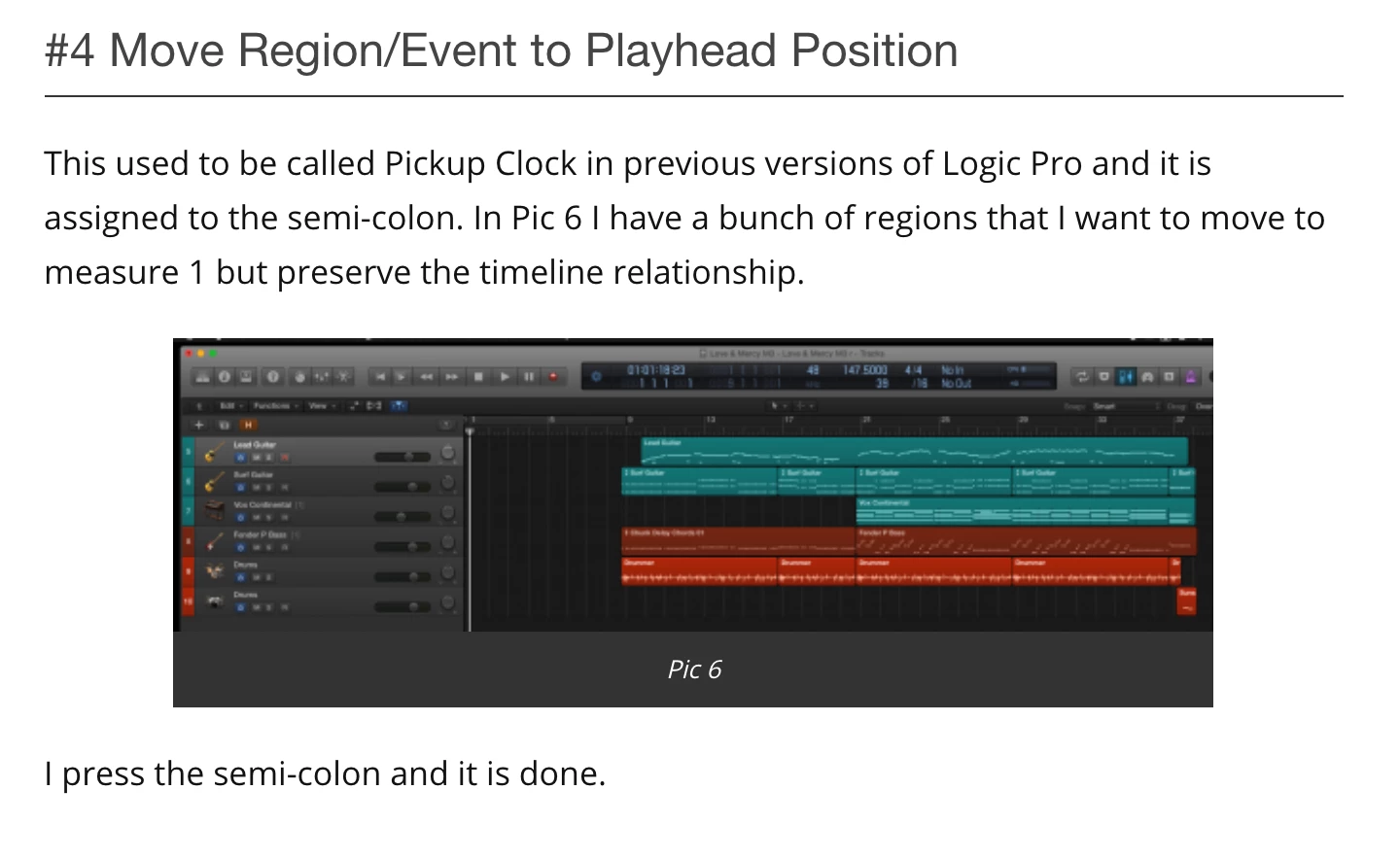
Is there a solution for this? Seems really basic, yet all the threads I've read on this forum settle on drag-and-drop as though it's comparable. Below is a feature description from a blog I found for Logic. Thanks in advance for your help.
This topic has been closed for replies.

2 replies

Known Participant
April 20, 2022

That was my exact question ~ As someone who has been a Cubase user for many years, I've been looking for the "move to playhead" equivalent... this is particularly useful if the playhead is some distance from the clips you want to move. Dragging stuff around by hand seems messy and prone to disaster (to me).

SteveG_AudioMasters_
Community Expert
Community Expert
November 17, 2018

There isn't a shortcut for it that I can find, but if you want to move a lot of clips to a new location (like where the CTI is) then just group them and drag them there - works fine, and never goes wrong; they retain all of their relative positions.

Yeah, a shortcut for doing that might be good - put it in the suggestion box! (link below)

Audition CS5.5, CS6 & CC

Participant
November 17, 2018

Thx for the grouping tip. The shortcut is my go-to for single clips mainly, but that's good to know.

I'll add the shortcut as a suggestion.