AntDX316
Inspiring
December 21, 2021
Question

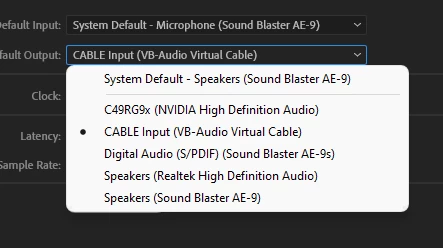
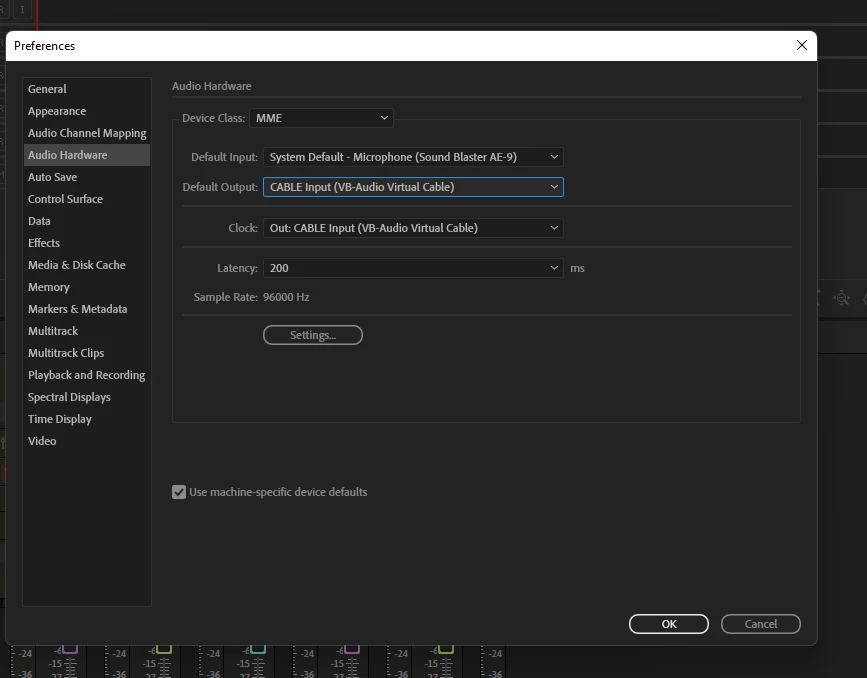
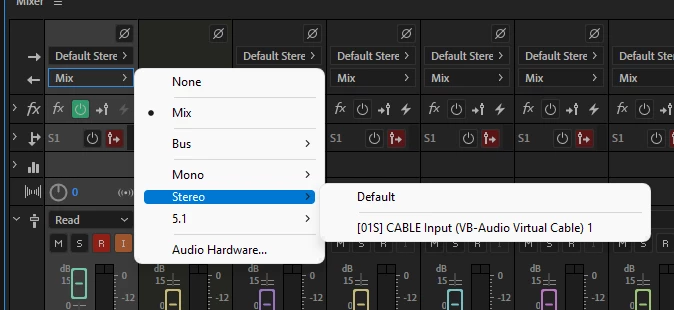
Multiple outputs to select, but only 1??

How do you make it where you can select multiple things in the drop-down instead of having only 1 every single time?


This topic is closed to new replies. Start a new post to keep the conversation going.

12 replies

SteveG_AudioMasters_
Community Expert
Community Expert
December 21, 2021

I'm afraid you don't.

Translate
AntDX316
AntDX316Author
Inspiring
January 5, 2022

why

Translate
SteveG_AudioMasters_
Community Expert
Community Expert
January 5, 2022

Because Audition uses an ASIO-based engine, and the ASIO spec says that you can only use one output device on your system*. And that applies even if you aren't using ASIO, because the engine is still using it internally. Also, Windows isn't exactly a fan of it either. A lot of this has to do with clocking - if you try to use multiple unsynced devices at any stage - like, for instance, two USB mics - you have to go through a resampling exercise on one of them using something like ASIO4ALL to make them appear to be in sync.


It's been like this for ever, and won't change.


*The ASIO spec does let you use more than one software app as a playback source into your single device, though.

Translate