


Answered
Multitrack Crossfade problem
Using 2018 for the first time. Windows 10
If I have two overlapping clips in the multitrack view I can select the incoming clip and drag the edit point to alter the crossfade length, the same as previous versions.
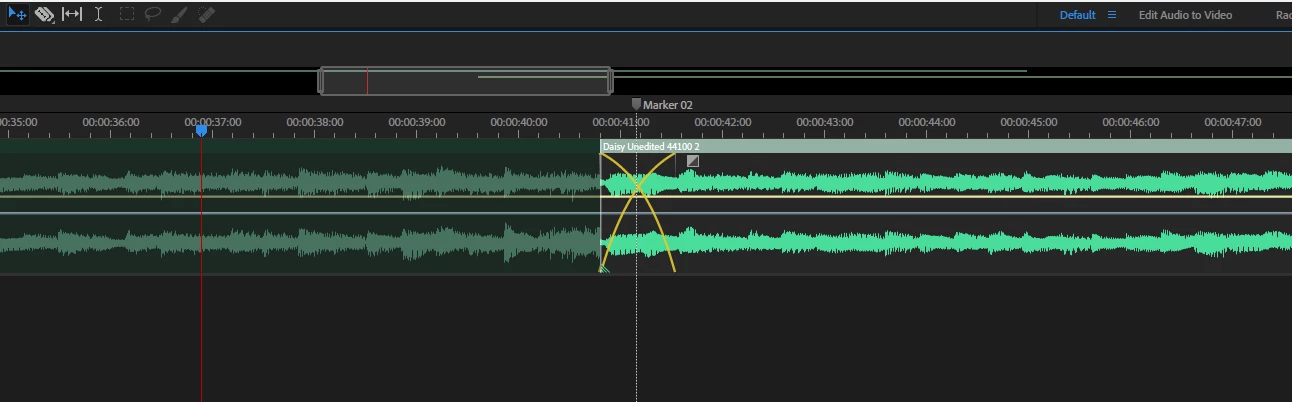
If I select the out going clip it does not give me the option to drag the edit point, there is plenty of 'handle'
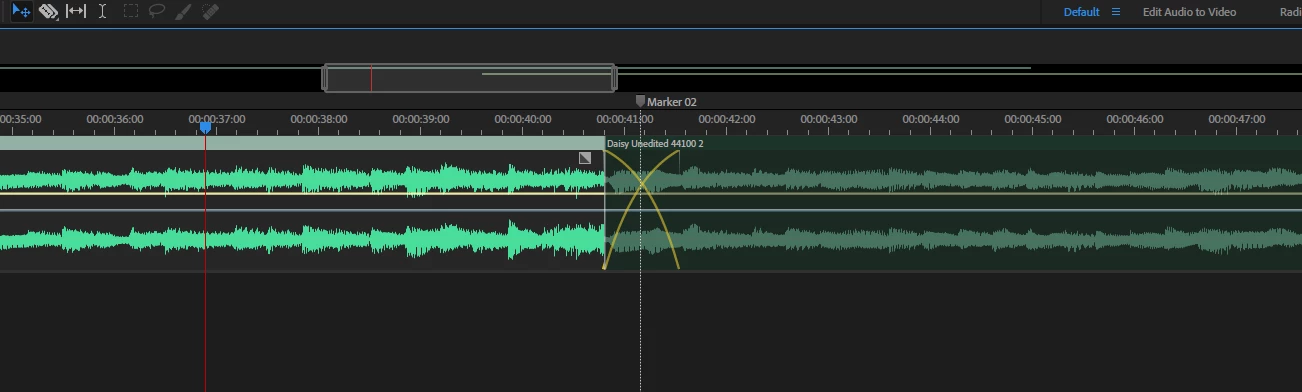
Am I missing something in this new version?


 AdChoices