
Question
No Audio Signal Audition 2020
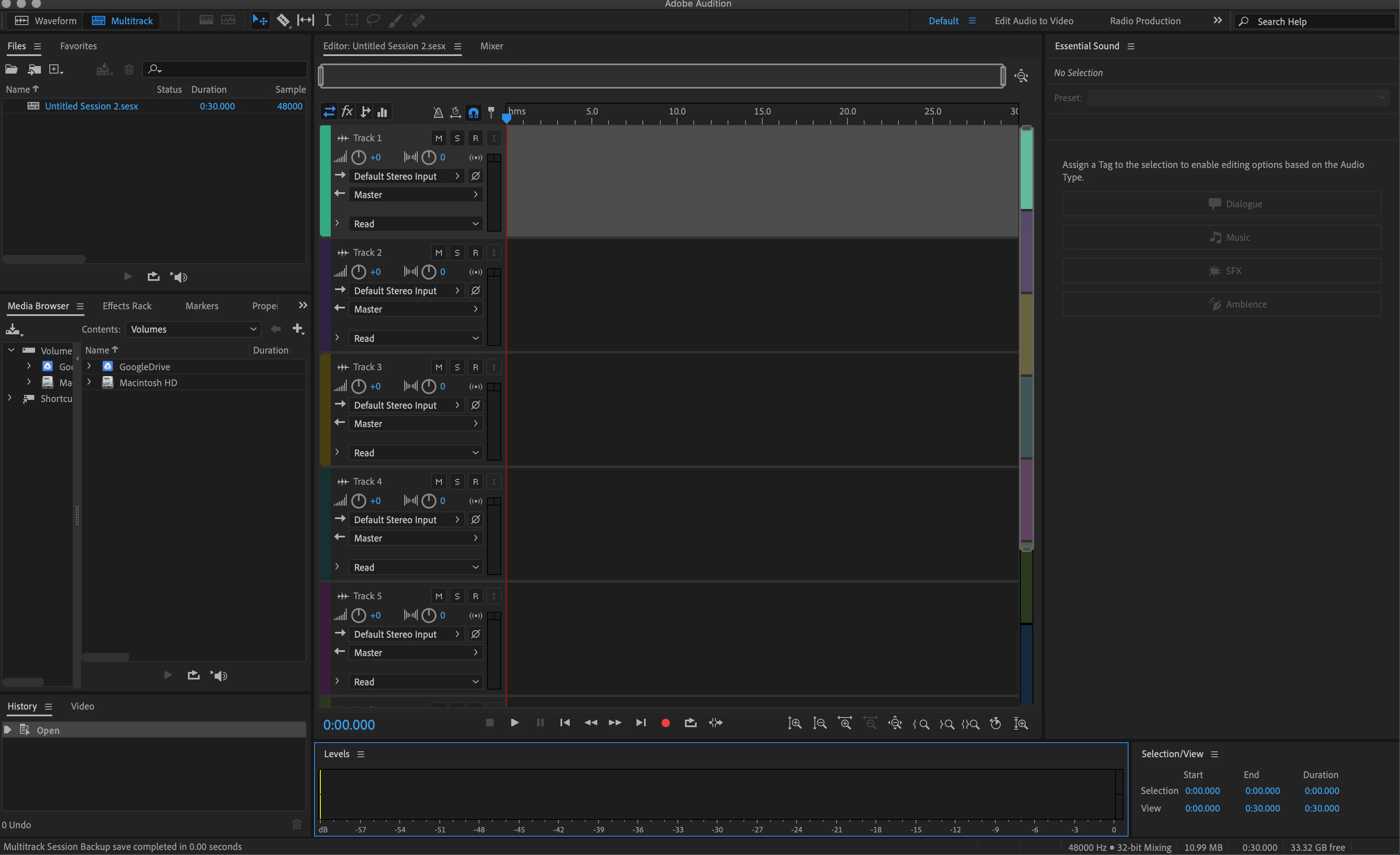
Hello, I am having trouble getting any signal to record in Adobe Audition 2020. For a bit of background, I am not a novice when it comes to recording audio and have experience with several different recording programs.
I am currently getting a signal in both GarageBand and Logic Pro but not in Audition.
Set up:
Microphone plugged into XENYX Q802USB
2016 Macbook Pro
Troubleshooting:
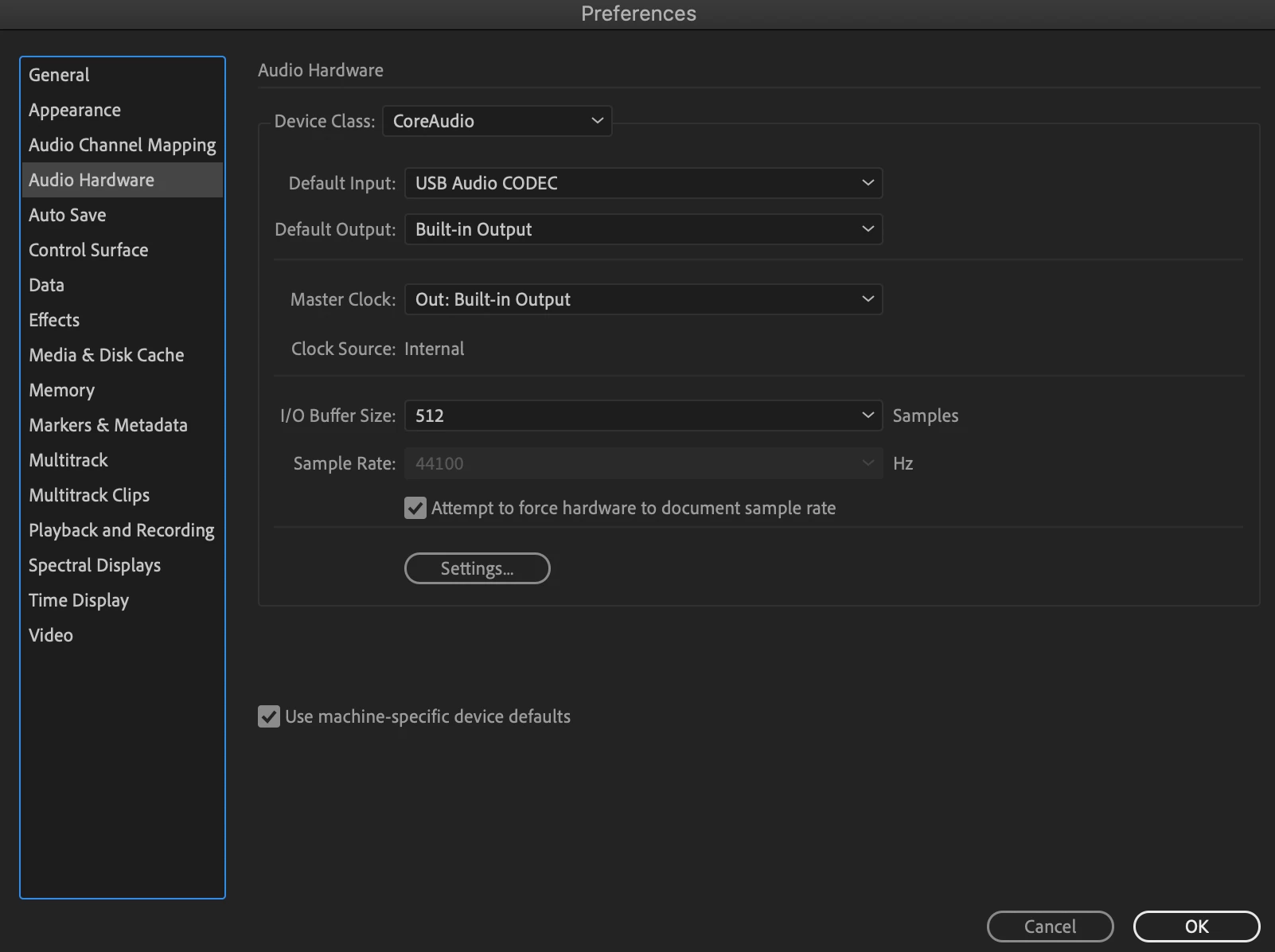
I have checked the audio inputs and outputs.
I have uninstalled and re-installed Audition - even 'forgetting' all previous settings.
Checked that Macbook has access to microphone in secruity settings
 Any help would be appreciated! Happy to post screenshots, settings, etc. Anything that would help!


 AdChoices