
Luc384
Participant
January 6, 2018
Répondu

No checkbox for Auto ducking in Audition ver 11.0.0.199 ??

Hey hallo,

I don't have the checkbox for auto ducking in Essential sound in my Audition version 11.0.0.199 on my Mac..

I have a multitrack and i've created all sounds and checked the audio type in essential sound, but there is

no checkbox for auto ducking visable anywhere...
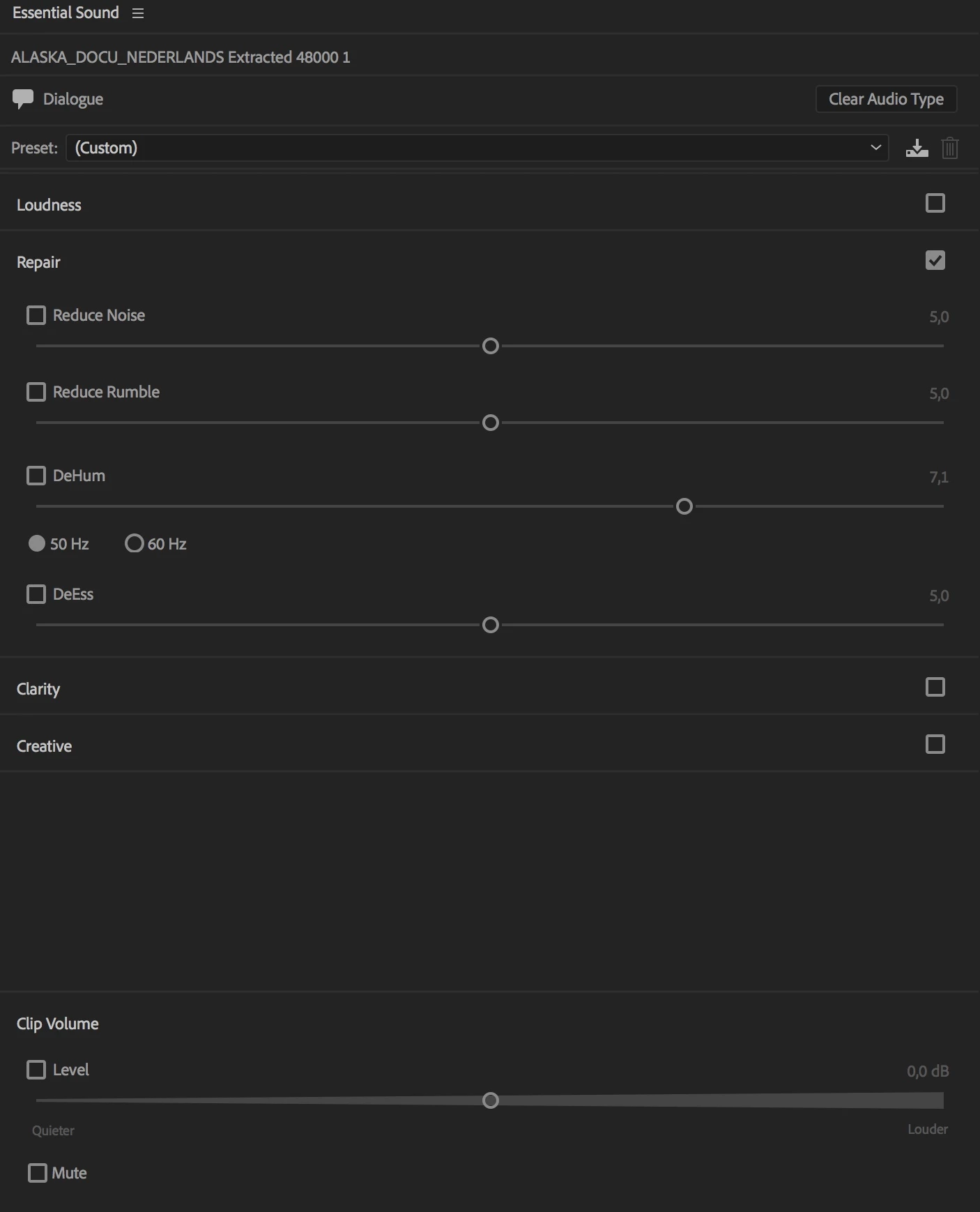
Can you help me out here please ?

My Mac is:

Mac OS High Sierra version 10.13.1

Processor 4Ghz intel core i7

32Gb mem

Thanks for helping out,

Kind regards,

Luc

Ce sujet a été fermé aux réponses.
Meilleure réponse par SteveG_AudioMasters_

Luc384  wrote

Hey hallo,

I have a multitrack and i've created all sounds and checked the audio type in essential sound,

You have to specify two types before you'll get the option available - one music, and one dialogue.

2 commentaires

Luc384
Luc384Auteur
Participant
January 6, 2018

Yep !!! Found it Steve !!! Thanks a lot for your help.

It's working just fine now... SUPER

Kind regards,

Luc

SteveG_AudioMasters_
Community Expert
Community Expert
January 6, 2018

Glad that's worked out for you. Amazing what I can see through a keyhole, isn't it?

Luc384
Luc384Auteur
Participant
January 6, 2018

Yep !

I even start to have some fun in audio...

SteveG_AudioMasters_
Community Expert
Community Expert
January 6, 2018

Luc384  wrote

Hey hallo,

I have a multitrack and i've created all sounds and checked the audio type in essential sound,

You have to specify two types before you'll get the option available - one music, and one dialogue.