

No Output on Playback (Total Noob Question)
OK so I want to preface this with the up-front statement that I am brand new to Adobe Audition, and only a casual/novice with sound editing software, and I admit this is a total noob question that is likely to infuriate the majority of you who read this, so please just forgive me for my ignorance in advance, but here goes...
I can't hear anything when I playback the audio I just recorded, and I can't figure out what setting I'm missing, or forgot to set/adjust to fix this.
So let me start with the hardware setup:
Dell XPS 13 using the built in sound card, "Intel Smart Sound Technology" (SST) (if you need any other PC specs I'll be happy to give them, but I figure this was the only important one for this issue)
I have a Samson GoMic plugged in via USB
The OS is Windows 10 Pro, fully updated, public releases (no preview builds as this is also one of my work computers)
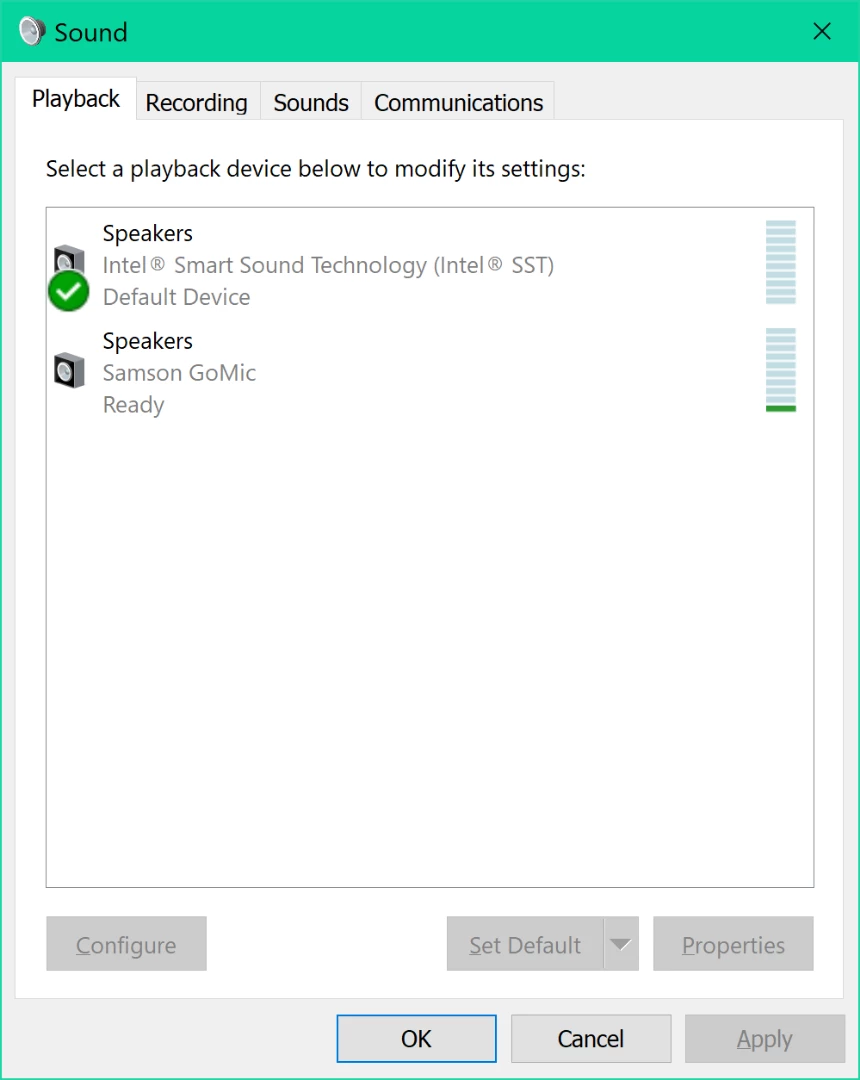
I have designated the internal sound card/speakers as my default device and default comms device for playback in the Sound settings for the OS, and the Samson GoMic as the default device and default comms device for recording as well:
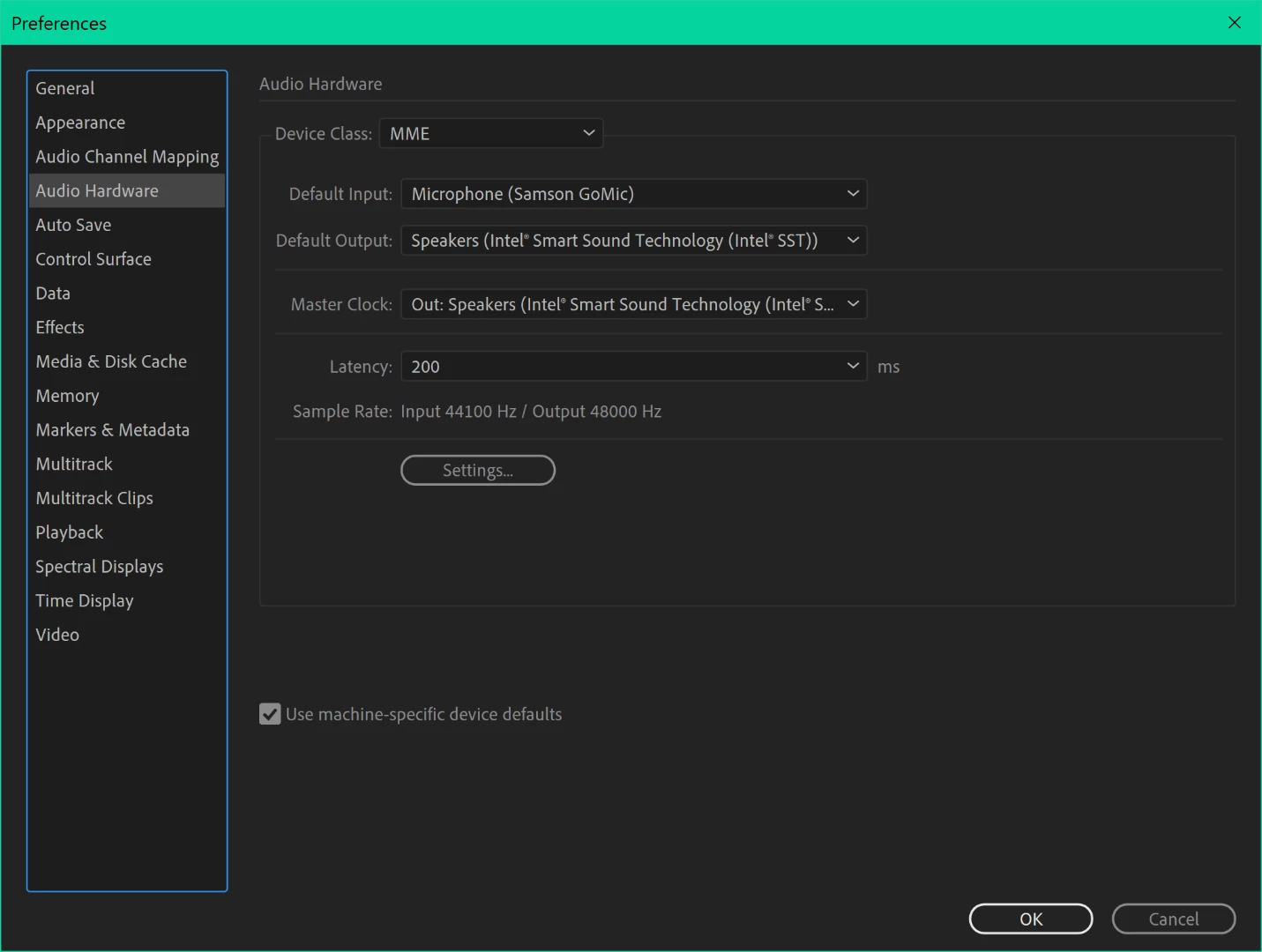
In the Audition app I mirrored these settings: internal sound card is default playback and Samson GoMic is default recording; I've also verified the recording and playback channels match this as well:
And...
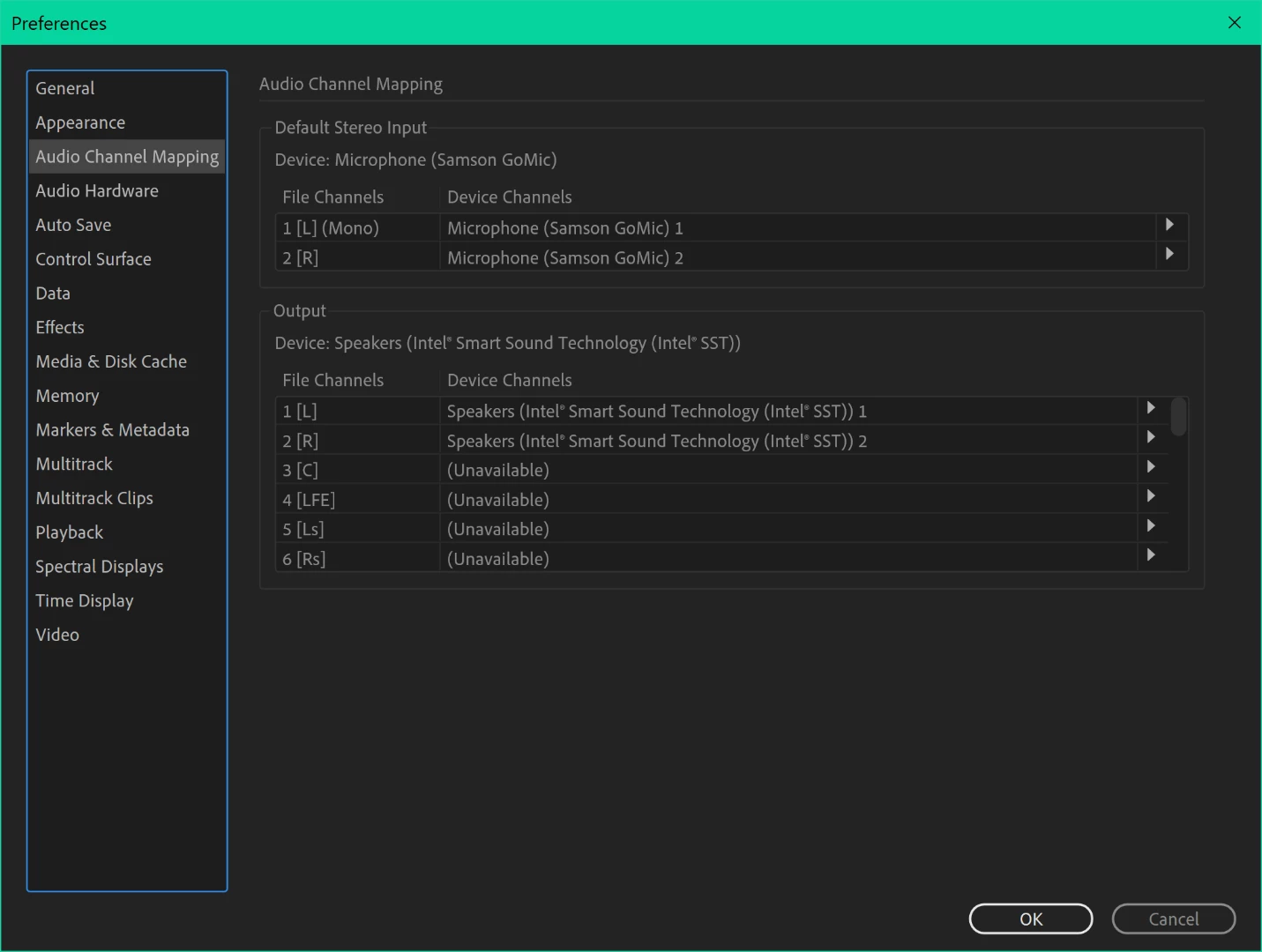
And I did a little test recording of some voice and the visuals seem to verify that audio data was captured, and when I playback the visuals seem to indicate it's attempting to playback this data, but at max volume I do not hear the recording. I hear all the system noises so I know it's not muted, and other things produce sound (YouTube, Spotify, et al). But I can't get anything from Audition ... help??


 AdChoices