

Noise when not recording in Audition
Hi everyone,
I don't know exactly how to phrase my issue, so this may be tough. I am using a ROG GU501 gaming laptop, a Behringer U-PHORIA UM2 interface, a Shure SM7B microphone, and a CL1 cloudlifter. Audition is also up tp date. For a while now I have had a LOT of just... Like, tone background noise. So, there is a base level of some sort of noise that is being picked up, so when I record there is just an annoying, garbage buzz in the background. I don't have any compression or effects on any tracks or clips. I haven't changed nay settings in terms of audio hardware or recording. This was not an issue before. I honestly don't know when, but it just, kind of, happened. As many problems seems to do. There may be something that changed, but I just can't figure it out right now. What I do notice is that the noise seems to be a result of, like, my computer itself. When I click the mouse, there is a bump. It isn't liek the fan is constantly going, so it is more as if my sessions are picking up the internal noise of my computer. To try and fix th eussue, I literally turned the gain and input on my interface to absolute zero. It can't, well I don't think it is, the senstivity of one of the devices. I don't know, man.
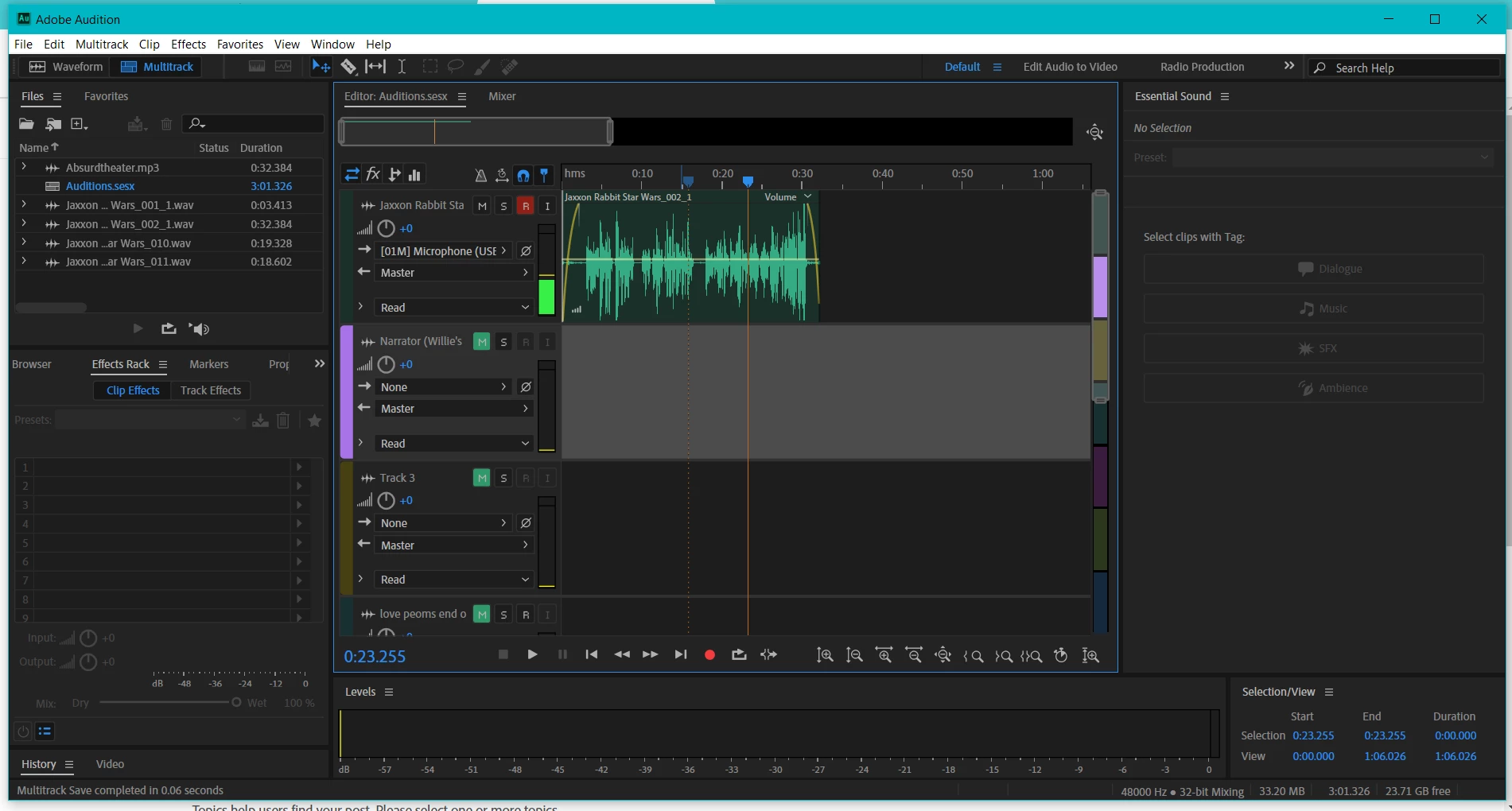
Attached, is the file of onee of my most recent podcast episodes (not promoting, I just neeed you to hear the sound) and a screenshot of a session that I was working on before posting this query. Thank you in advance for trying to help me!


 AdChoices