
Participant
December 3, 2023
Question

Progress lost after messing around with the undock button
  • December 3, 2023
  • 1 reply
  • 117 views

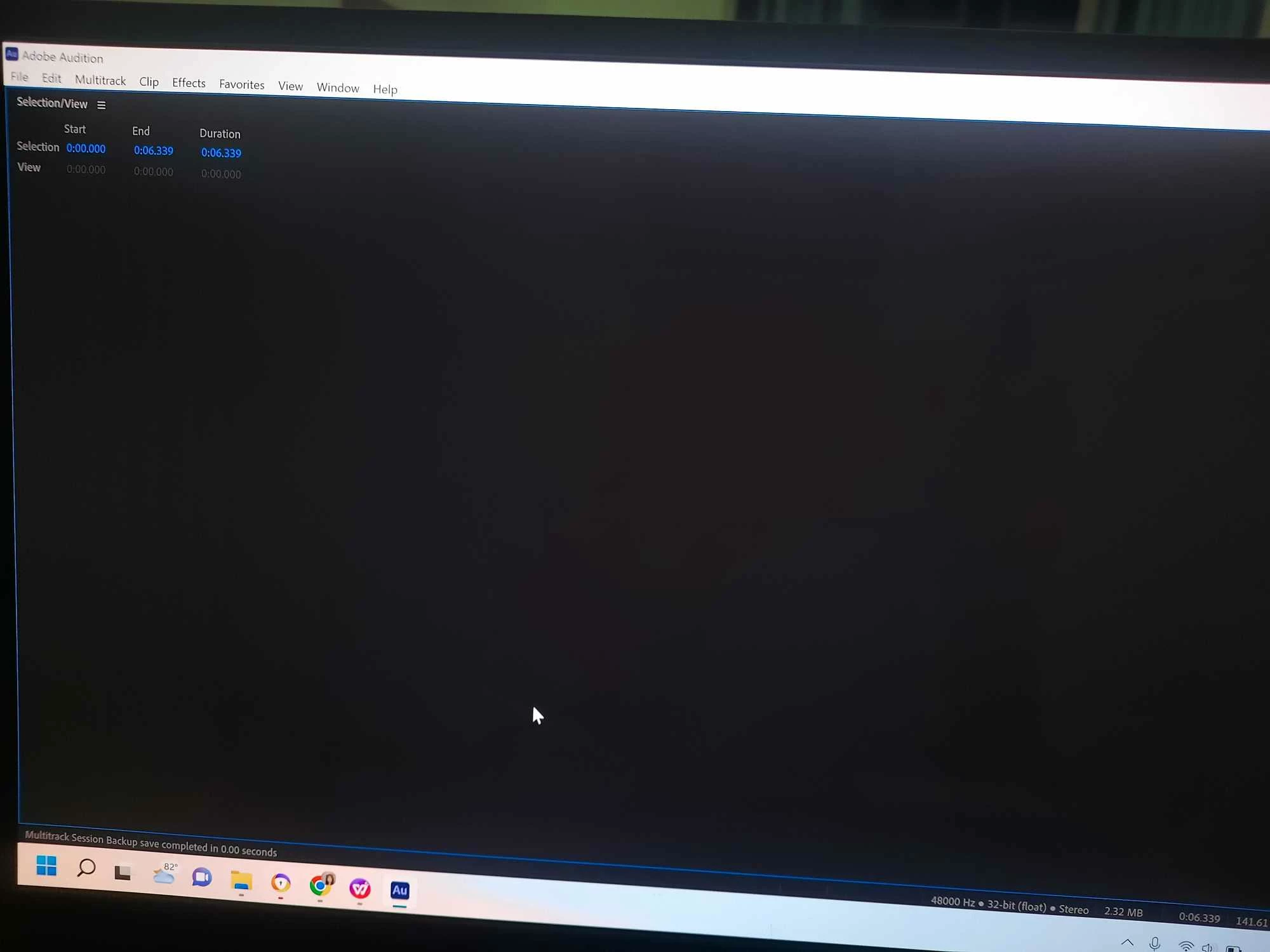
 I accidentally pressed something and messing with the undock, and the history tab and consequently resulting in this black screen which confused me greatly. 
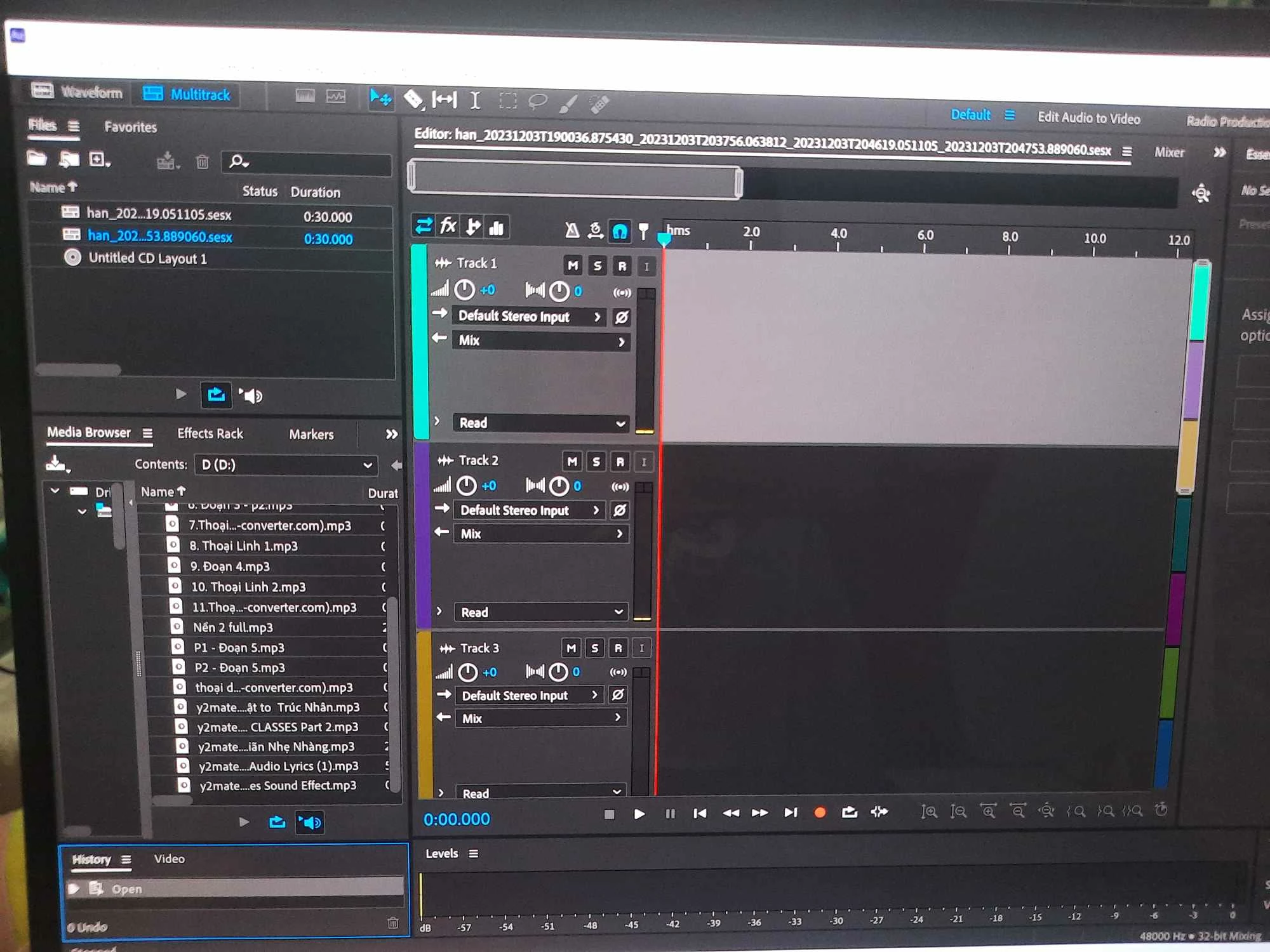
 After using Reset to Saved Layout the screen returned to this.
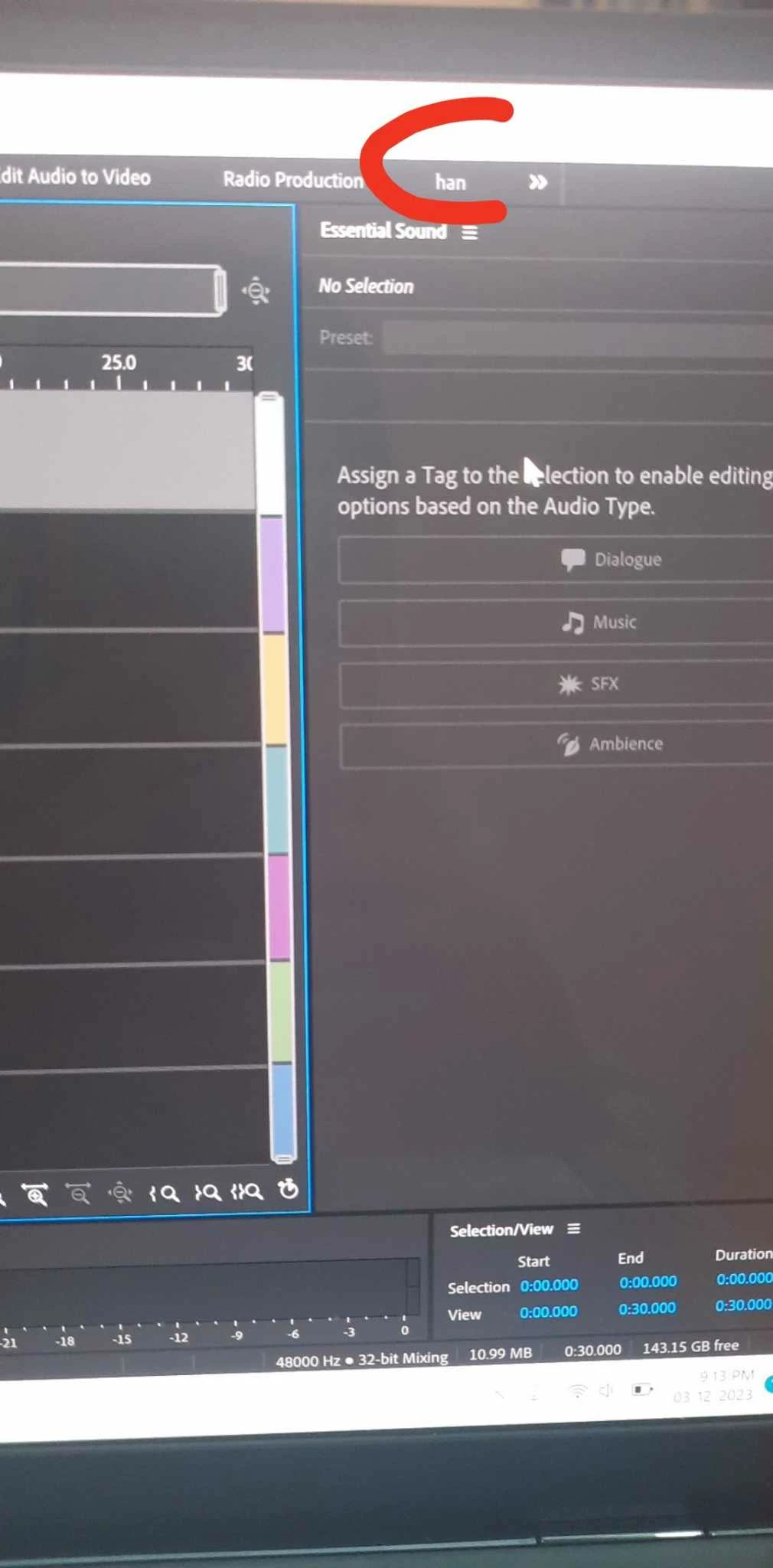
But this one is my actual original section but after pressing it it resulted in the black empty screen again. 

I'm confused to what problem I'm having and is there a way to recover my progress in my original file. Hope you guys could help, thanks!

This topic has been closed for replies.

1 reply

SteveG_AudioMasters_
Community Expert
Community Expert
December 3, 2023

If you put the mouse pointer on the actual name of the tab you want to move (rather than the three lines), and hold it down, you can drag the tab wherever you want it. You'll see that everything around it goes grey, whilst places you can actually dock it turn blue. Let go when you've got it where you want it, and do the same for any others you want to move. You can also drag the edges of the tabbed boxes themselves to alter the size of them. When you've done all of this, click on the three lines beside where you select workspaces, and save the result as a new one. Then, whatever you do, you'll be able to get it back again. This is all quite easy when you get the hang of it!