


Participant
October 18, 2020
Answered

Punch and Roll recording in Audition, having issues of tracks playing over each other

  • October 18, 2020
  • 1 reply
  • 919 views

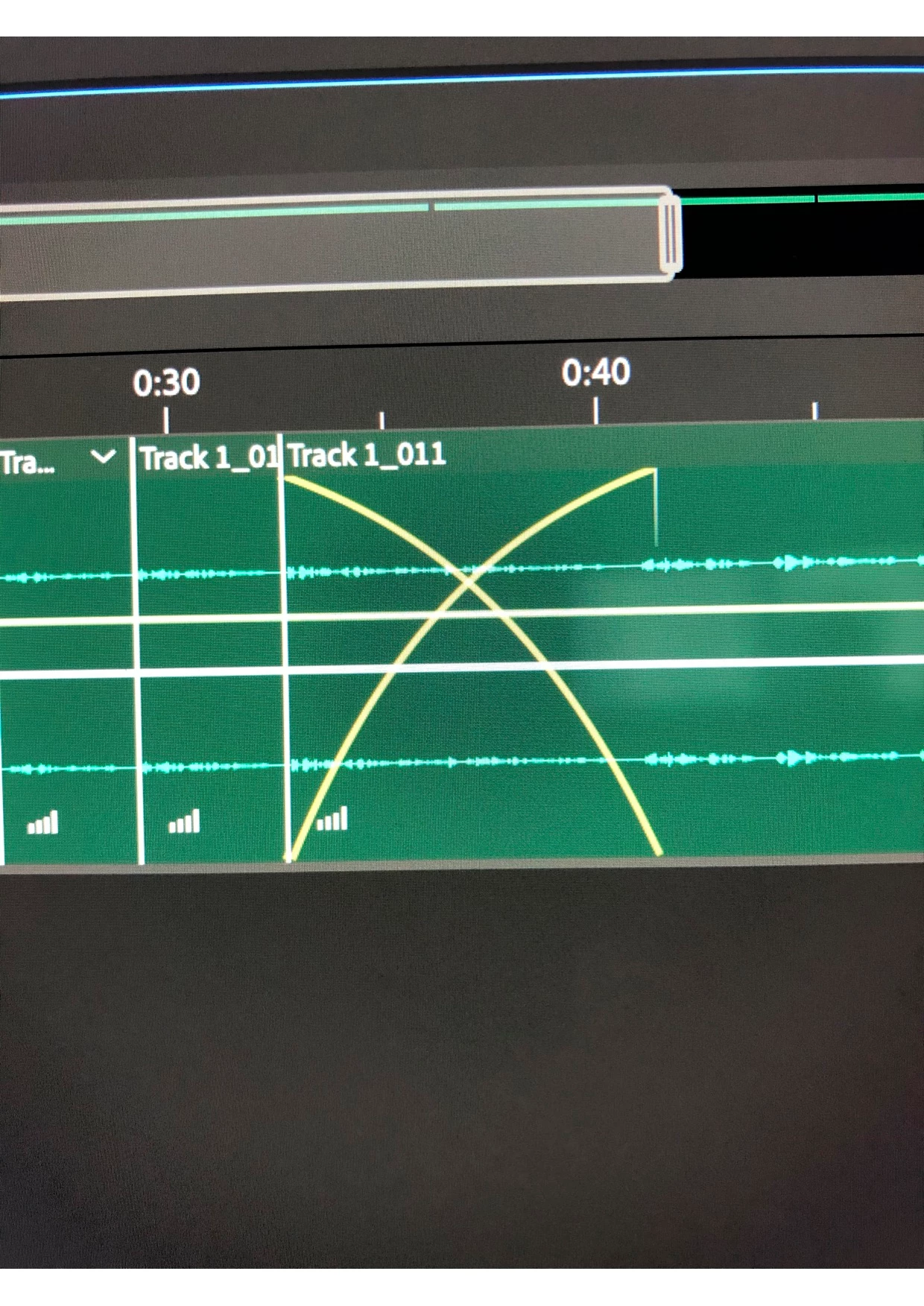
Hi! I am new to audition and trying to record a voice-over of a script. I have been using the punch and roll feature to retake areas in which I make a mistake. However, I am now suddenly having yellow crosses appear on my tracks, where I have punch and roll recorded. All the takes audibly playing over one another. How do I fix this? And make it so just the track on the top is audible. 

Thank-you in advance 🙂
 

Correct answer Michelle5EBC

Have figured out that it was a fade, fixed by right-clicking the box next to the yellow lines, and changing it from crossfade to no fade. 

1 reply

Michelle5EBCAuthorCorrect answer
Participant
October 18, 2020

Have figured out that it was a fade, fixed by right-clicking the box next to the yellow lines, and changing it from crossfade to no fade. 

Participant
October 24, 2020

Thank you so much for posting this, a simple thing in retrospect but saved me a lot of frustration on what to do to fix this 🙏