
Recording using Blackmagic Intensity Chuttle
Hi People,
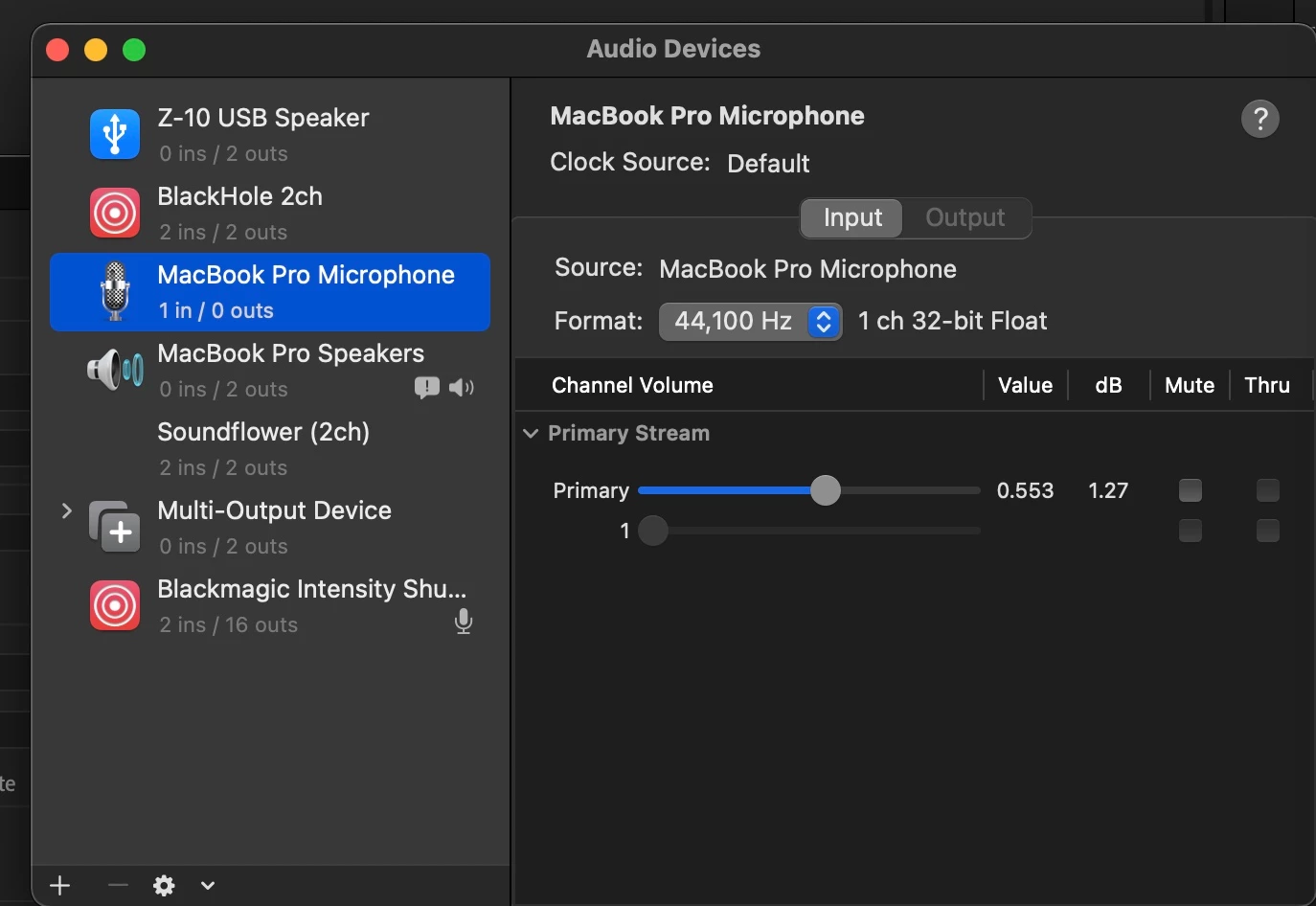
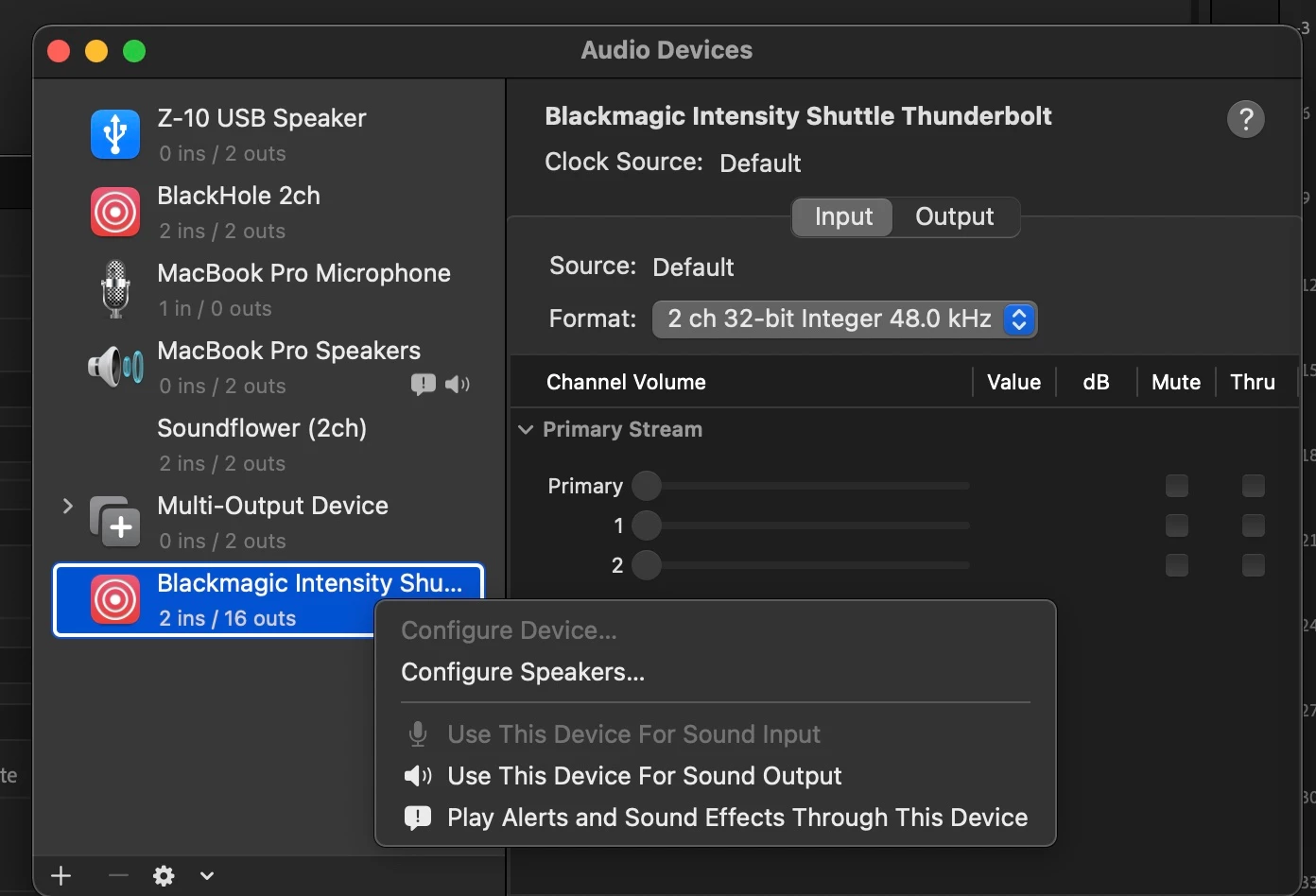
I am hoping I can use my Intensity Chuttle to record old audio recordings by recording directly into Audition. I've set Audtiontion up so it has the Shuttle as its audio hardware, but no signal is being seen by Audition. I checked the Audio Midi Setup and while the Shulttle is present, the level controls are not accessible - they're greyed out. They appear to be set to 0. I can record audio through Premiere Pro and Blakc magic's Media Exprss, but I would prefer to go through Audition.
I should note that audio is present in both Premiere Pro and Media Express when recording video, and in when I disconnect the video cable to the shuttle. So it appears to be an audition issue..
I've attached images from Audio Midi setup to show where I think the problem lies.
Has anyone been successfull in this?
MacBook Pro 2019
MacOS Monterey
Audition 2021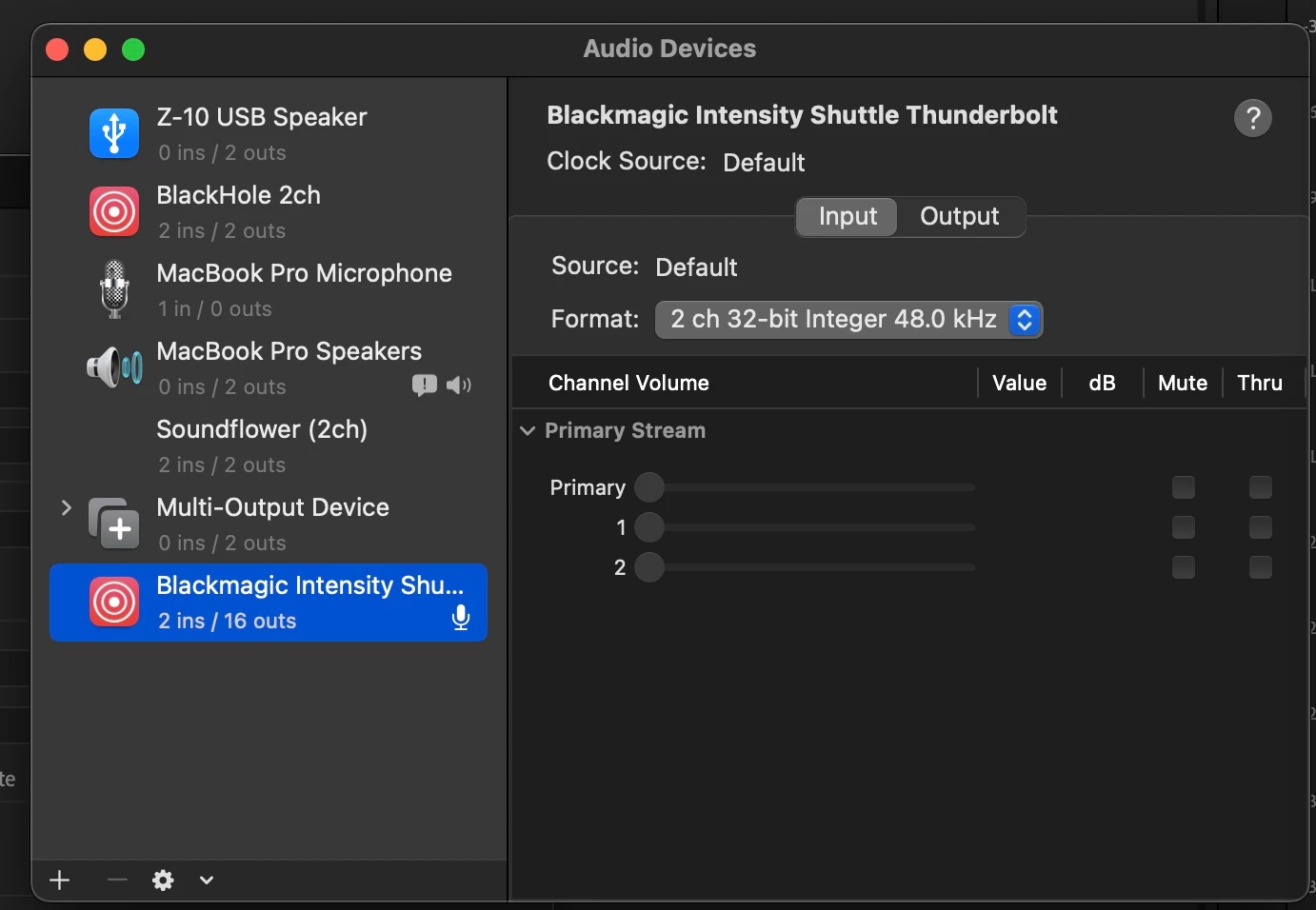


 AdChoices