
Relinking Media Files After Saving to Session Folder
I finished a project with loyts of little clips in a multitrack session. After saving the finished project, I selected Yes to the option to save the files to a session folder. A folder called Imported Files was saved to the same folder where my Audition file is. (This way I can give the whole project to someone else, including all the source clips, so the guy can make the whole project sound prettier.)
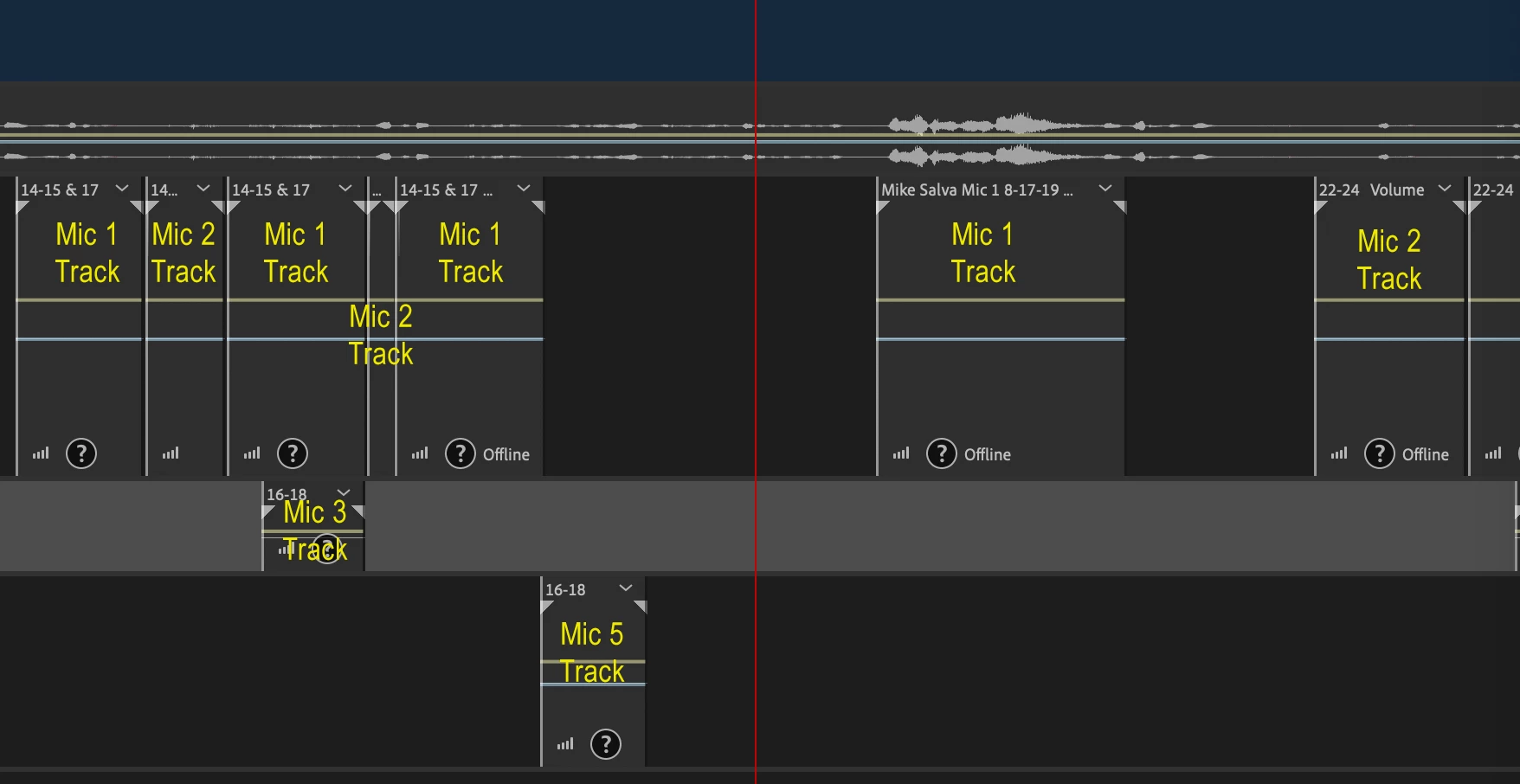
Once all the files were saved to the Imported Files folder, all the little clips on the multitrack session were greyed out with questions marks on them.
Now I have to select Link Media on all the little clips to connect them back to the project.
What happened? And is there any way I can relink the hundreds of little clips without having to use Link Media hundreds of times? All these files are in the same folder. Is there a way to tell Audition to look for all the files in that same folder? (The same folder that Audition made for this project!)
In case it matters, there are only about a dozen or so source files, but because dozens of small clips were placed in the multitrack session from each file, I keep having to going back to tell Audition where the same few files are over and over again.
Thanks.


 AdChoices